.png)
Demo Video
1. New features
1.1 Teams
-
Go to Teams Page to manage Teams.
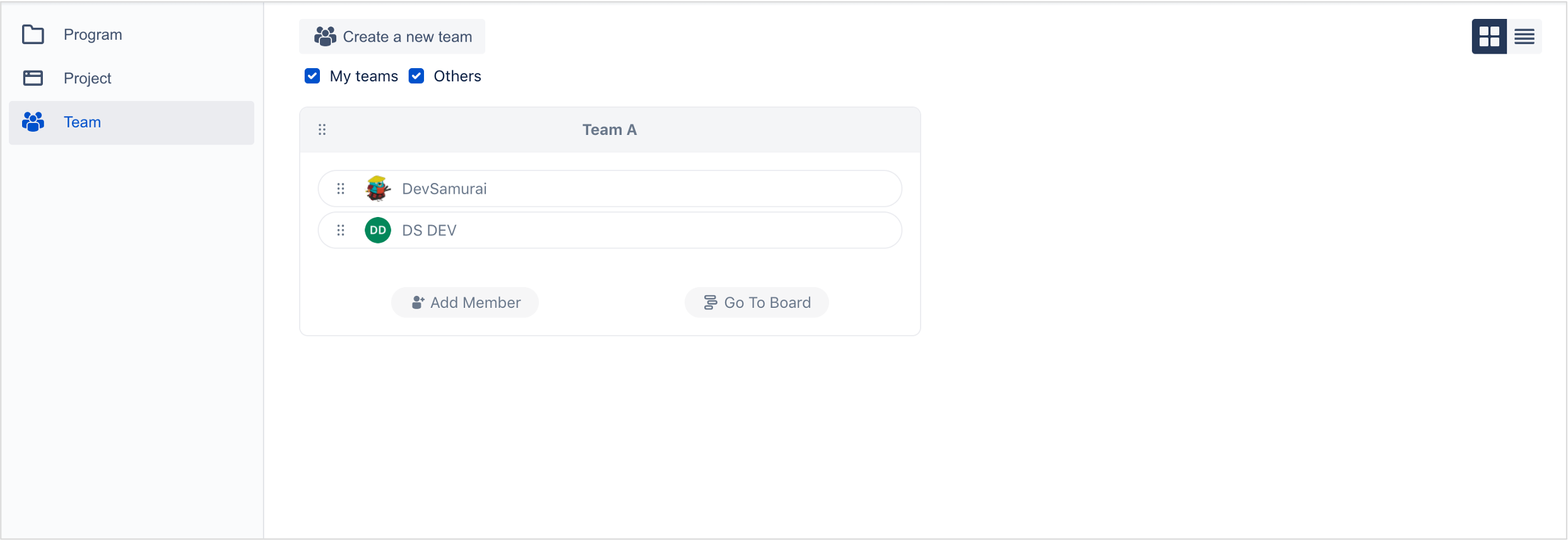
-
Click
Create a new team, fill in your team’s name, then add your members.
Use member’s name to search them.
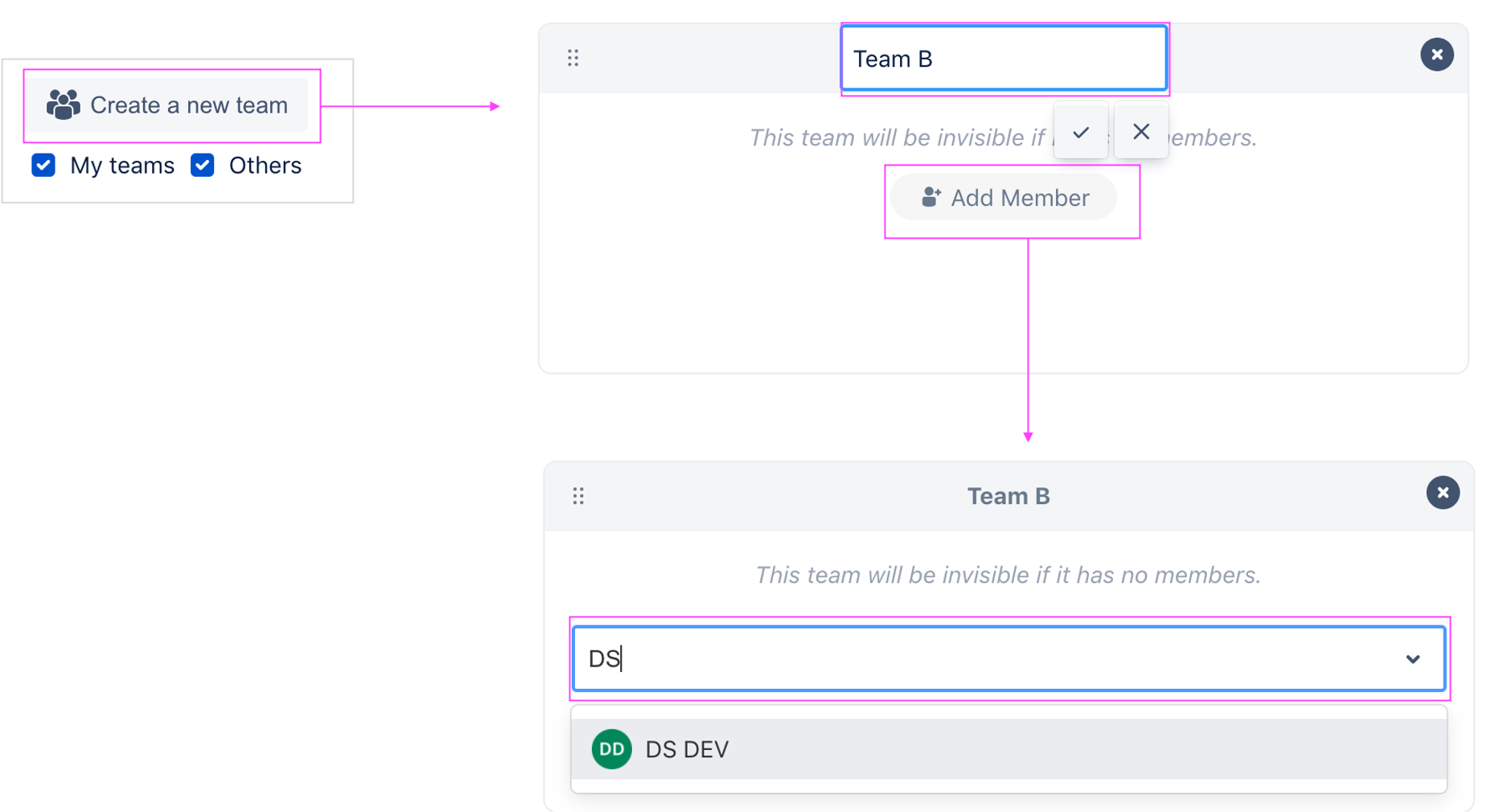
-
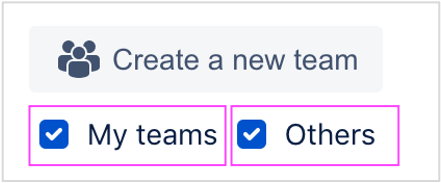
Check box
My teamsfor the teams having you in member list.
1.2 Schedule for Teams
In Teams Page, click Go To Board to open Team Schedule board.
-
In the Team Schedule board, you can planning task for your members across all projects you have the permission.
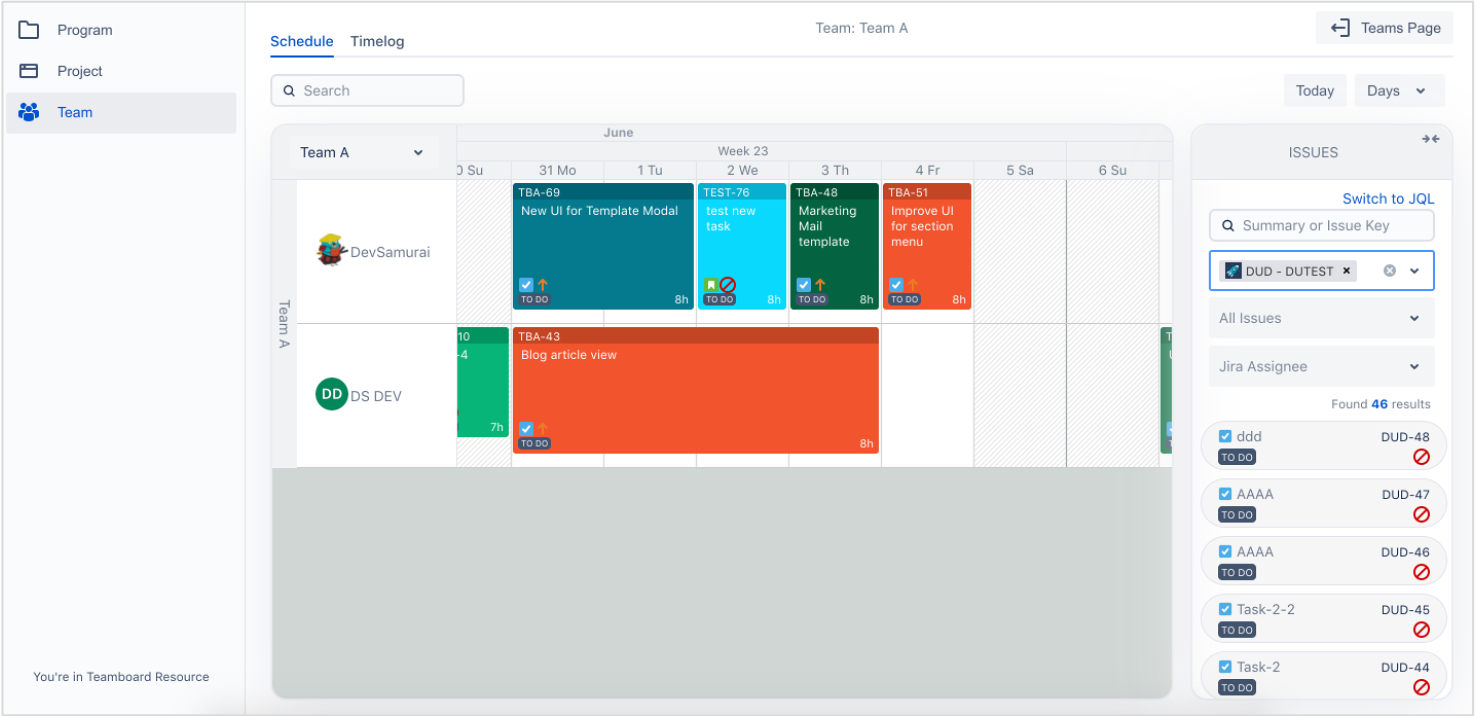
-
Timelog allow you log time for daily tasks
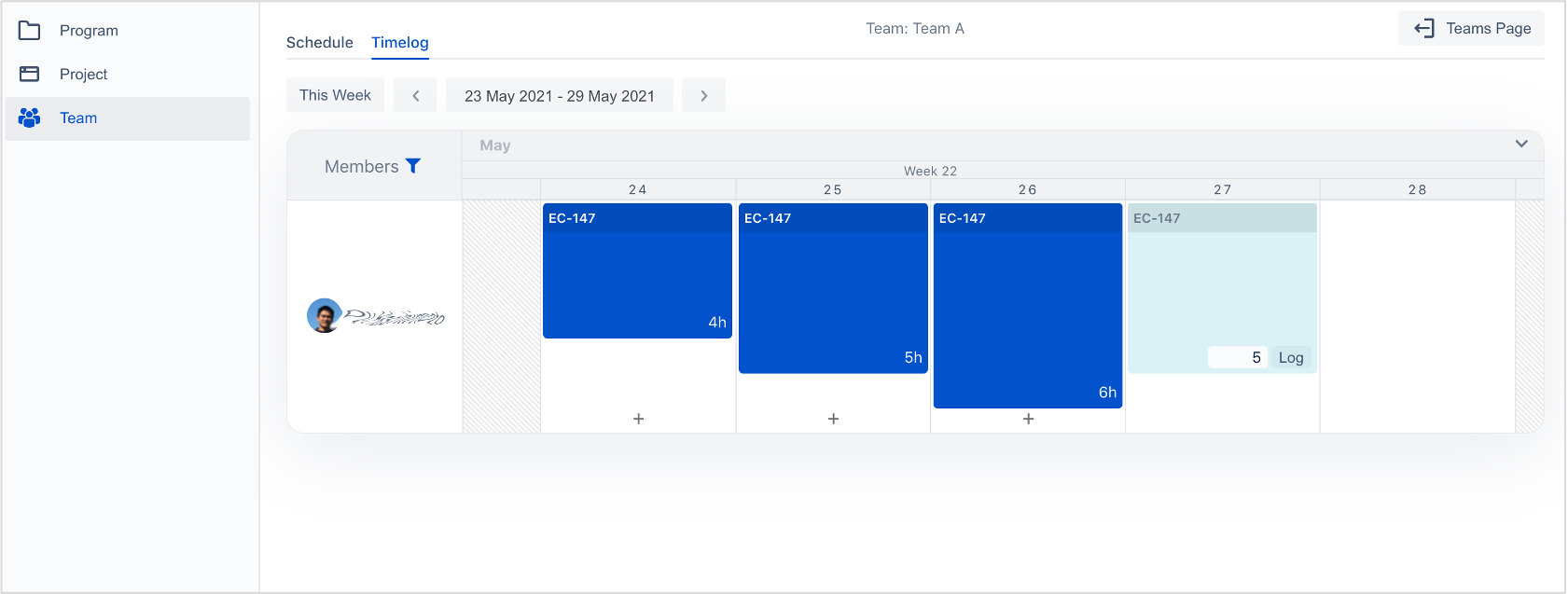
-
And view timelog of other members
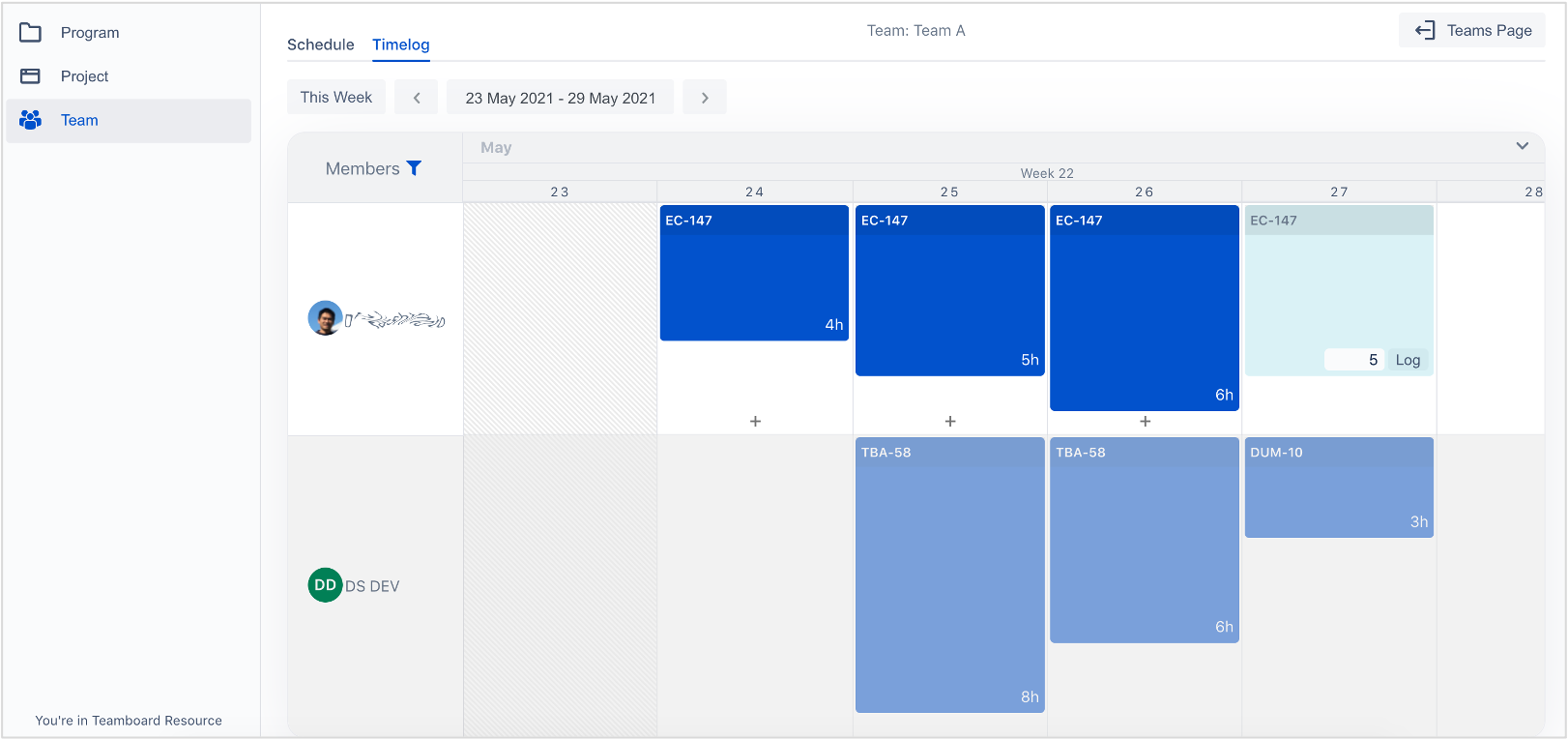
2. Improvements
2.1 Add Group to filter in Report
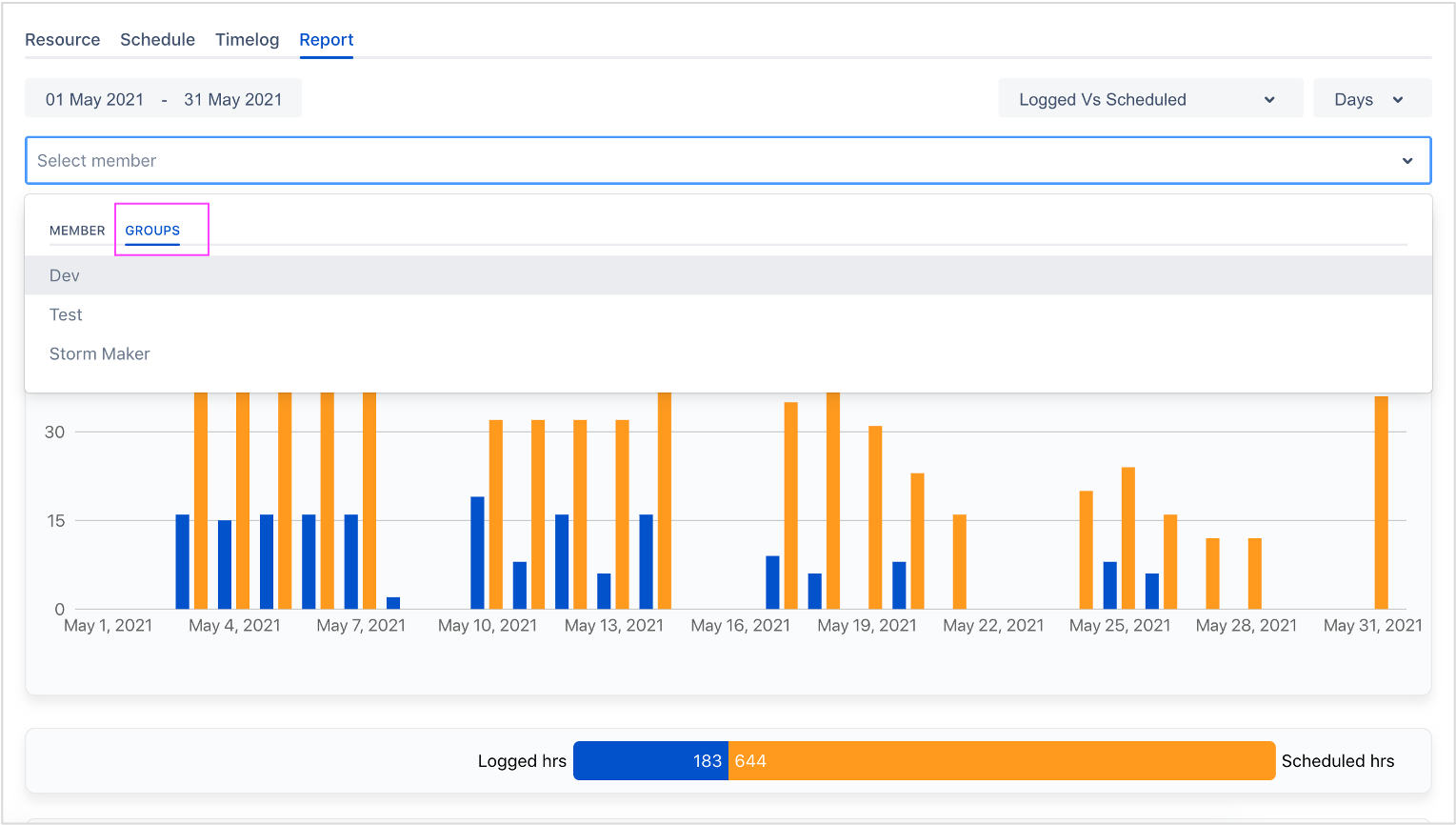
2.2 Hide tabs menu into hamburger menu
-
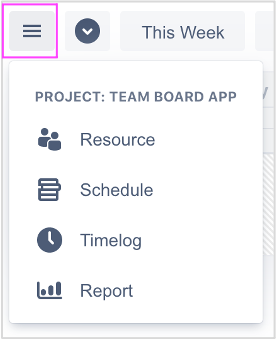
Hide & show tabs menu

-
Hamburger menu
3. Bug fixes
-
Planned tasks disappear after reload.
-
TeamBoard right panel in issue detail did not work well in some cases