.png)
Release Date:
ProScheduler Audit Log & Unified Gantt View
Introduces the ProScheduler Audit Log and a unified Gantt view, along with improvements and bug fixes for better performance and usability.
What’s New in TeamBoard ProScheduler
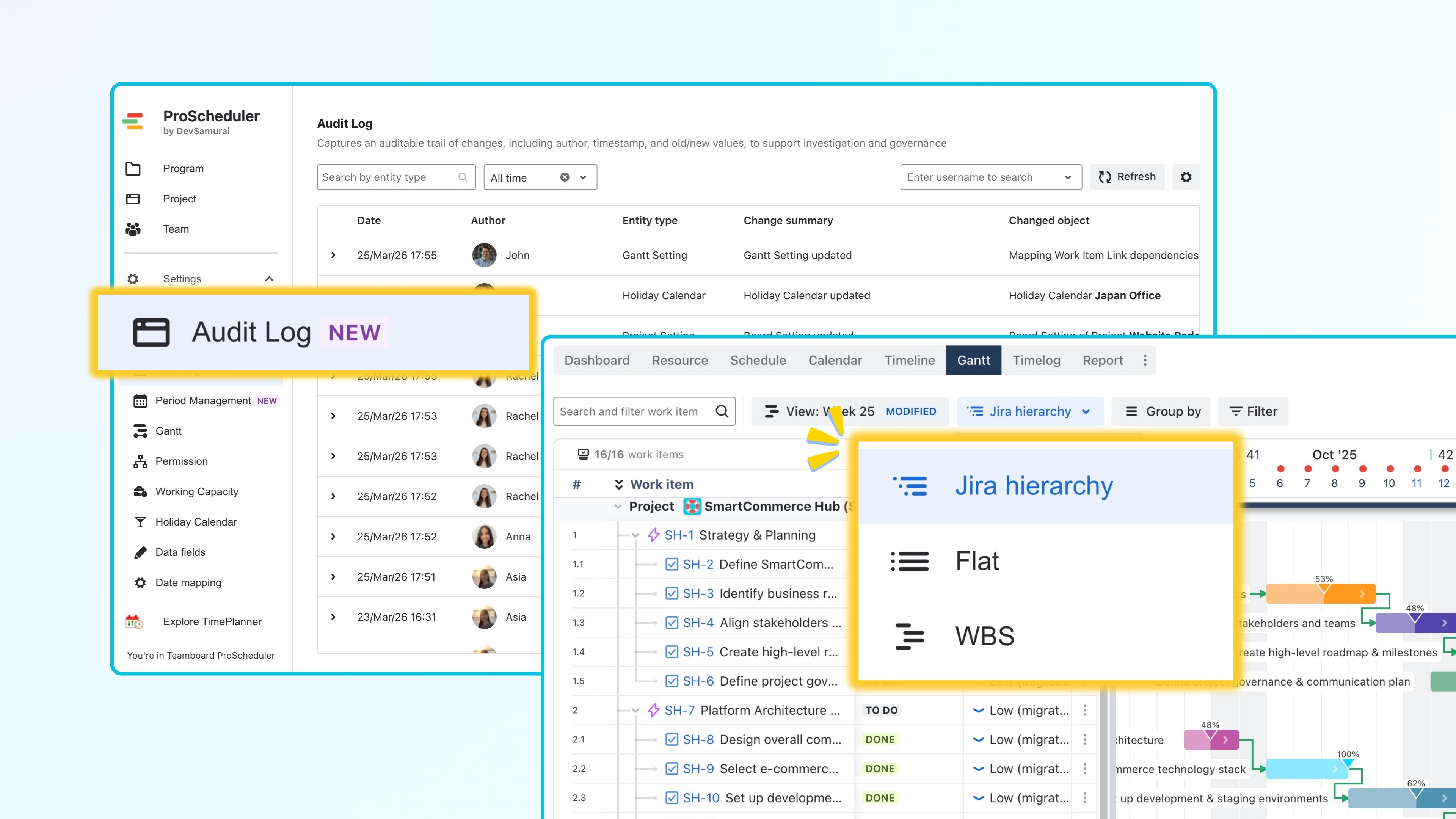
Proscheduler Audit Log
The Audit Log is now available in ProScheduler. It records a history of changes made across the app, including configuration and data updates.
This update improves visibility into changes, supports issue investigation, and helps maintain transparency and governance when managing programs, projects, and board settings.
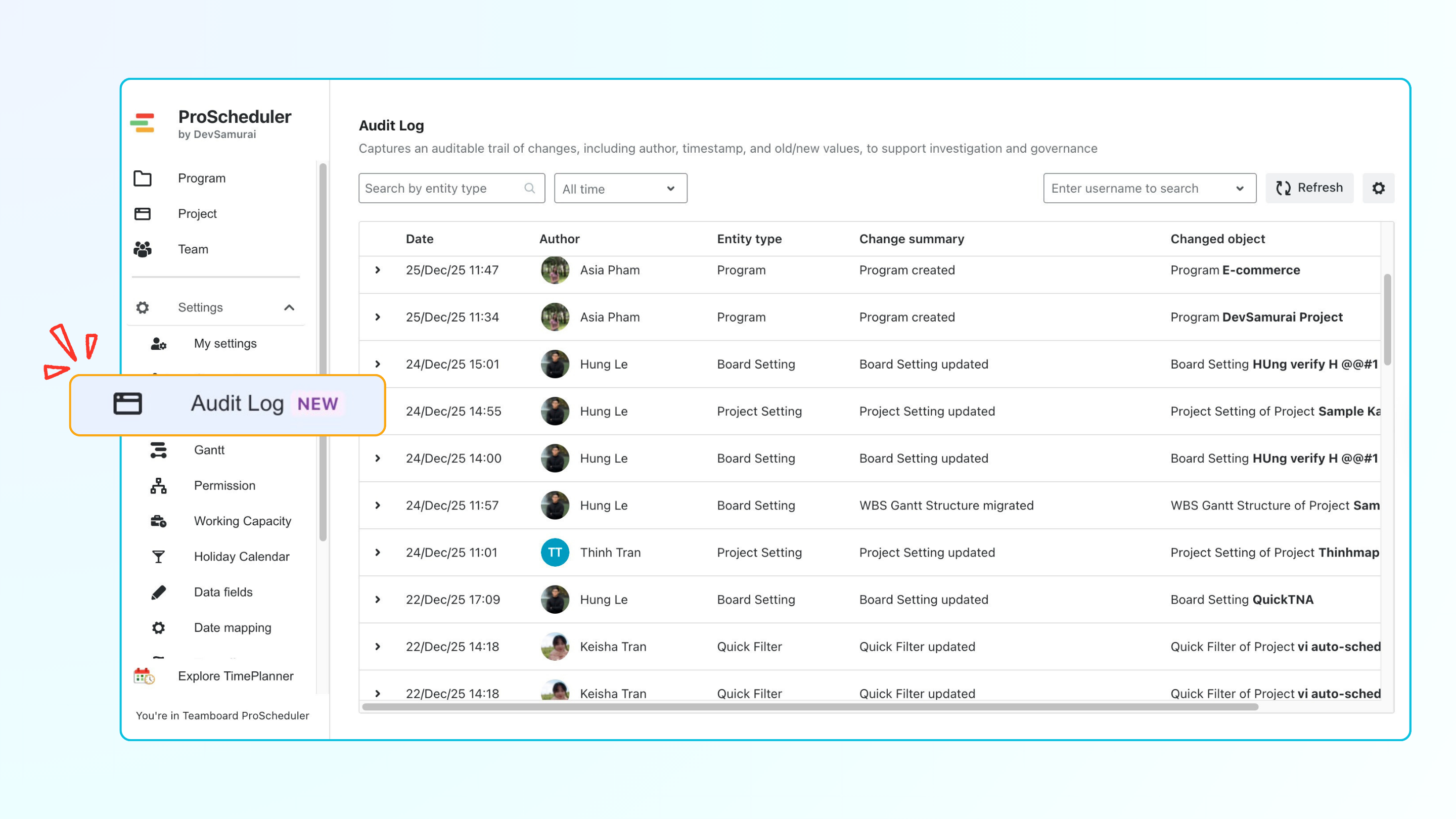
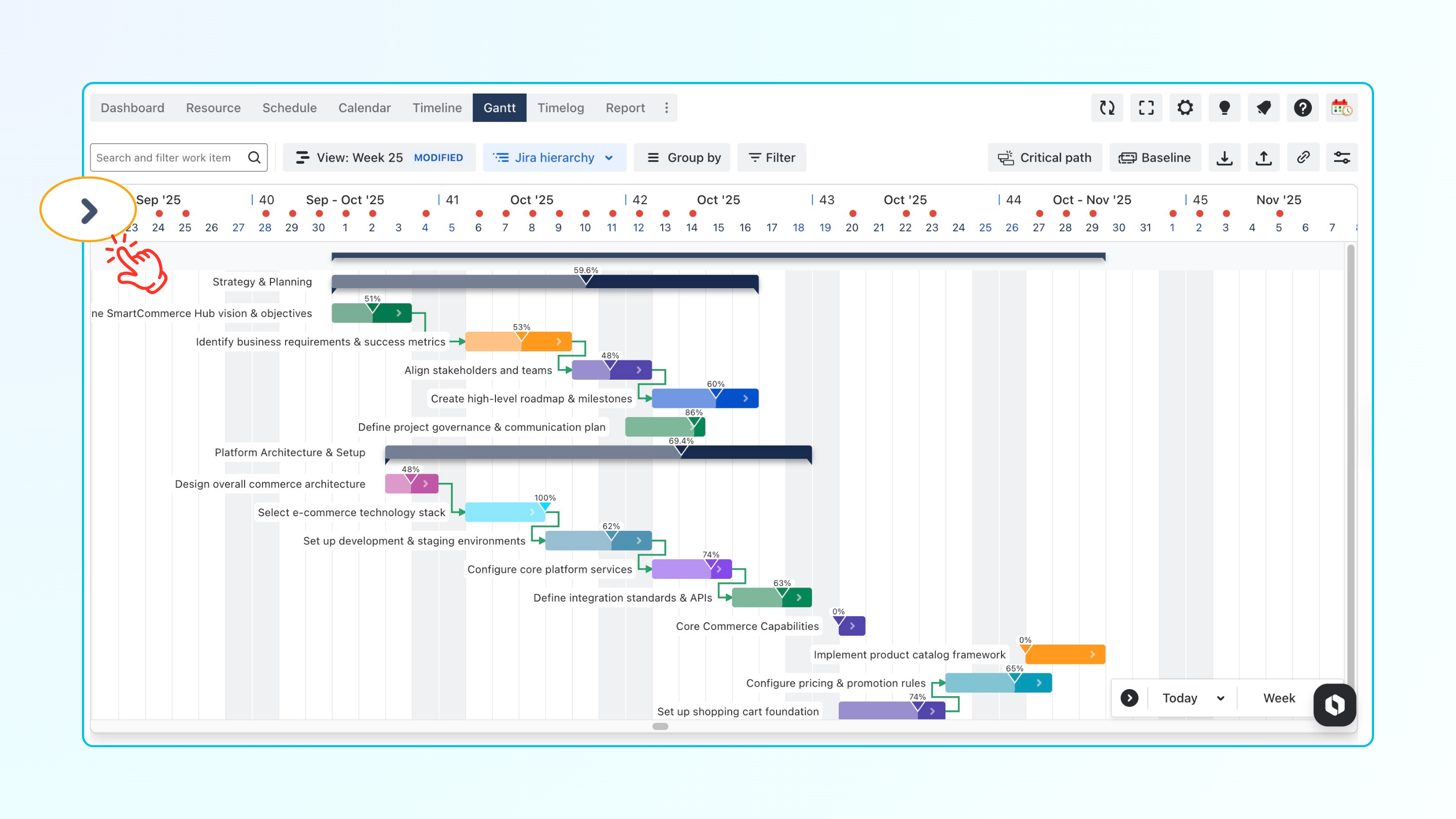
Support Jira hierarchy on Gantt
The Timeline and Gantt views have been consolidated into a single unified view under the Gantt tab. Users can now toggle between Jira hierarchy, Flat, and WBS views within this unified Gantt view, offering better alignment with Jira data and improving the clarity of complex structures on the Gantt timeline.
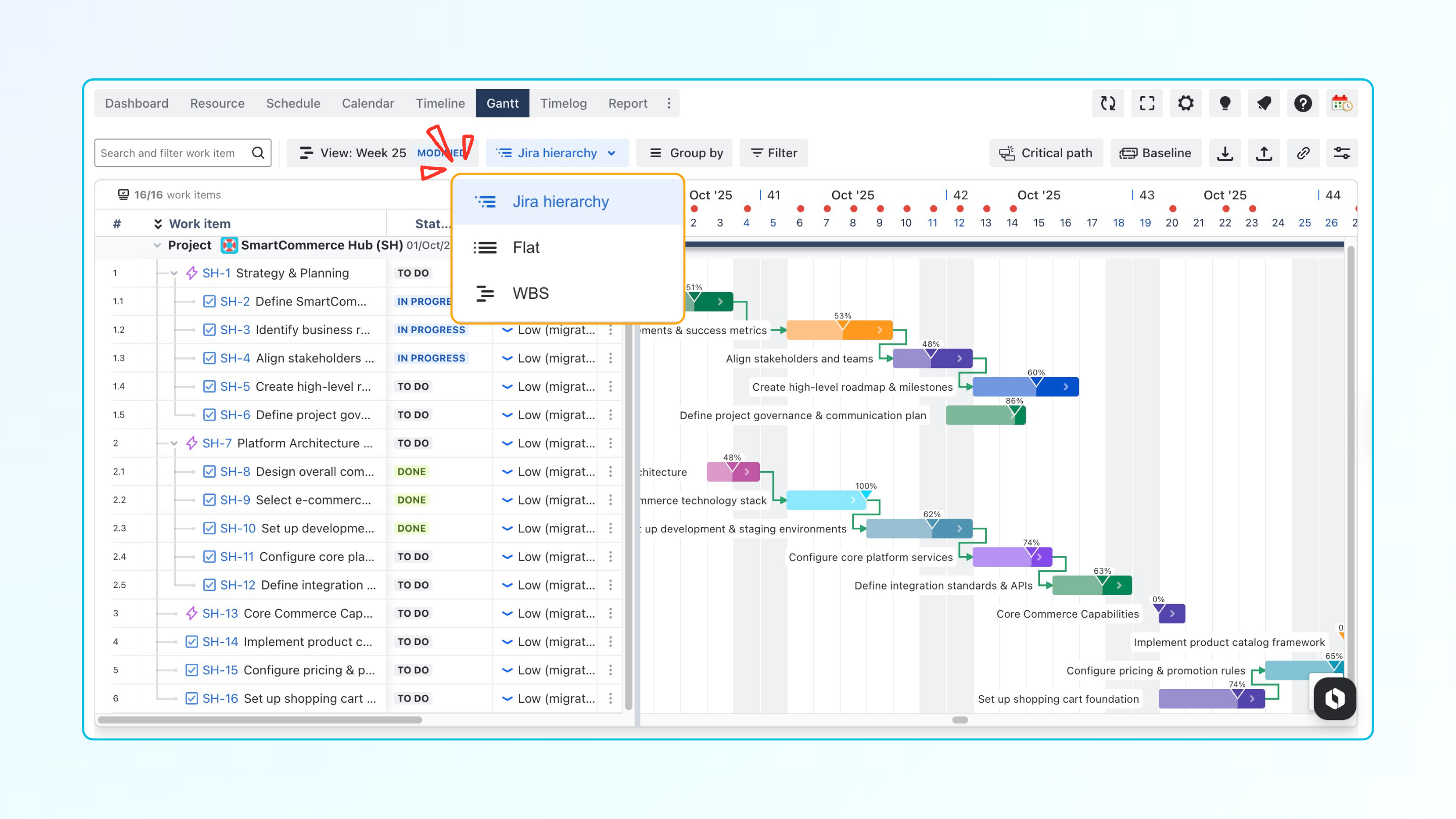
Project Progress Bar on the Gantt Chart
You can now see project-level progress bars directly on the Gantt chart. This provides a real-time view of overall project progress directly in the timeline, allowing you to quickly see project status without reviewing individual tasks.
This update improves visibility when managing multiple projects and sprints, making it easier to monitor progress across work streams directly from the Gantt view.
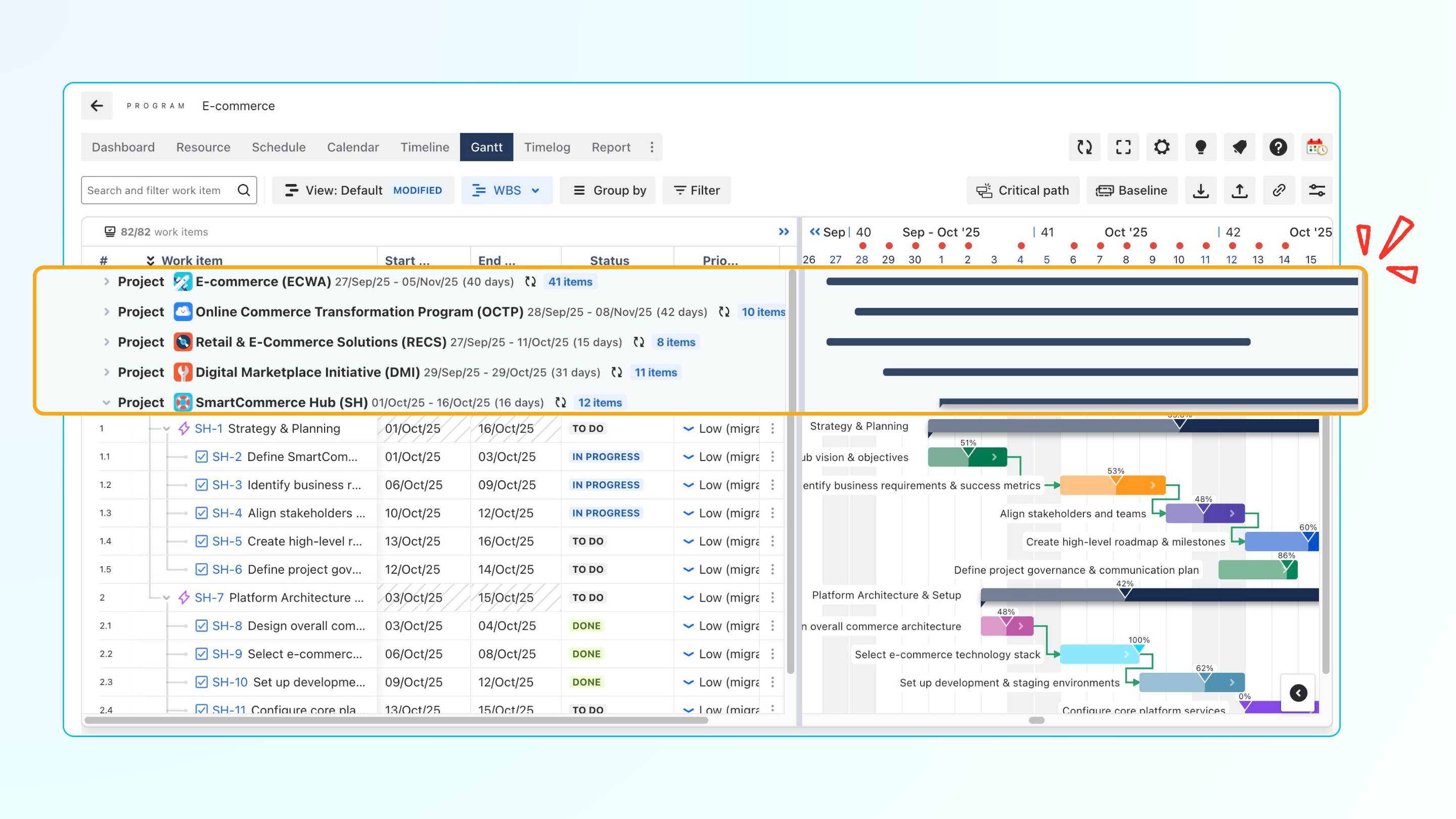
Copy Link to Gantt View
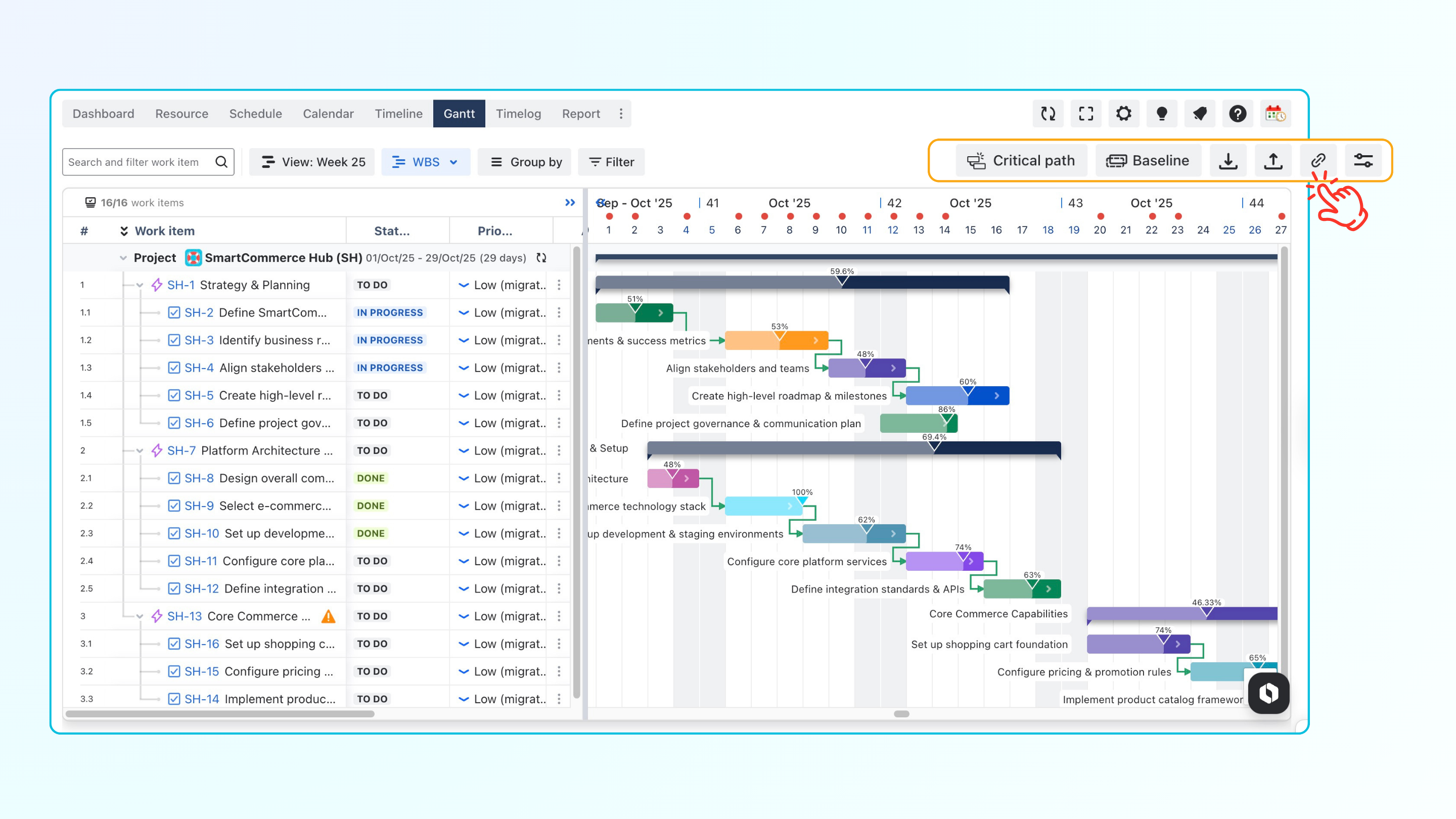
This update allows users to generate a direct, shareable URL 
When the link is opened, it navigates directly to the corresponding project Gantt view with the same settings applied. This update makes it easier to share specific planning views with team members and ensures consistent visibility across users.
Improvements
Export Gantt Chart or Task List to PDF
Users can now export only the Gantt chart or only the task list to a PDF file. This provides more control over export output and makes it easier to share timelines or task details separately, depending on your needs.
Define Hours per Day Using Percentage-Based Capacity
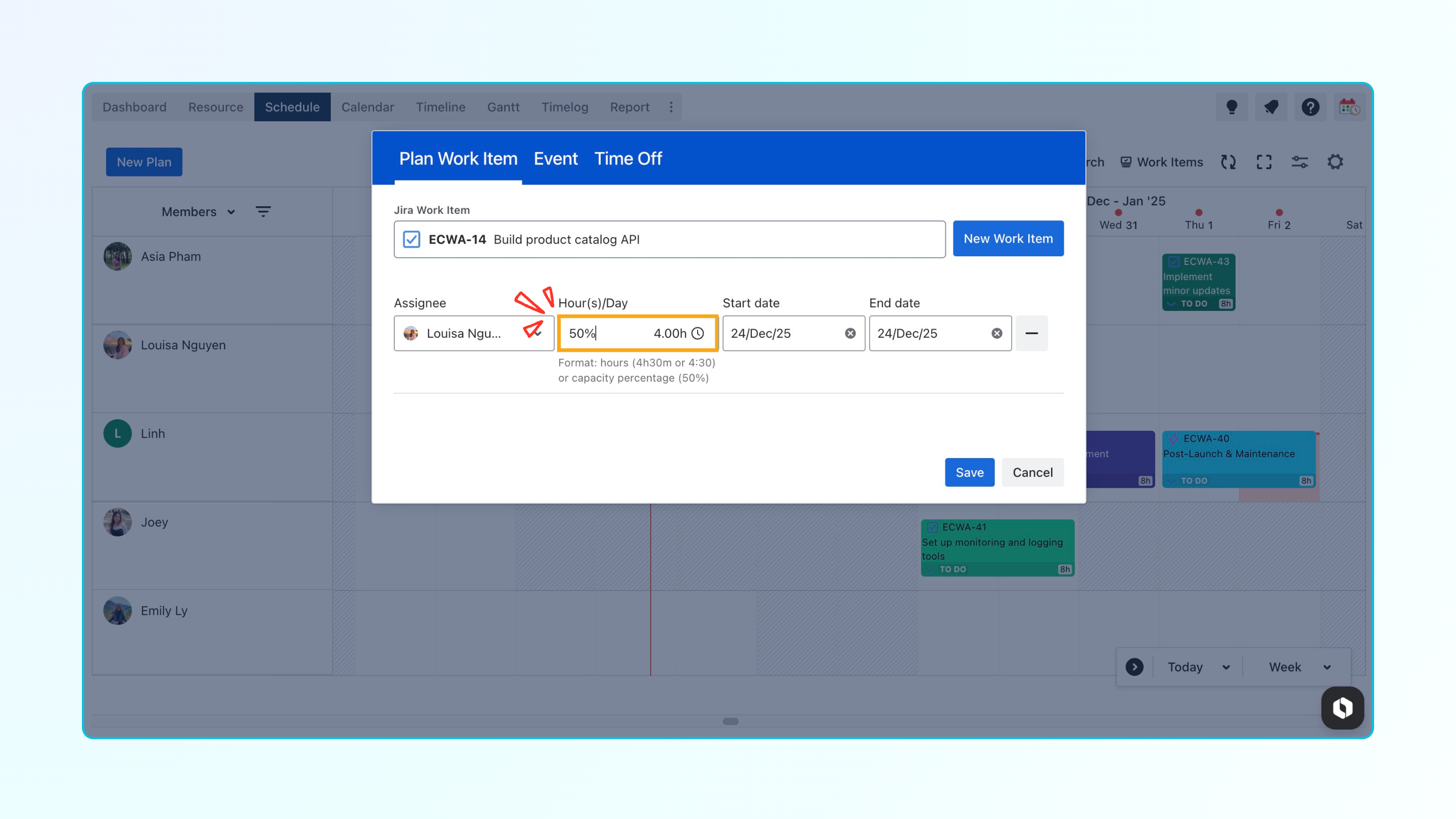
Support has been added for defining hours per day using percentage-based capacity when planning work items.
Users can now enter capacity as a percentage (for example, 50%) instead of fixed hours, allowing schedules to better reflect partial availability and individual working capacity.
Display Parent Columns on the Gantt Chart
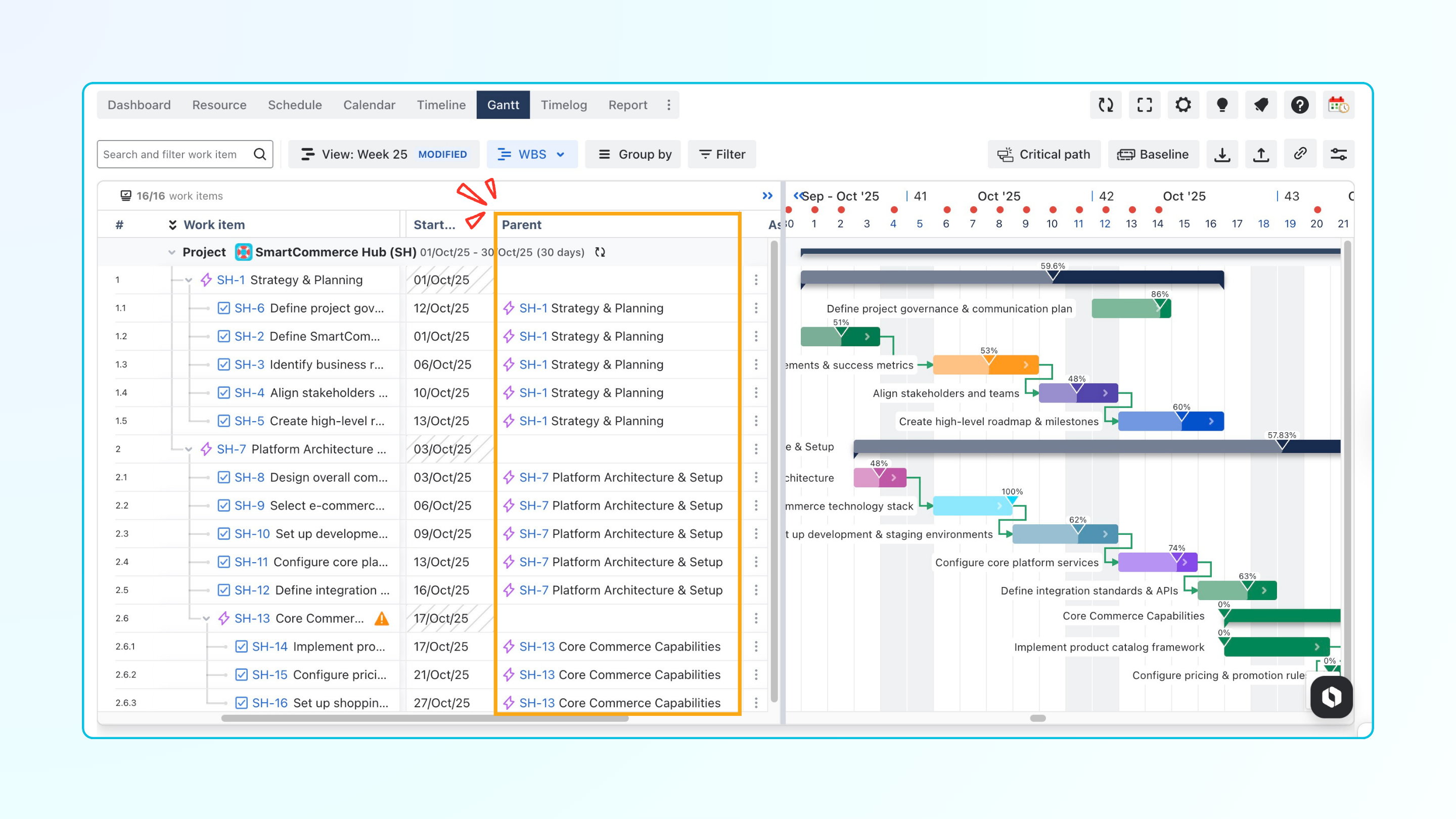
Parent columns can now be displayed directly on the Gantt chart. This allows users to quickly see the parent work item for each task and easily identify parent tasks when working with more complex project structures.
Bug Fixes
-
Corrected an issue where JQL color schemes were not applied properly when mapping projects.
-
Addressed an issue in Gantt and Timeline where editing the Hours/Day column could remove task plans.
-
Improved behavior of the Planned filter to ensure it works correctly on the Gantt chart.
-
Jira work items are no longer automatically shifted to future dates when opening the Gantt view without making changes.
-
Work items under Fix Versions can now be expanded properly after collapsing all work items.
-
Ensured Gantt settings and filters are retained after refreshing the browser.
-
Resolved an issue where the Original Estimate field was updated incorrectly.
If you have any questions, please don't hesitate to contact the Support Desk.