.png)
Only Admins or Financial Managers will have permission to access financial insights through the Cost Report feature.
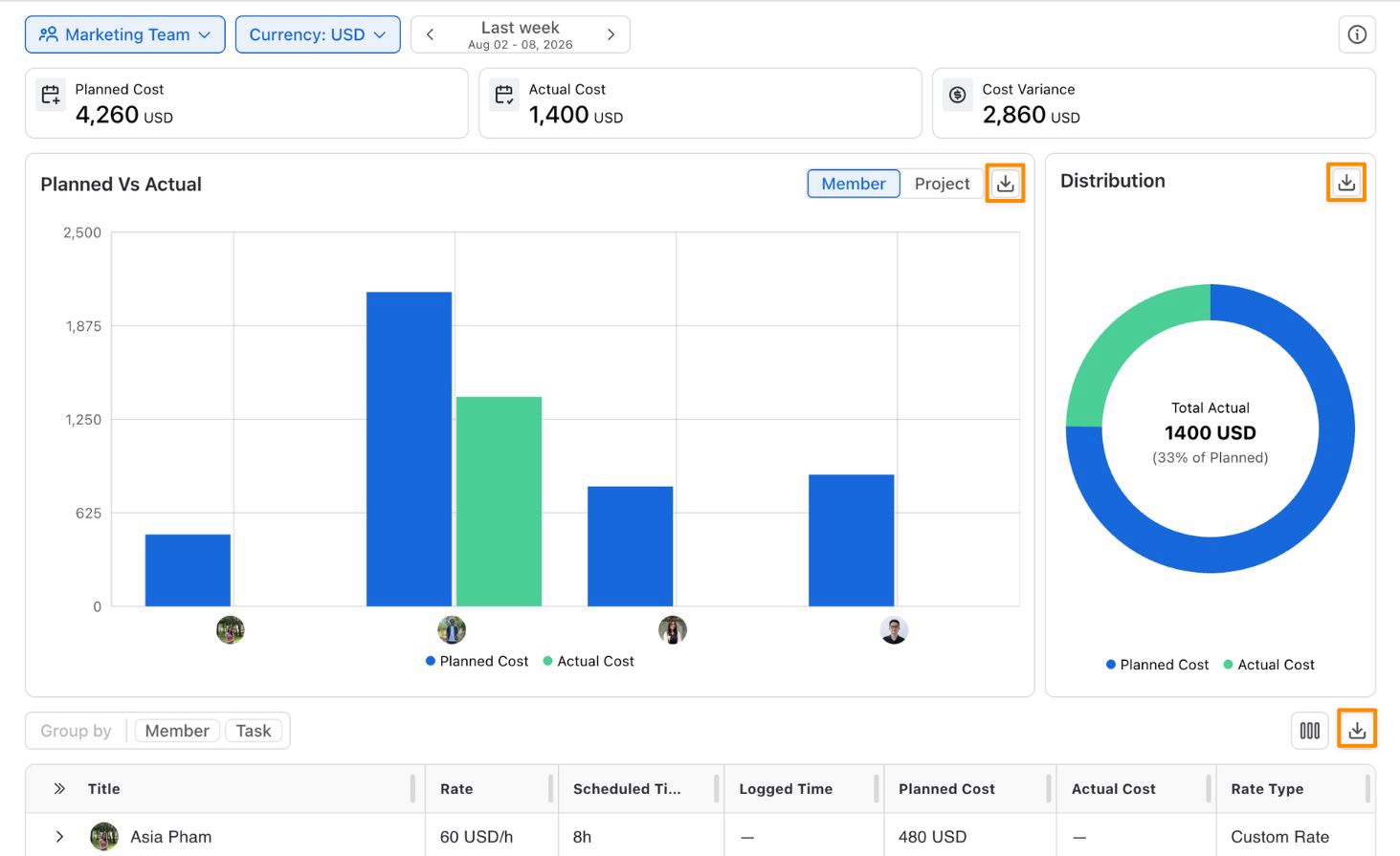
TeamBoard TimePlanner provides comprehensive cost reporting tools that help you analyze project finances and compare planned versus actual costs:
-
Planned Cost – Calculated from planned hours for tasks marked as billable.
-
Actual Cost – Calculated from logged hours for tasks marked as billable.
-
Cost Variance – The difference between Planned Cost and Actual Cost, helping you see how actual spending compares with the original plan.
Cost Variance = Planned Cost − Actual Cost
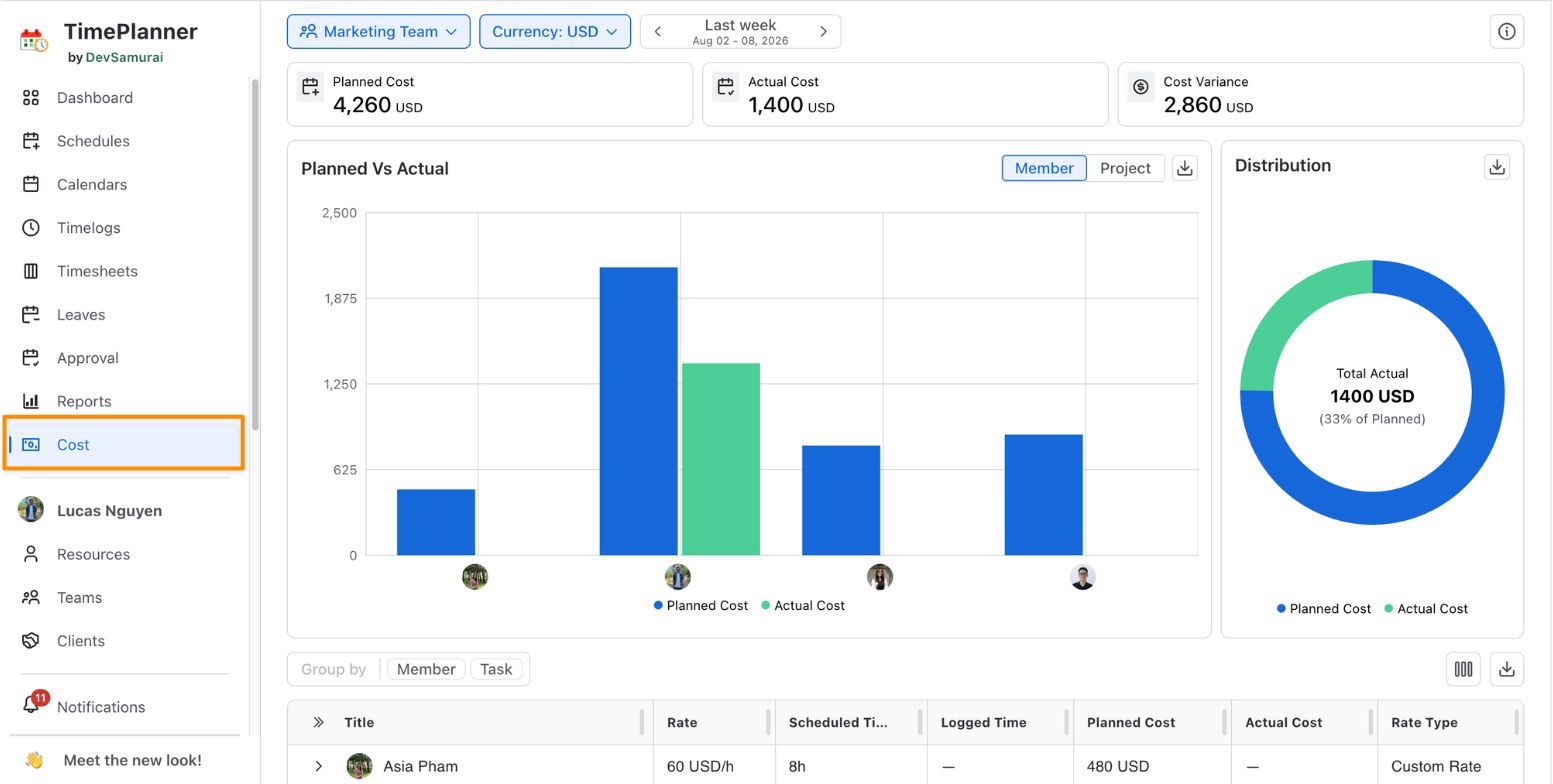
Navigate to the Cost Section
Go to the Cost section in the sidebar to access all cost-related reports.
View Cost Reports
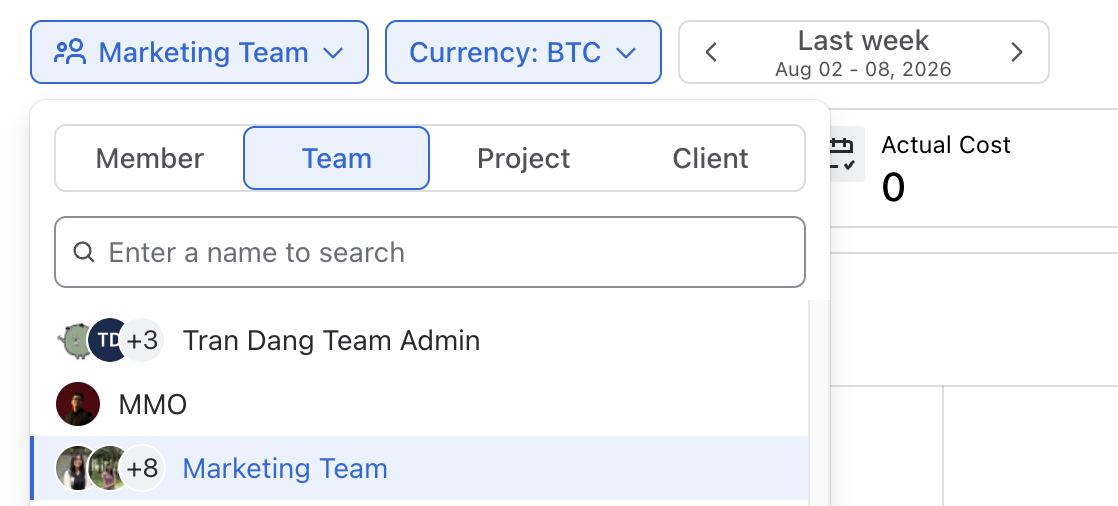
You can view cost information grouped by:
-
Member
-
Team
-
Project
-
Client
Use the filter to quickly find a specific member, team, project, or client, and customize the date range to narrow the report to the specific period you want to analyze.
Export Cost Reports
Use the Export button