.png)
Only Jira admins, App admins, Project admins, and Board admins have permission to access and configure Board Permission.
Board Permission allows administrators to control who can access and configure the board settings.
-
Board admins have full access to view and configure all settings related to a board, including features, filters, date mapping, and permissions.
-
App Admin: Automatically granted board admin access to all boards.
-
Jira Admin: Automatically granted board admin access to all boards.
-
Project Admin: Granted admin access to boards associated with their specific project.
To access the Board Permission settings: Navigate to Board Settings > Select the Permission tab.
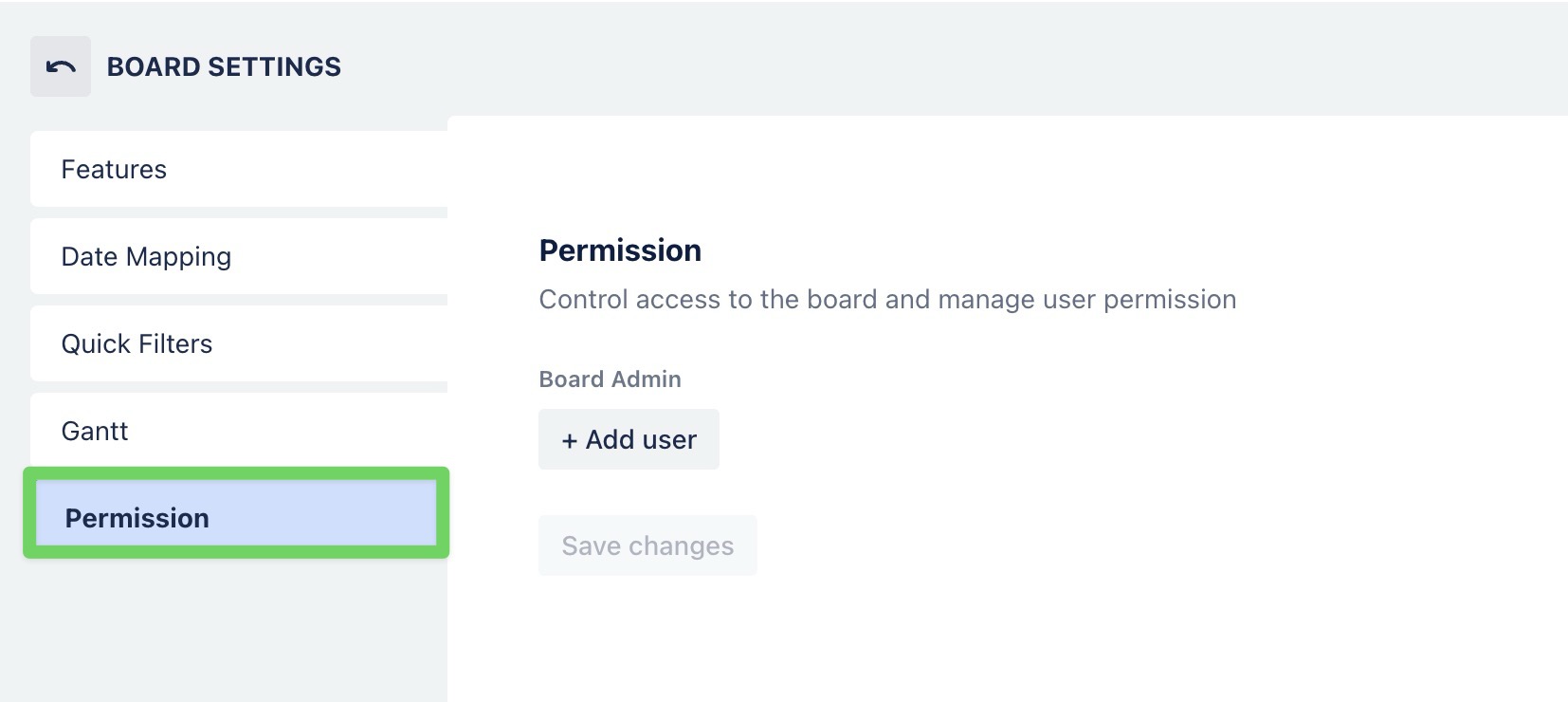
Assigning permission to a user
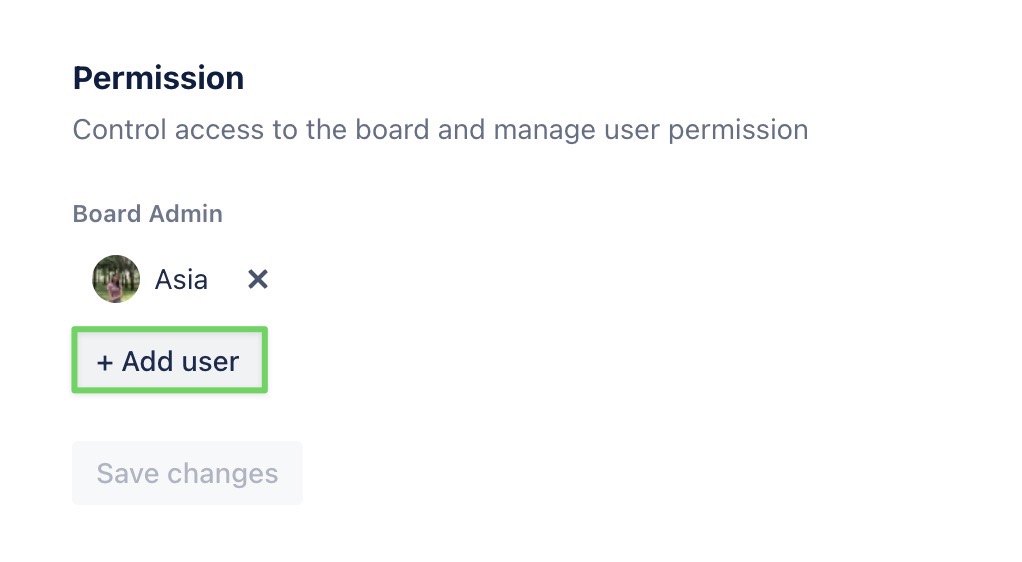
You can assign permission to a user by following these steps:
-
Under the Board Admin section, click

-
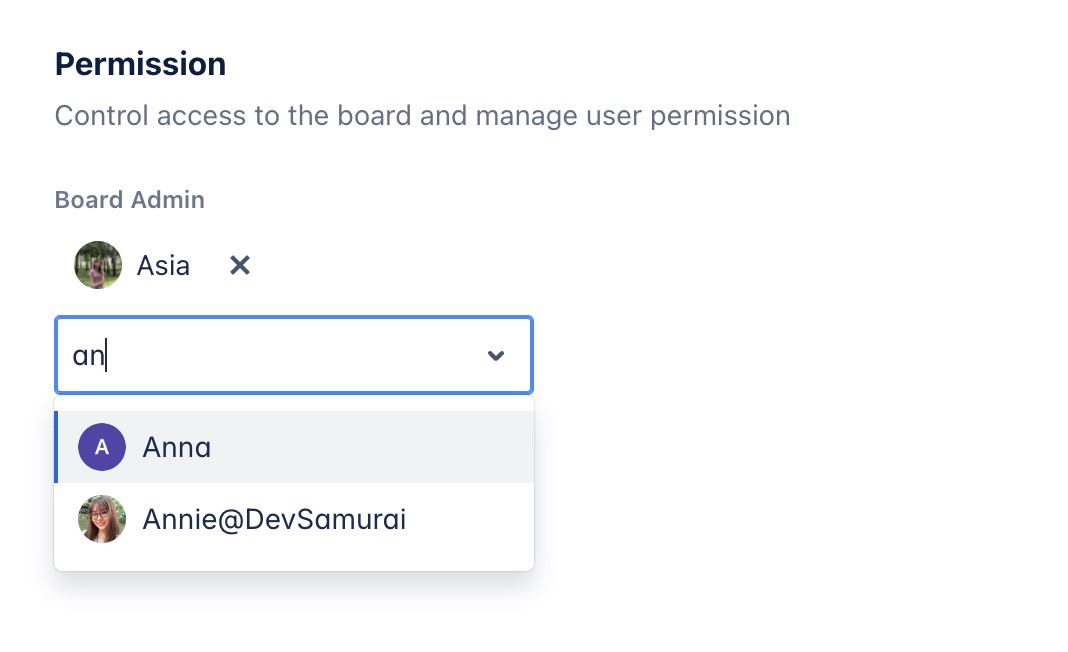
Enter the username and select from the dropdown list.
-
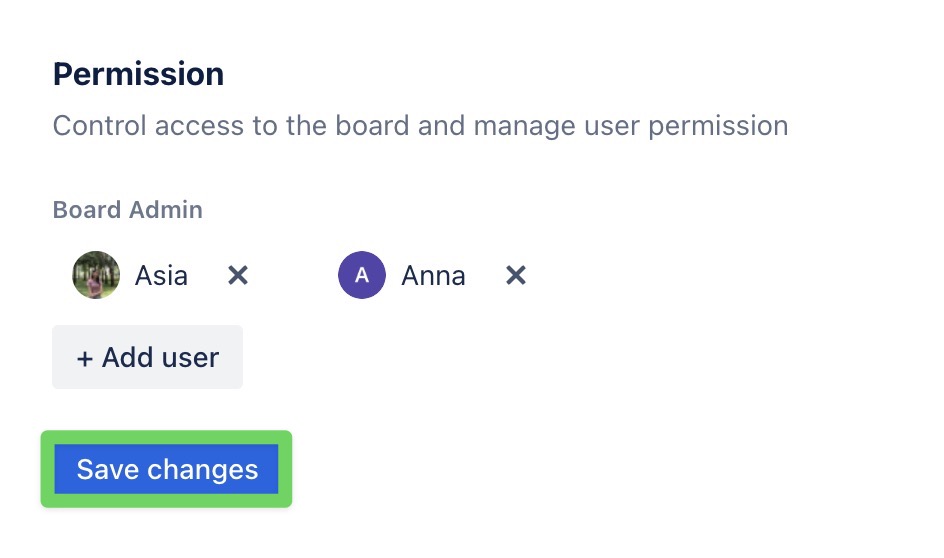
Click

Tips
-
You can assign one or multiple users to the board admin role.
-
Use board admin roles to delegate access without giving full App Admin rights.