.png)
ProductGo offers a library of prebuilt persona templates for a variety of industries, including Business, Digital, Finance, Real Estate, Shopping, and Travel. You can also create and save your own custom templates for future use.
Click on a category to view the available templates.
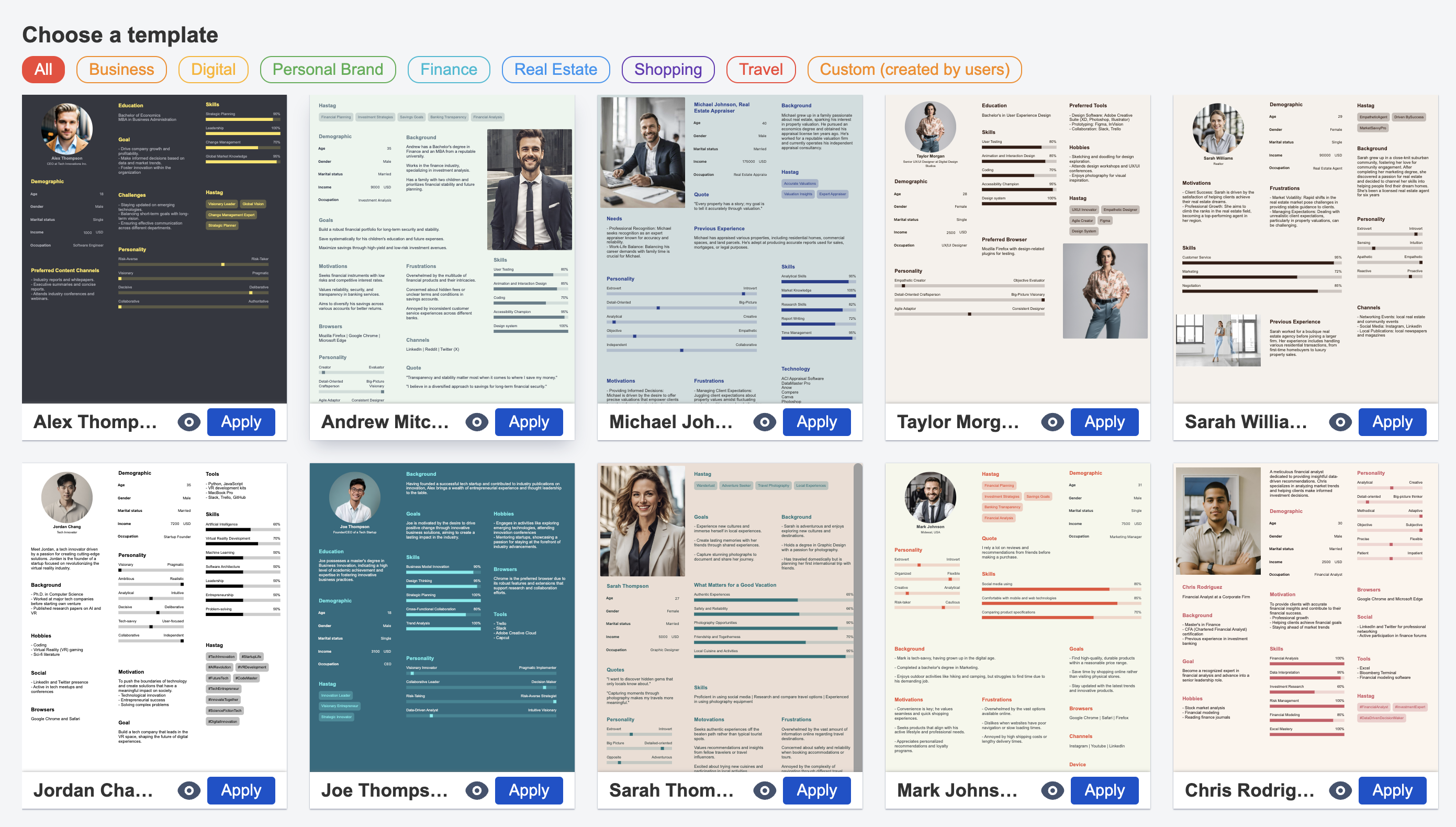
To preview a template, select the eye icon next to the Apply button.
When you’re ready to use a template, click Apply at the bottom right of the template card.
Save as template
You can save any persona you’re editing as a template for later.
Go to Persona settings, select Save as template, enter a name when prompted, and click Save.
Your saved template will appear under the Custom category in the Templates library.
Tip
Use the keyboard shortcut Ctrl + Shift + S to save your current persona as a template quickly.