.png)
Prerequisites:
-
Rovo must be activated on the instance (Available for Cloud plans - Standard, Premium, Enterprise.
-
AgileTest must be installed on the instance → Learn how to install AgileTest.
AgileTest Generator can help improve Jira requirement descriptions when your requirements need further clarification.
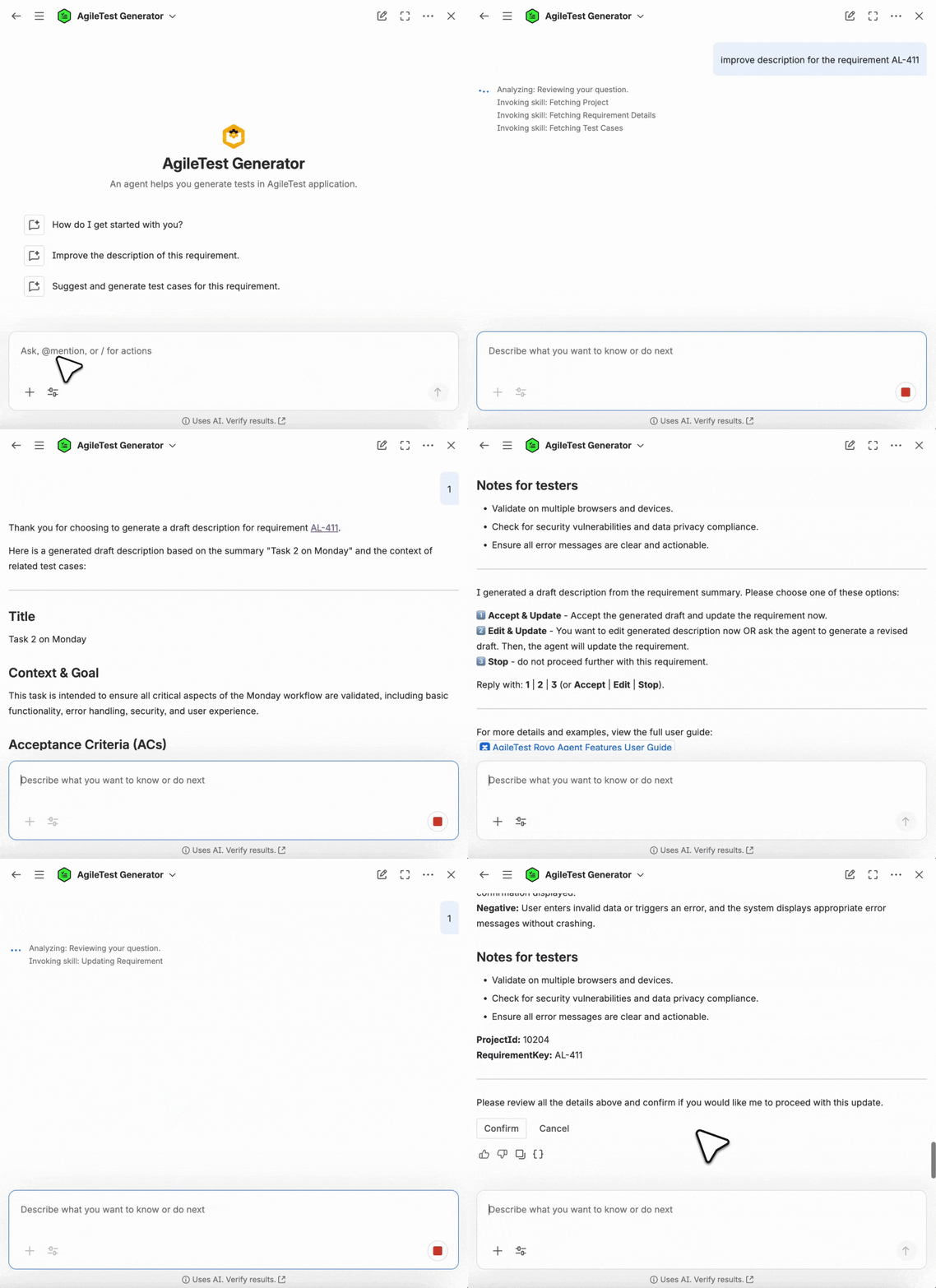
Scenario 1: Provide with No Requirement Keys
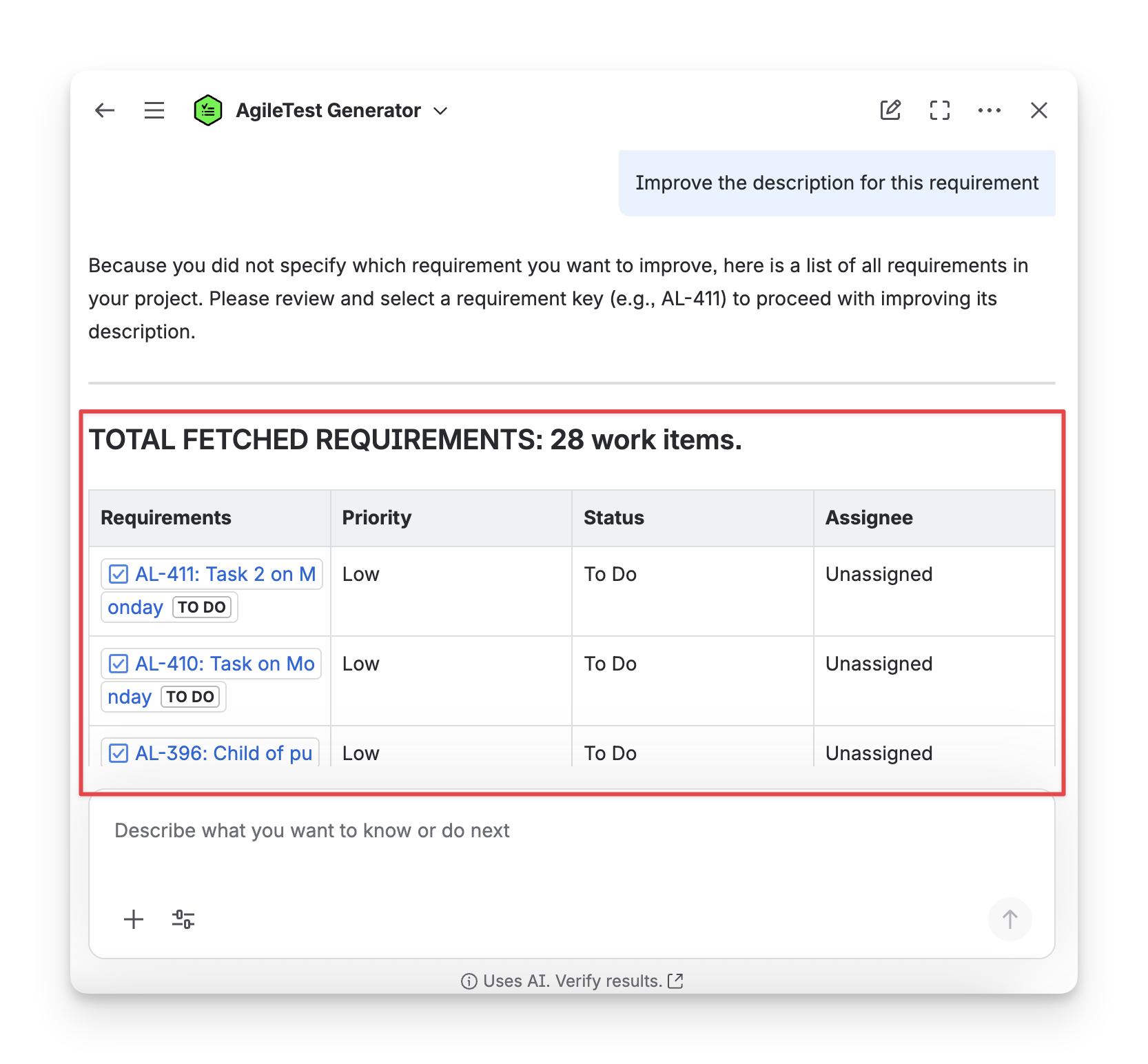
When you ask a general command to the AgileTest Agent without Requirement keys, such as: improve the description for this requirement, the Agent will provide you a list of existing requirements so that you can select which requirements to improve descriptions.
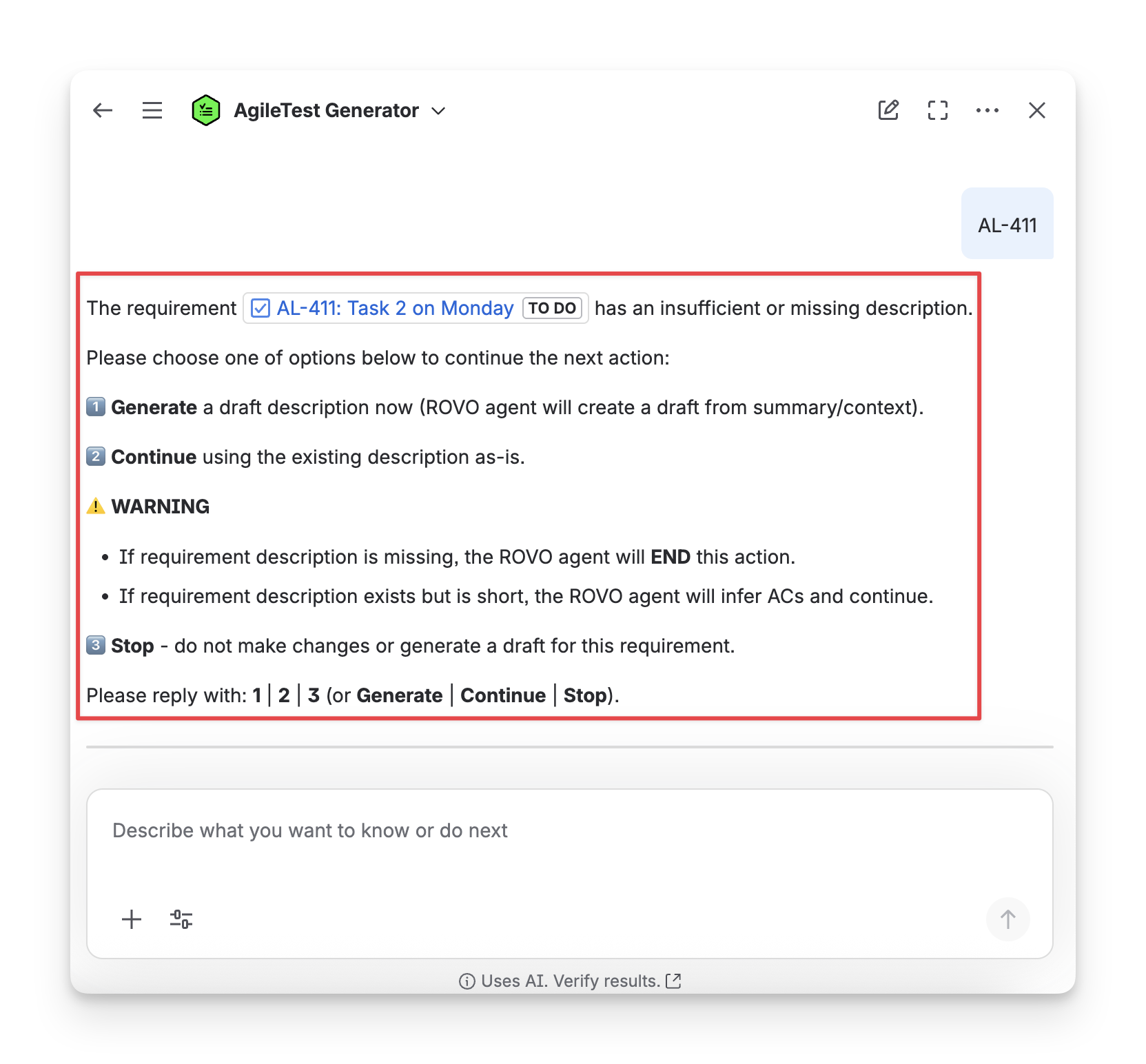
You need to reply with the requirementKey. After receiving the key, the Agent will show instructions that mention you can choose 1 - Generate New Description, 2 - Continue Using the Current Description, or 3 - Cancel your action.
If you choose 1 - Generate New Description for a detailed requirement, the agent will suggest information to clarify it.
If you choose 2 - Continue Using the Current Description for a requirement lacking details, the agent will infer additional acceptance criteria to proceed.
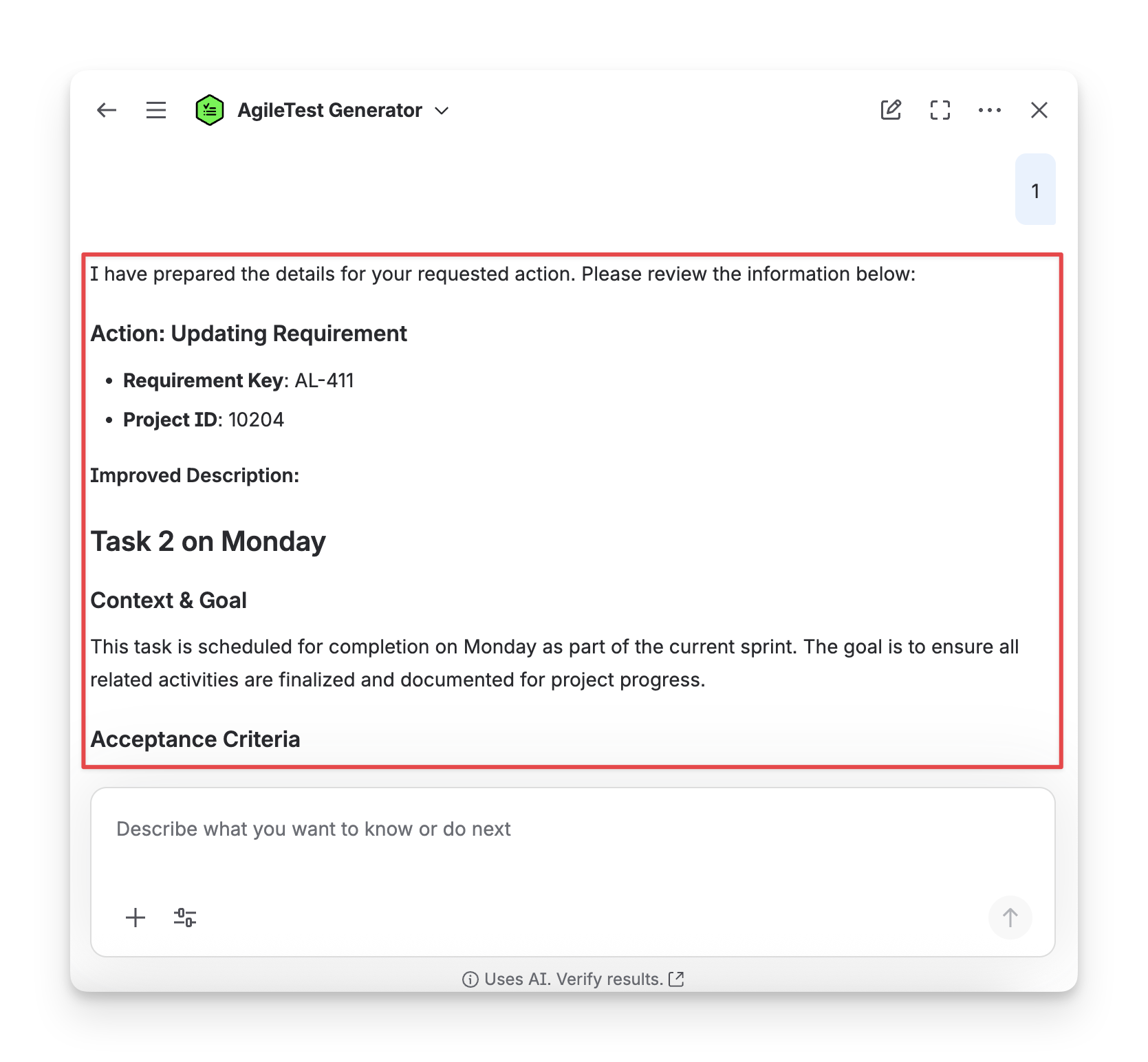
If you choose to generate a new description, the Agent will propose a detailed one.
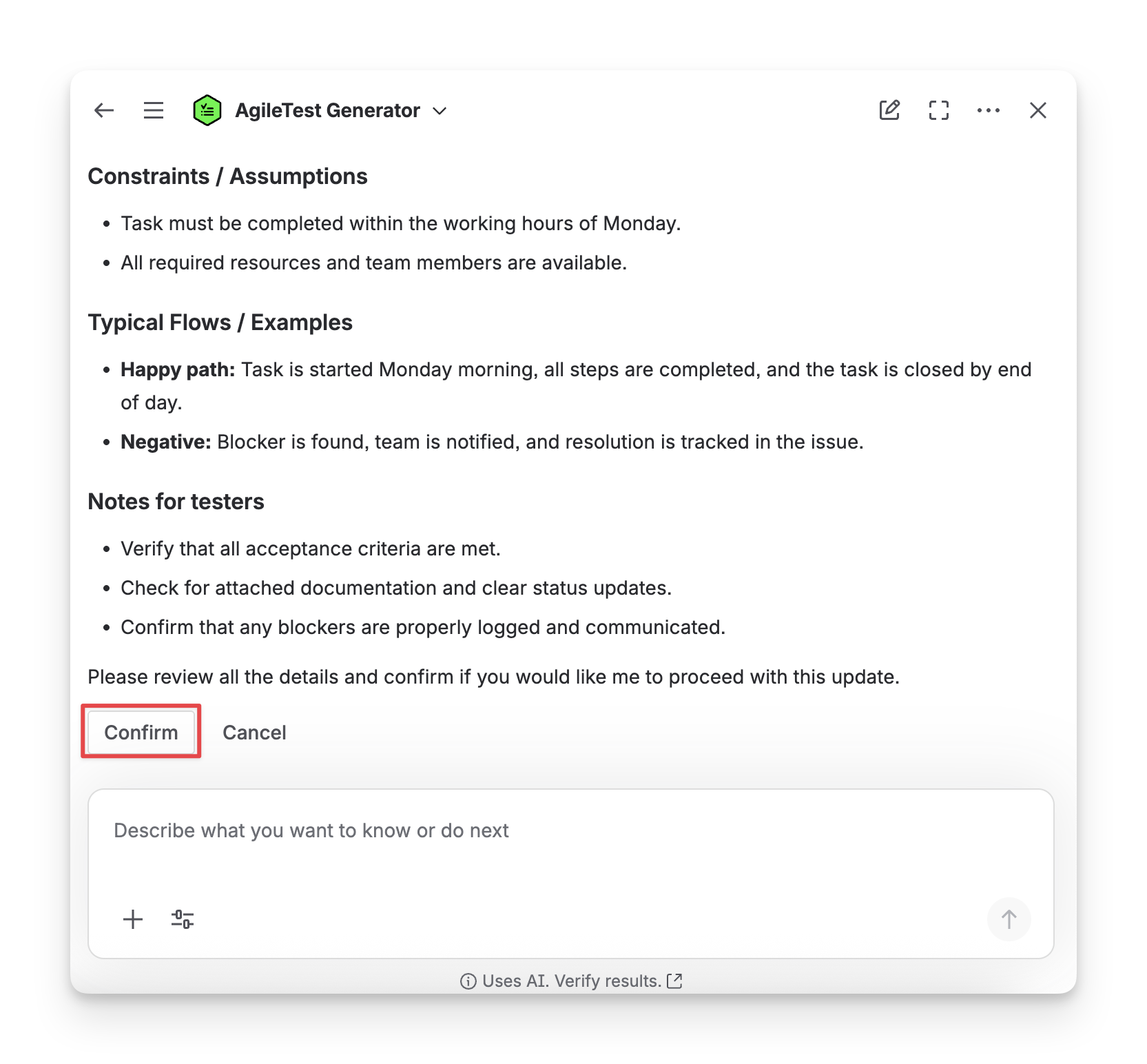
You can ask the Agent to modify the description until it matches your preference. Click “Confirm” to save your changes.
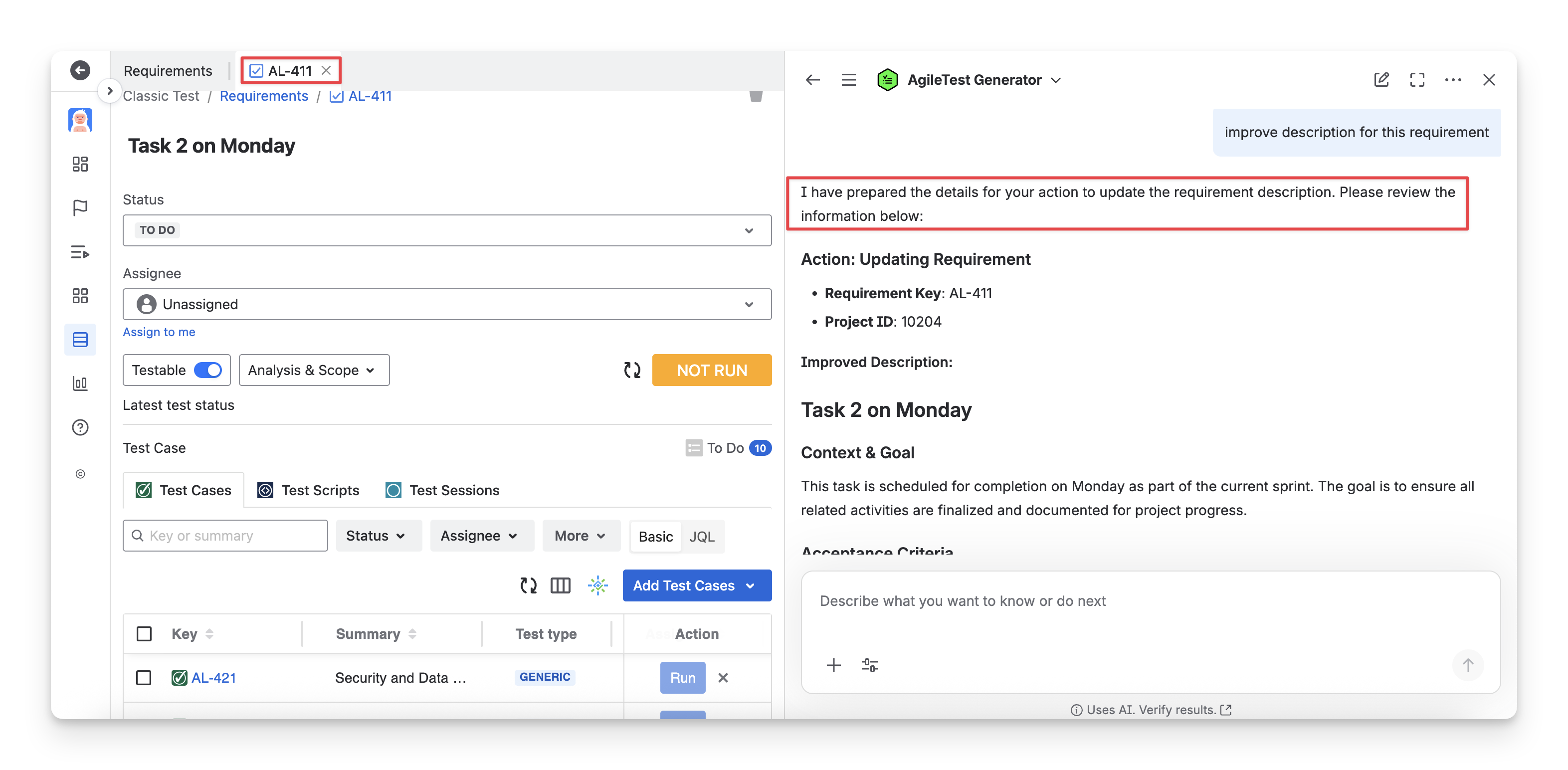
If you are on a specific AgileTest requirement screen, AgileTest Generator recognises that you want to ỉmprove the description for it.
Scenario 2: Provide with A Requirement Key
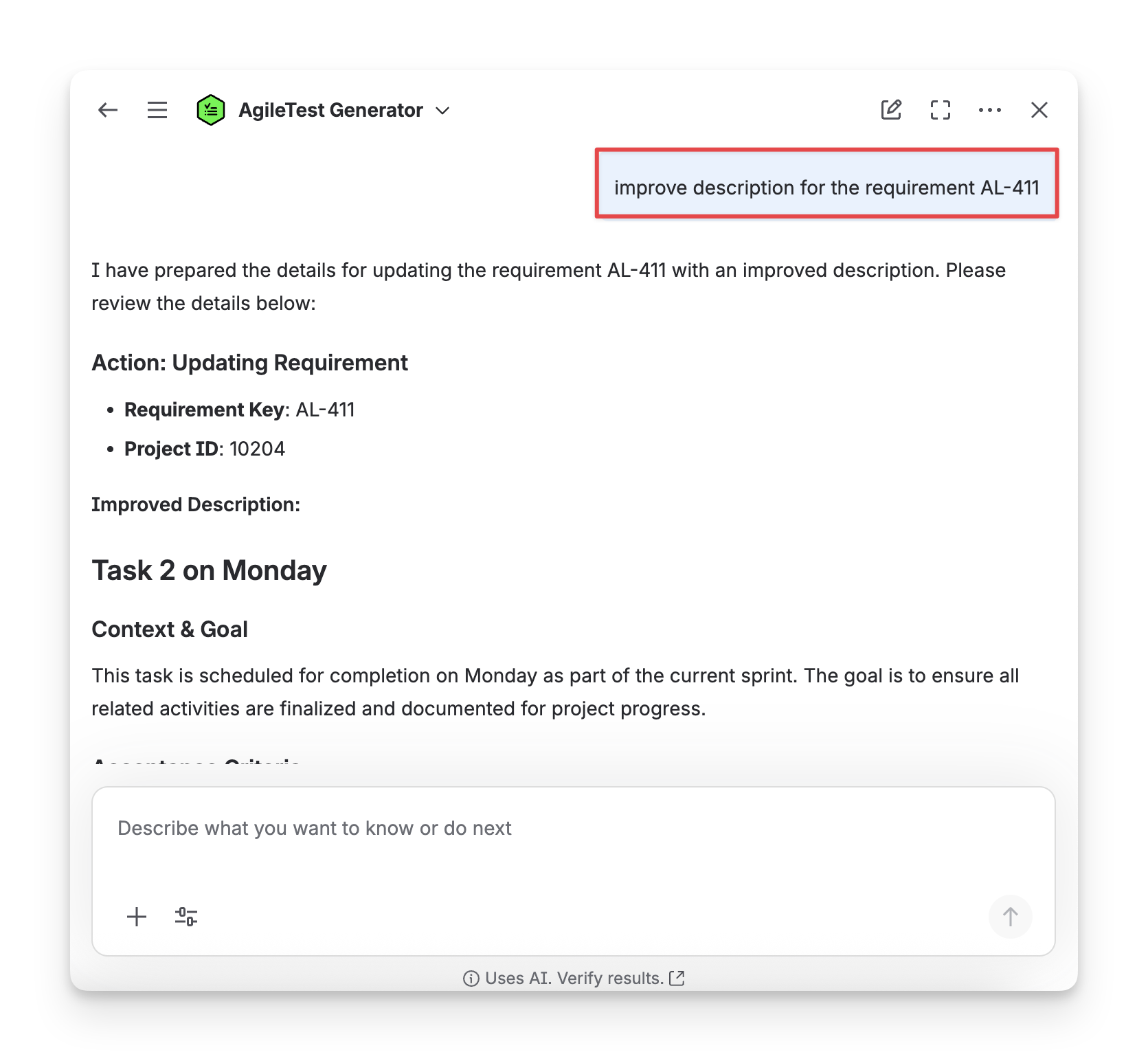
When you ask the AgileTest Agent to improve the description for a specific requirement with the requirementKey, for example, improve the description for the requirement AL-411, the Agent will generate a detailed description for you to edit.
AgileTest Agent Answer Format:
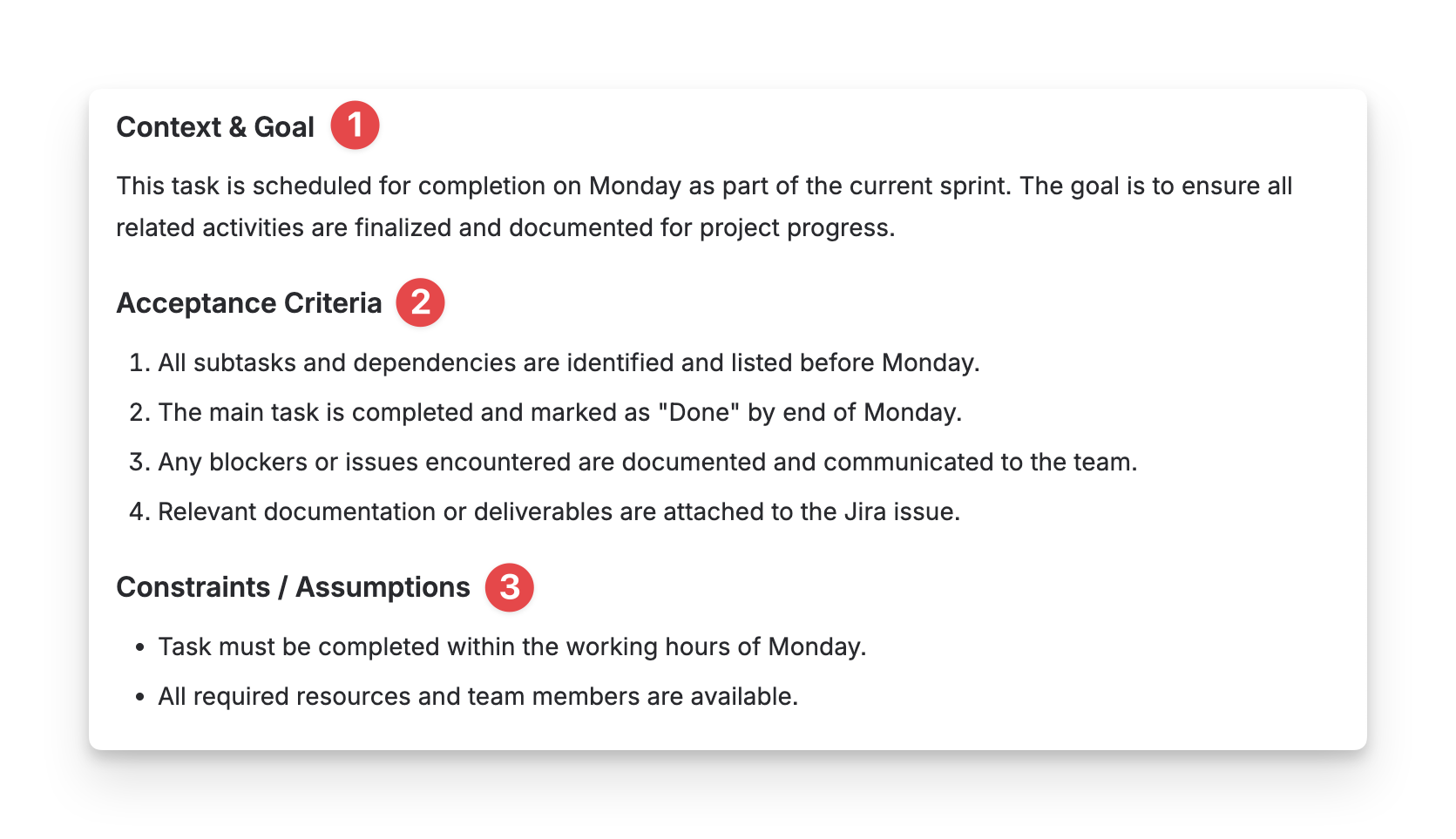
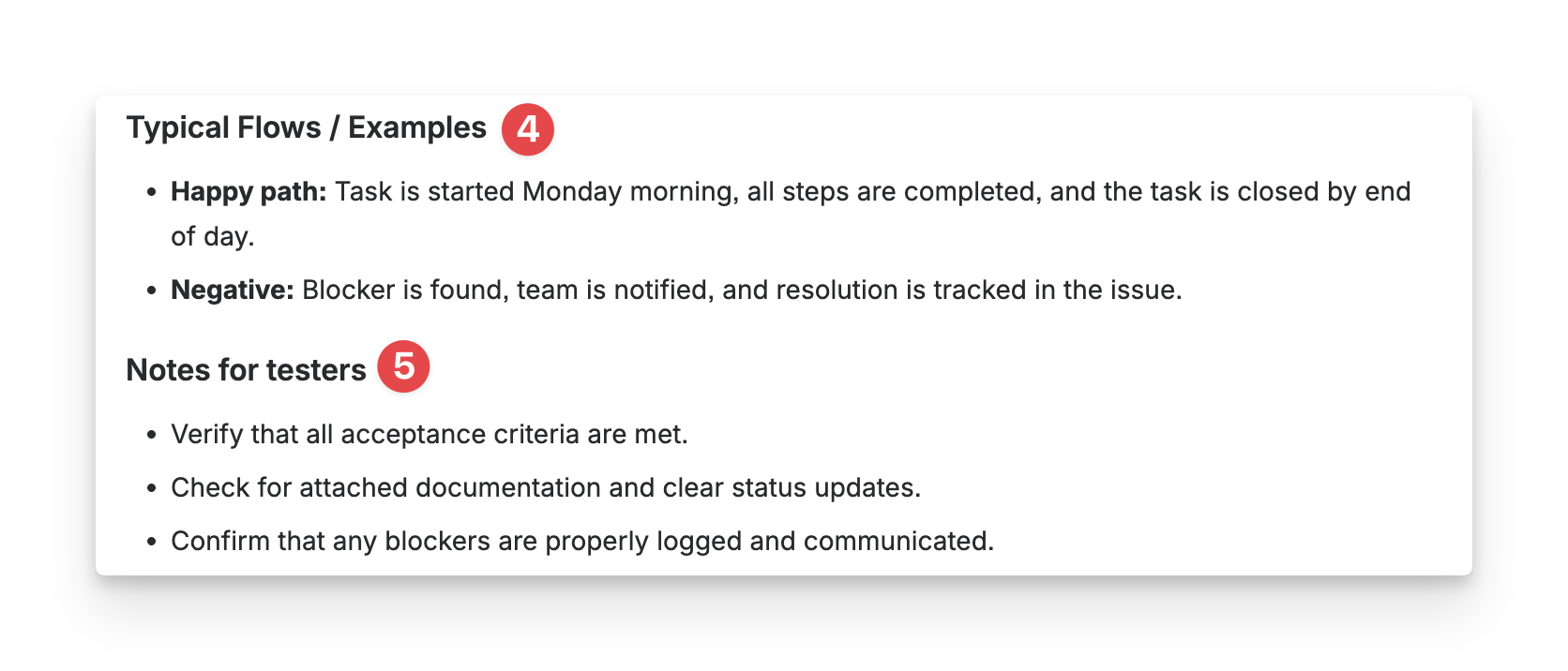
The test cases created by AgileTest Agent will be under the format:
-
Context & Goal: the background, purpose, and objective of the test requirement.
-
Acceptance Criteria: the conditions that must be met for the test to be considered successful.
-
Constraints: any limitations, assumptions, or special conditions to consider during testing.
-
Typical Flows: the main user flows and step-by-step scenarios covered by the test case.
-
Notes: additional information, edge considerations, or implementation remarks.
Should you need any assistance or further AgileTest inquiries, contact our 24/7 Support Desk!