.png)
Only App Admins or Billing Admins have permission to set up Rates & Costs in the system. To grant these permissions, please visit here.
Setting Up Rates and Costs
Setting up rates and costs establishes the foundation for accurate cost tracking in TimePlanner. These settings ensure that billing and cost calculations are applied consistently across resources and projects.
To begin, navigate to Settings → Rate and Cost.
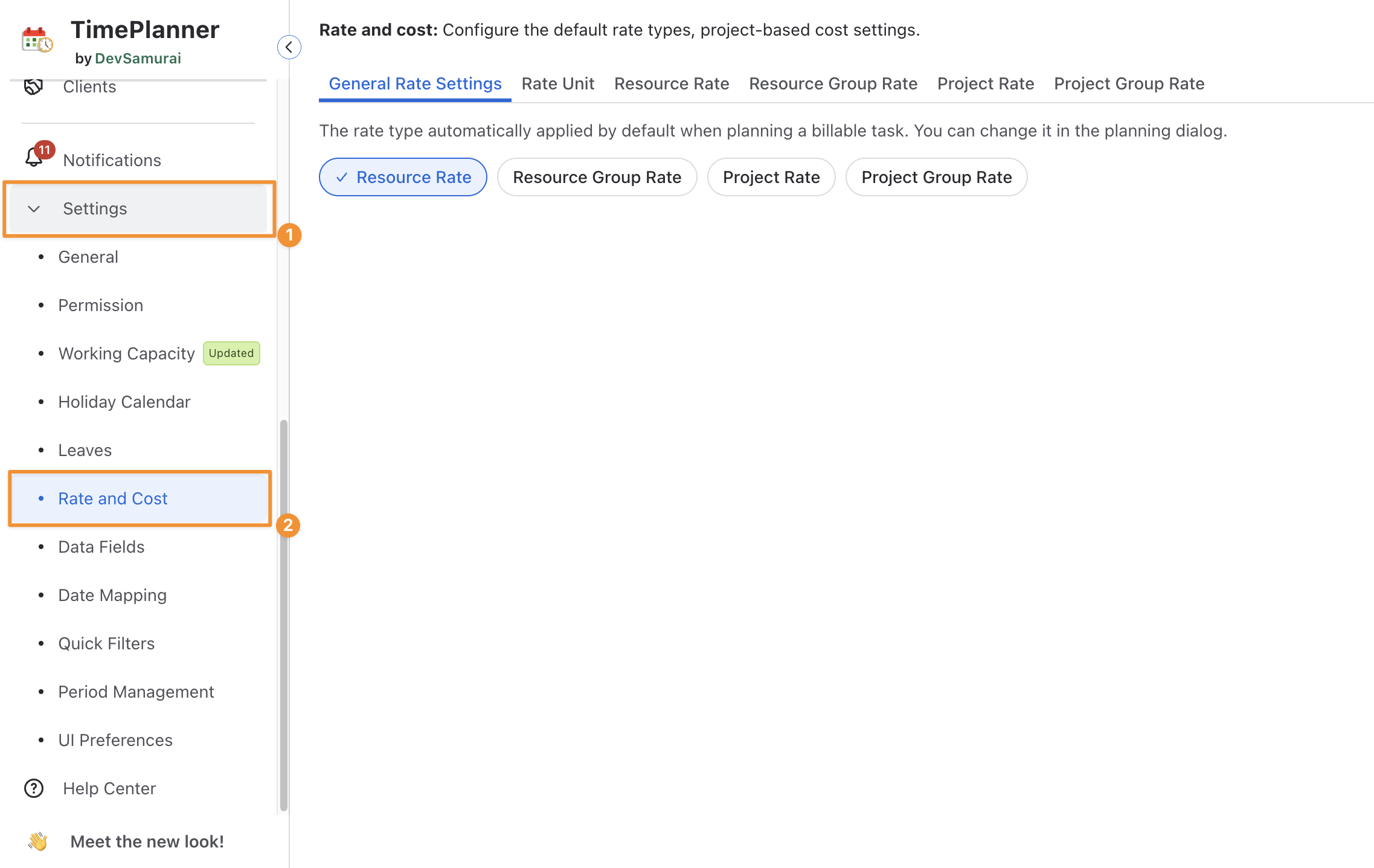
There are 05 main settings you can configure:
-
Rate Unit: A Rate Unit is the base unit for defining other rates.
-
Resource Rate: Rates applied to individual team members.
-
Resource Group Rate: A shared rate applied to a group of resources.
-
Project Rate: A rate applied to all tasks within a project.
-
Project Group Rate: A rate applied across multiple related projects.