.png)
Release date:
Our team’s latest ConfluPlan rollout is officially live! Here’s a look at what’s new.
New features
Jira integration for Gantt
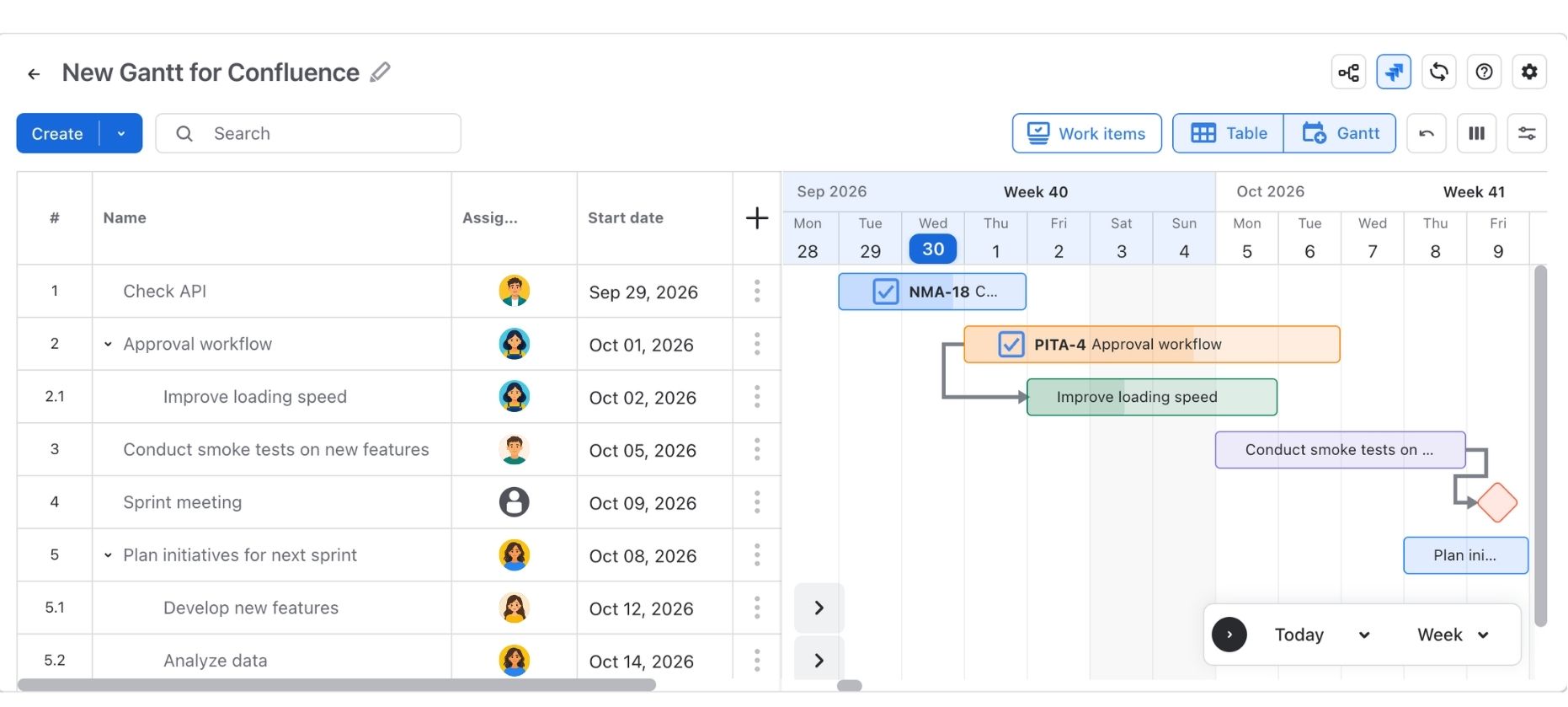
You can now bring Jira work into your ConfluPlan Gantt charts, so your plans in Confluence stay connected to the work your team tracks in Jira.
-
Jira tasks in Gantt: Add Jira issues to your Gantt chart and see them alongside your other tasks on the timeline.
-
Field mapping for dates: Map Jira date fields to the start and end dates of each task, so the timeline follows your team's own Jira setup.
-
Field mapping for progress: Map a Jira custom number field as progress, so completion status on the Gantt reflects what's happening in Jira.
Custom columns
Create your own columns using Custom Jira fields to show the information that matters to your team, such as owners, priorities, or any other details you track.
Multi-language support
ConfluPlan is now available in German, Spanish, French, Japanese, Korean, and Chinese. The app displays in your language, making it easier for global teams to plan together.
Improvements
Gantt tasks
-
Duplicate tasks: Copy an existing task in one click instead of recreating it from scratch.
-
Sort tasks: Sort your tasks to find and organize work faster.
-
Updated progress tracking: Task progress has been reworked for clearer, more accurate tracking, and it now supports field mapping for Jira tasks.
Columns
-
Reorder columns: Drag columns into the order that suits you.
-
Pin columns: Keep key columns visible while you scroll horizontally.
-
Resize columns: Adjust column widths to fit your content.
UI/UX
-
For non-Jira tasks: Updated the old "Unplan" feature to "Remove plan"
-
For Jira-linked tasks: Update to Remove date and Unlink Jira
Need assistance? Please reach out to us at our Support Desk.