.png)
This feature enables the creation of dedicated Daily Standup sessions tailored to individual teams, offering a more focused and personalized experience compared to project-wide standups.
Unlike the standard project-level daily standup, team-specific standups allow each team to operate independently with its own customized reporting setup.
💡 Tips
-
Each team lead can have a unique daily standup session created just for their team members.
-
Overseers or managers can access the standup histories of all teams to monitor progress and manage reports efficiently.
-
Customize questions for each team to match their workflow, making standups more relevant and effective.
Here’s how you can access this feature:
Accessing Teams
-
Go to the Teams section from the AgileBox main page. (Apps → AgileBox → Teams)
-
Browse all teams available across your Jira instance.
See more details about the AgileBox’s Team here: Teams
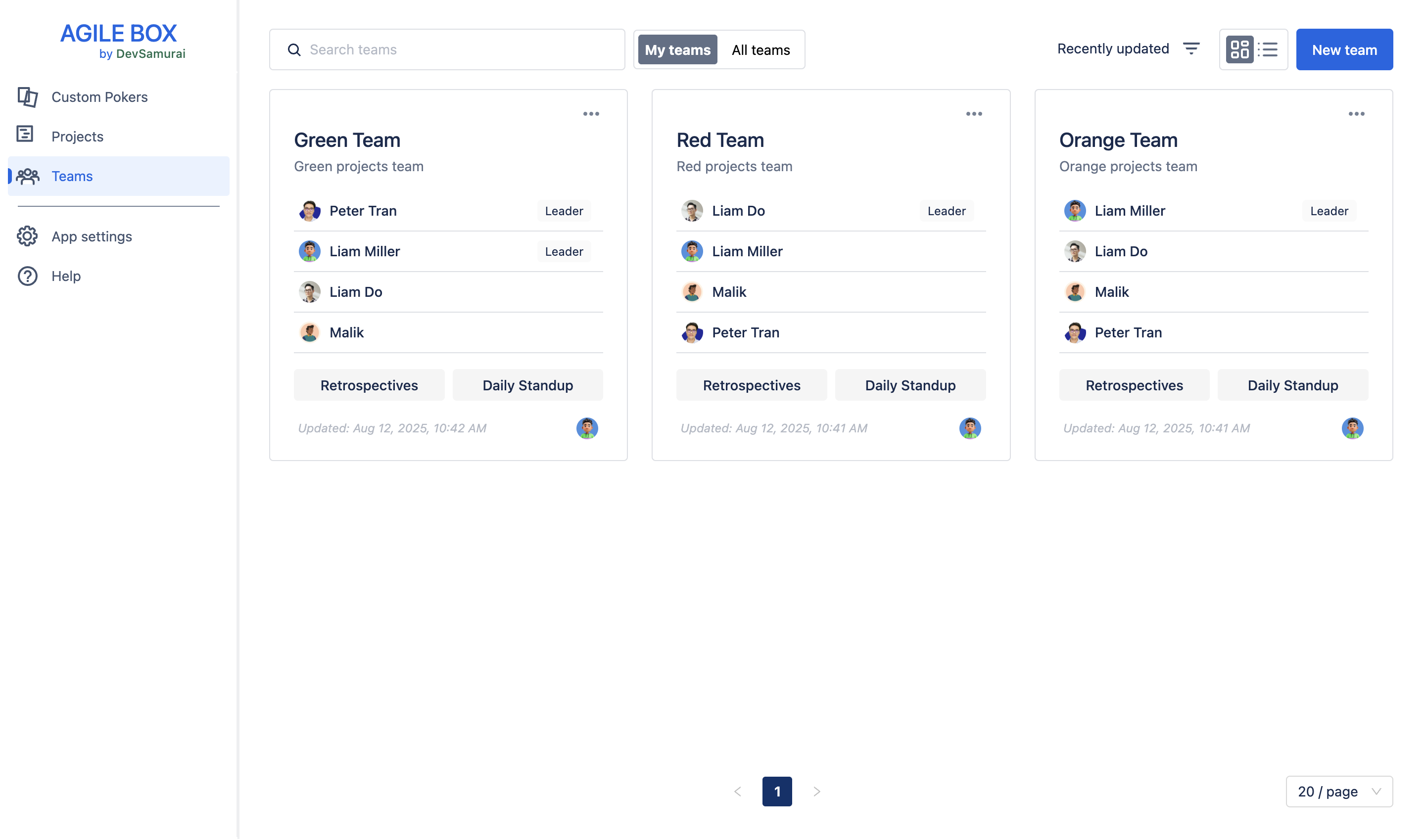
Create a daily standup for the team
Only users with the following roles can create and edit team-specific daily standups:
-
Team creator
-
Team leader
To create a daily standup for a team, select the desired team and click the Daily Standup button.
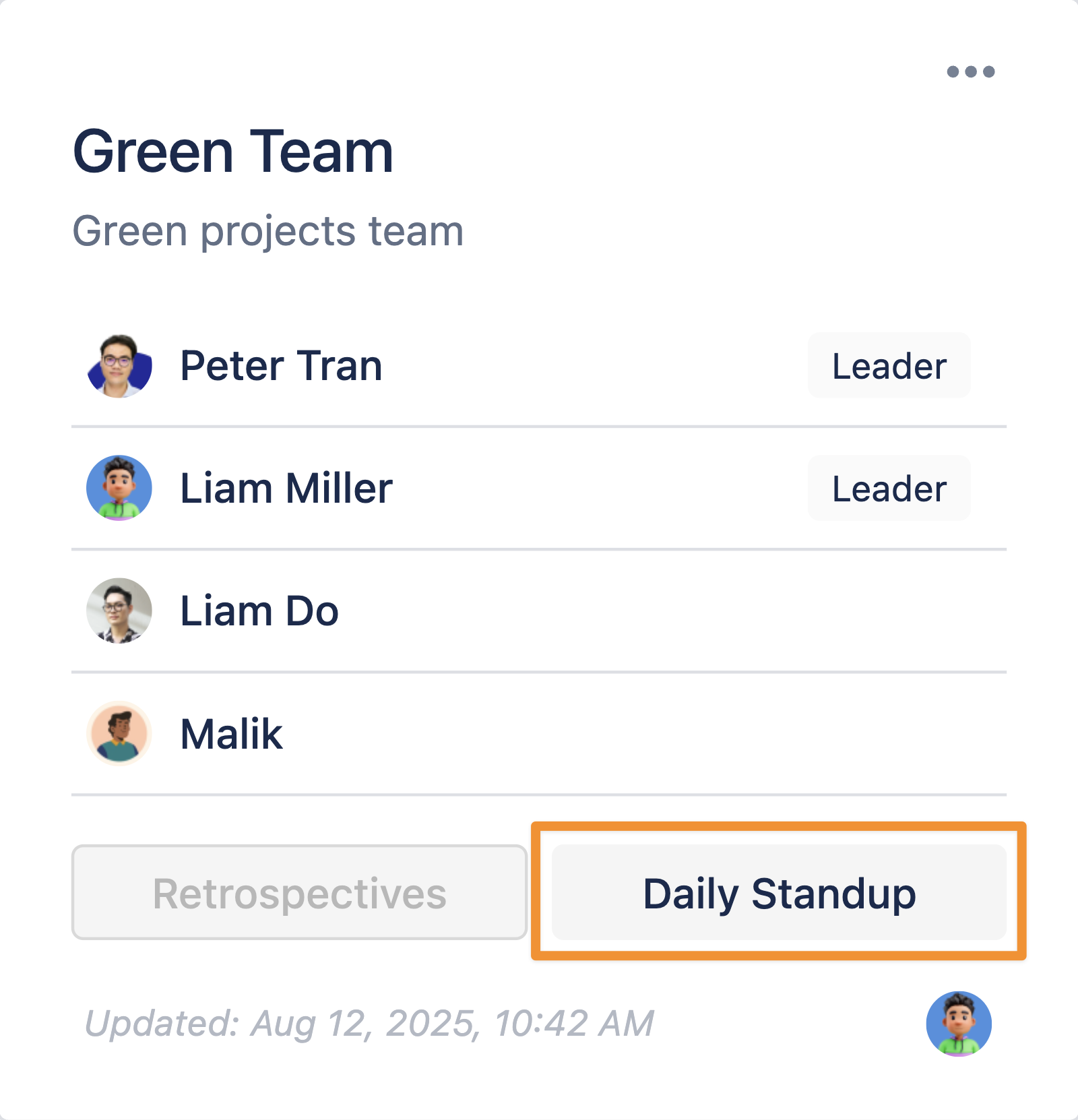
Then, follow the instructions in the following document to set up the meeting:
Standup reporting for the team
Follow the instructions in this document below to start reporting your team’s daily standup: