.png)
This feature allows you to create dedicated Retrospective sessions tailored specifically for individual teams.
Unlike a project-wide retrospective where all members collaborate in a single project, team-specific retrospectives enable each team to conduct their reflection independently with customized settings and focus areas.
💡 Tips
-
Tailor sessions to your team’s unique needs for focused discussions.
-
Use custom templates and relevant questions to boost engagement.
-
Track retrospective history to monitor progress and spot trends.
-
Foster a safe space for honest feedback without distractions.
Here’s how you can access this feature:
Accessing Teams
-
Go to the Teams section from the AgileBox main page. (Apps → AgileBox → Teams)
-
Browse all teams available across your Jira instance.
See more details about the AgileBox’s Team here: Teams
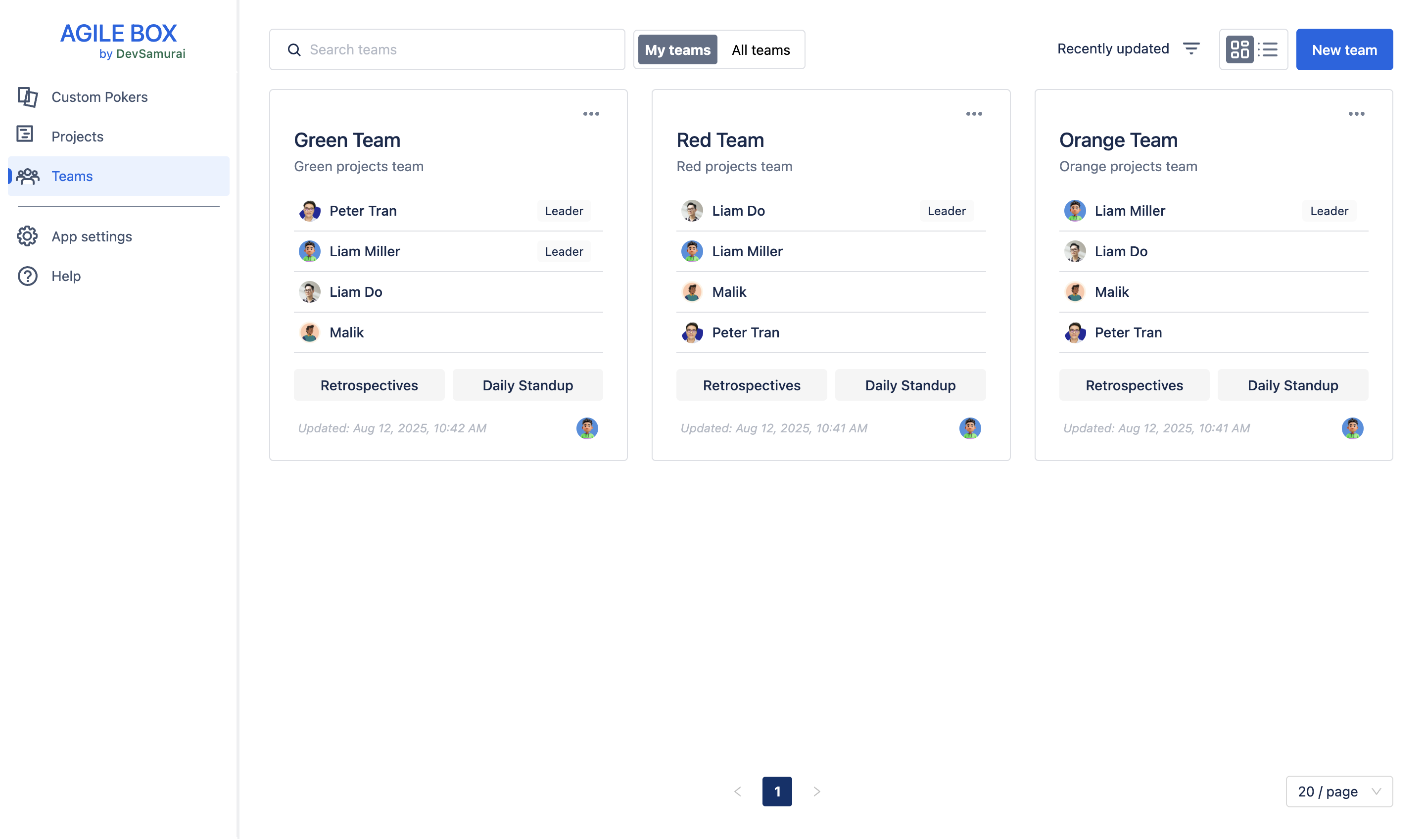
Create a retrospective meeting for the team
Only users with the following roles can create or edit team-specific retrospectives:
|
Roles |
Create |
Edit |
|---|---|---|
|
Team creator |
|
|
|
Team leader |
|
|
|
Retrospective creator (is in the Team) |
|
|
|
Retrospective facilitator |
|
|
Jira admin and Retrospective creator can delete a retrospective meeting
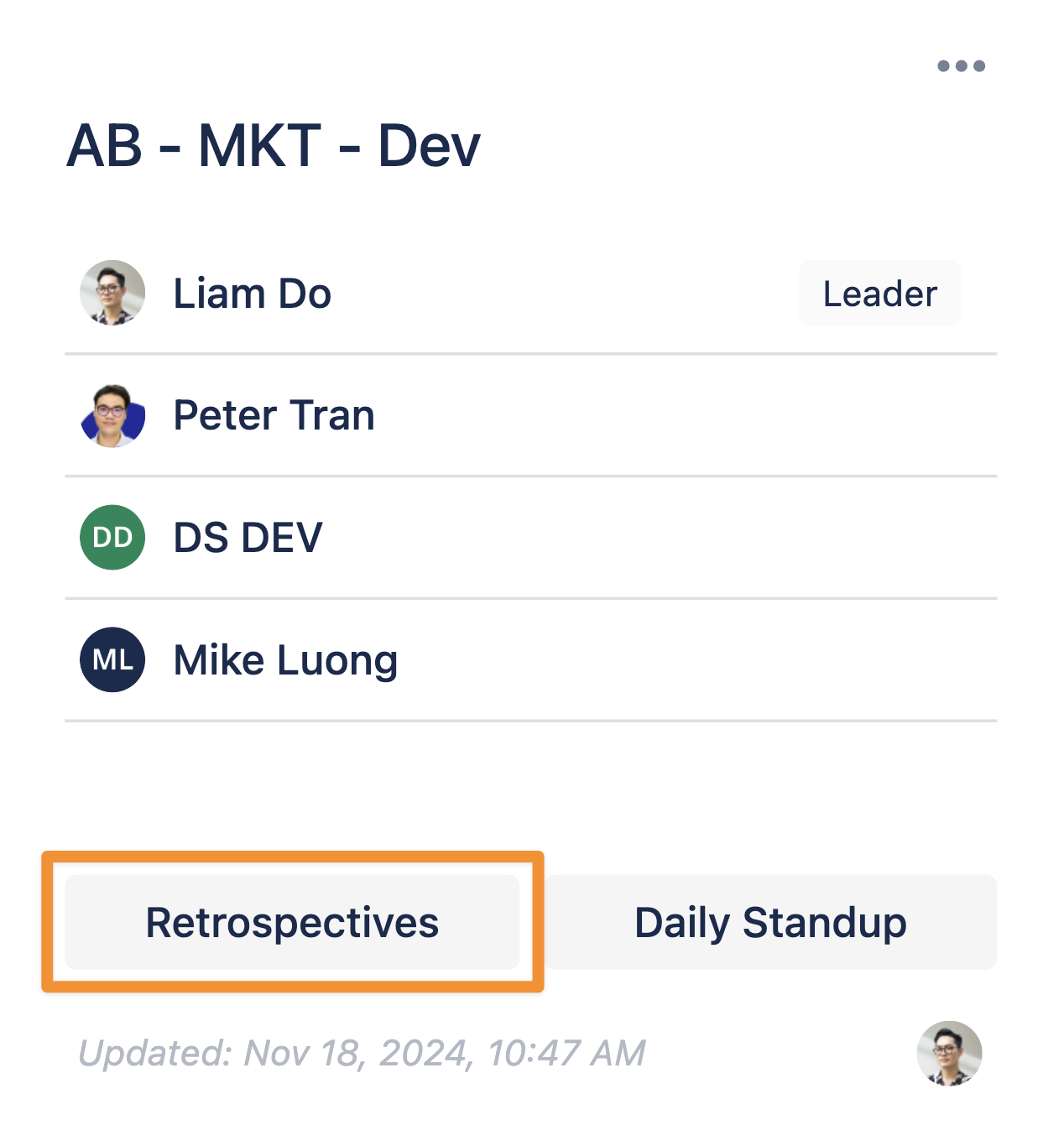
To set up a retrospective for a specific team, choose the team and click the Retrospectives button.
Follow the steps outlined in the relevant document to configure the session:
Join a retrospective meeting for the team
Follow the instructions in this document below to join a retrospective meeting:
Export & follow-up on retro actions
Follow the instructions in this document below to export & follow-up on retro actions: