.png)
The export function in AssetIT allows users to extract asset data and export it into a file format, typically for reporting, analysis, or backup purposes.
How to Export Assets
-
In the Toolbar, look for the

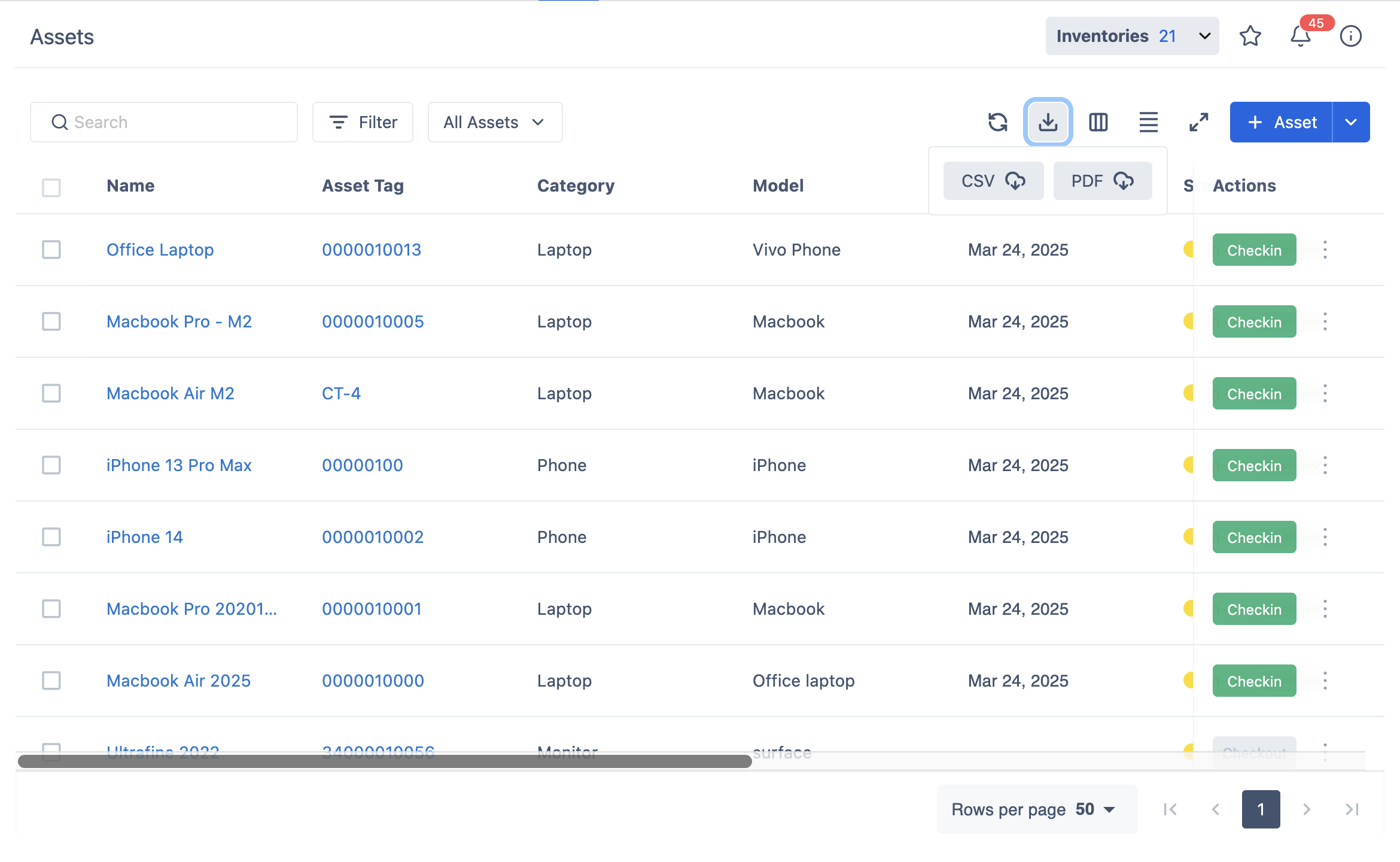
-
Bulk Export is also available by selecting multiple assets at once, then choosing the Export button.
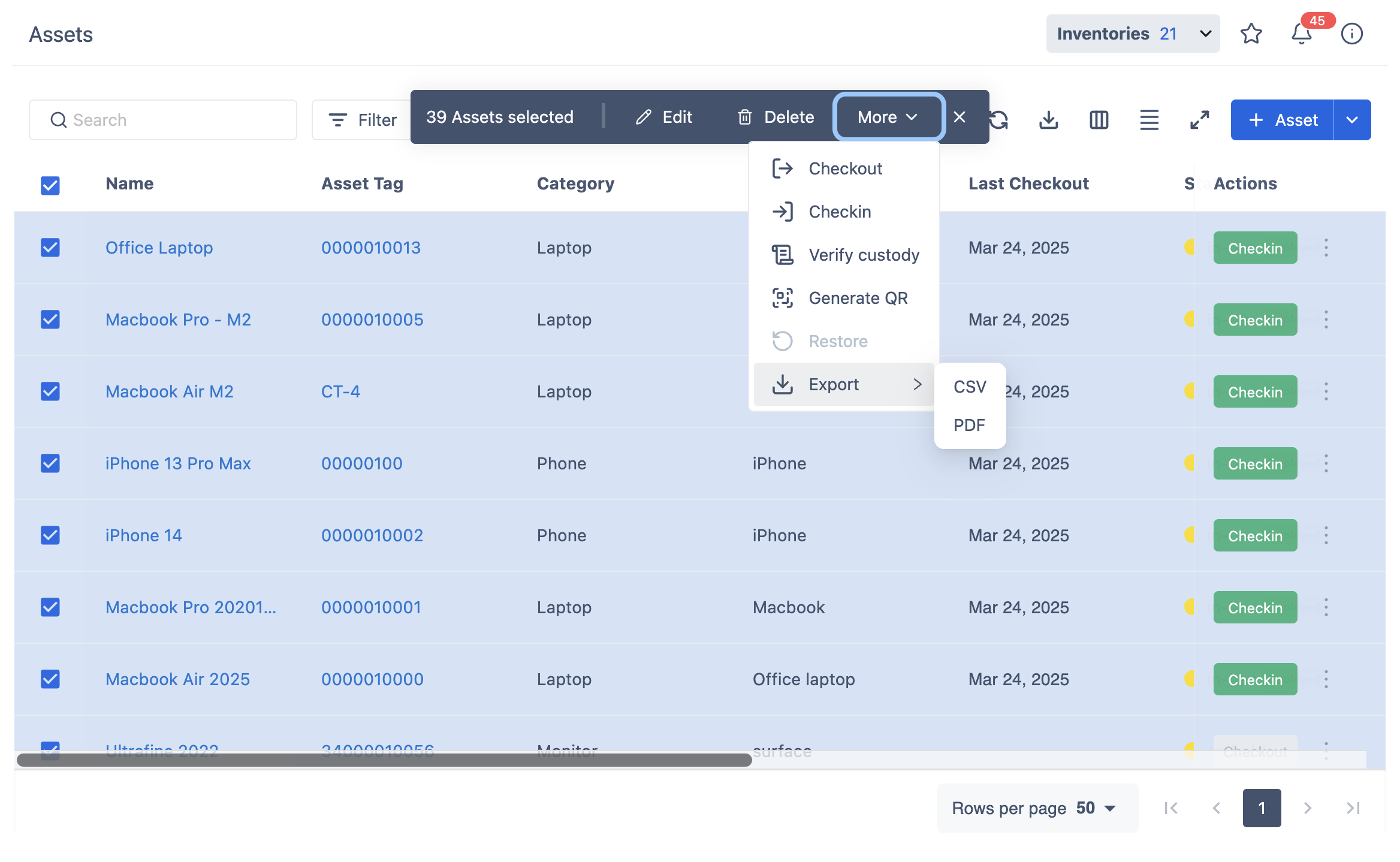
For further instructions on how to export assets in bulk, visit: Bulk Export Assets.