.png)
The Settings page in AssetIT allows you to configure and manage your assets and resources according to your needs.
Access the Settings page from Apps → AssetIT and find the Settings menu on the left sidebar
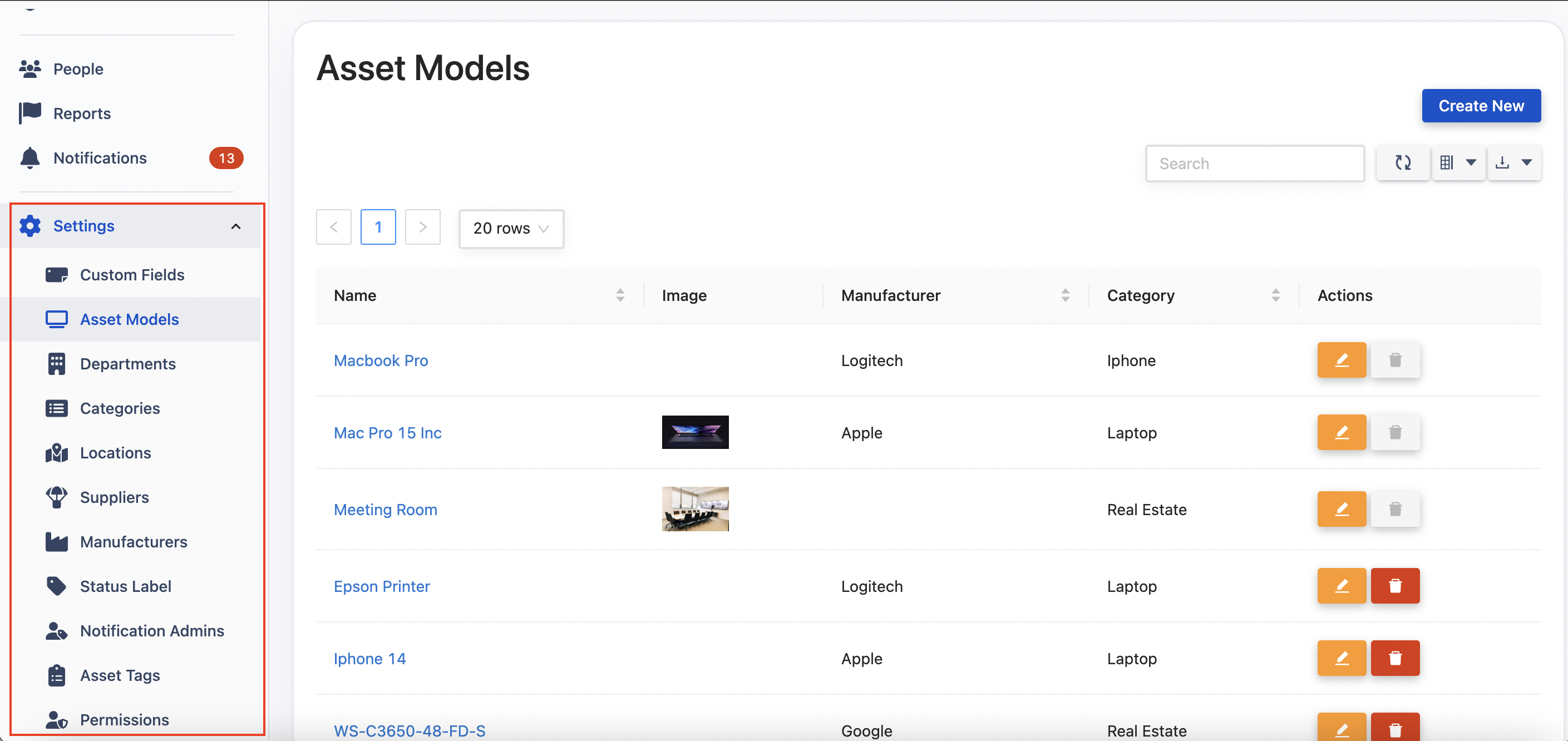
-
[Data Center] Custom Fields -
[Data Center] Asset Models -
[Data Center] Departments -
[Data Center] Depreciations -
[Data Center] Inventory Settings -
[Data Center] Categories -
[Data Center] Locations -
[Data Center] Suppliers -
[Data Center] Manufacturers -
[Data Center] Status Labels -
[Data Center] Asset Tags -
[Data Center] Notifications -
[Data Center] Preferences