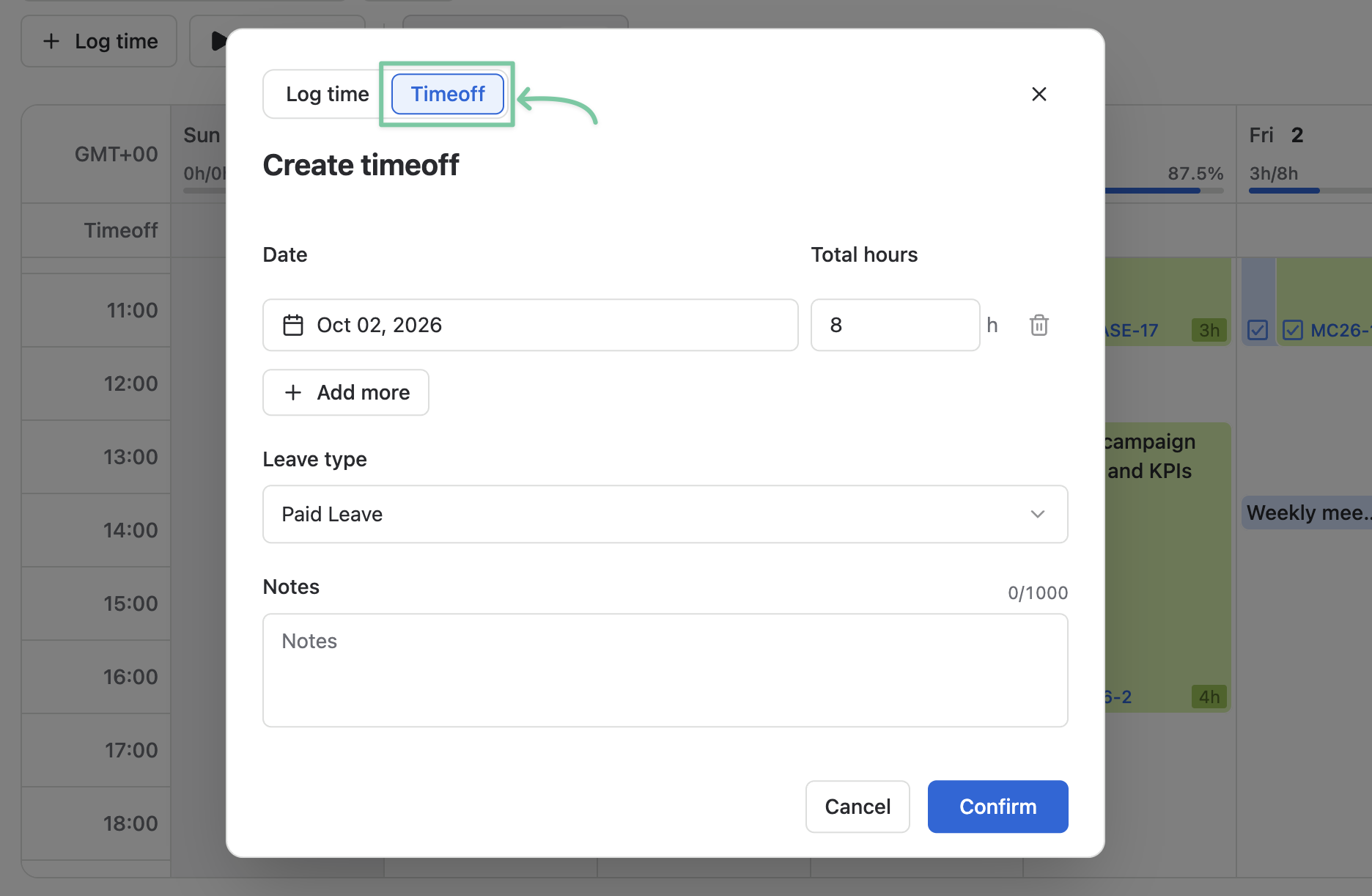
In PlanCore, you can plan and log time off directly. This allows your manager and team to stay informed and plan tasks more effectively.
-
Open Timelogs from the sidebar and click + Log time.
-
Choose the Timeoff tab.
-
Pick the date you want to take your time off and enter the total off hours.
-
If you want to log multiple time-offs, click Add more.
-
Pick a Leave type.
-
You can add some extra notes.
-
Click Confirm.