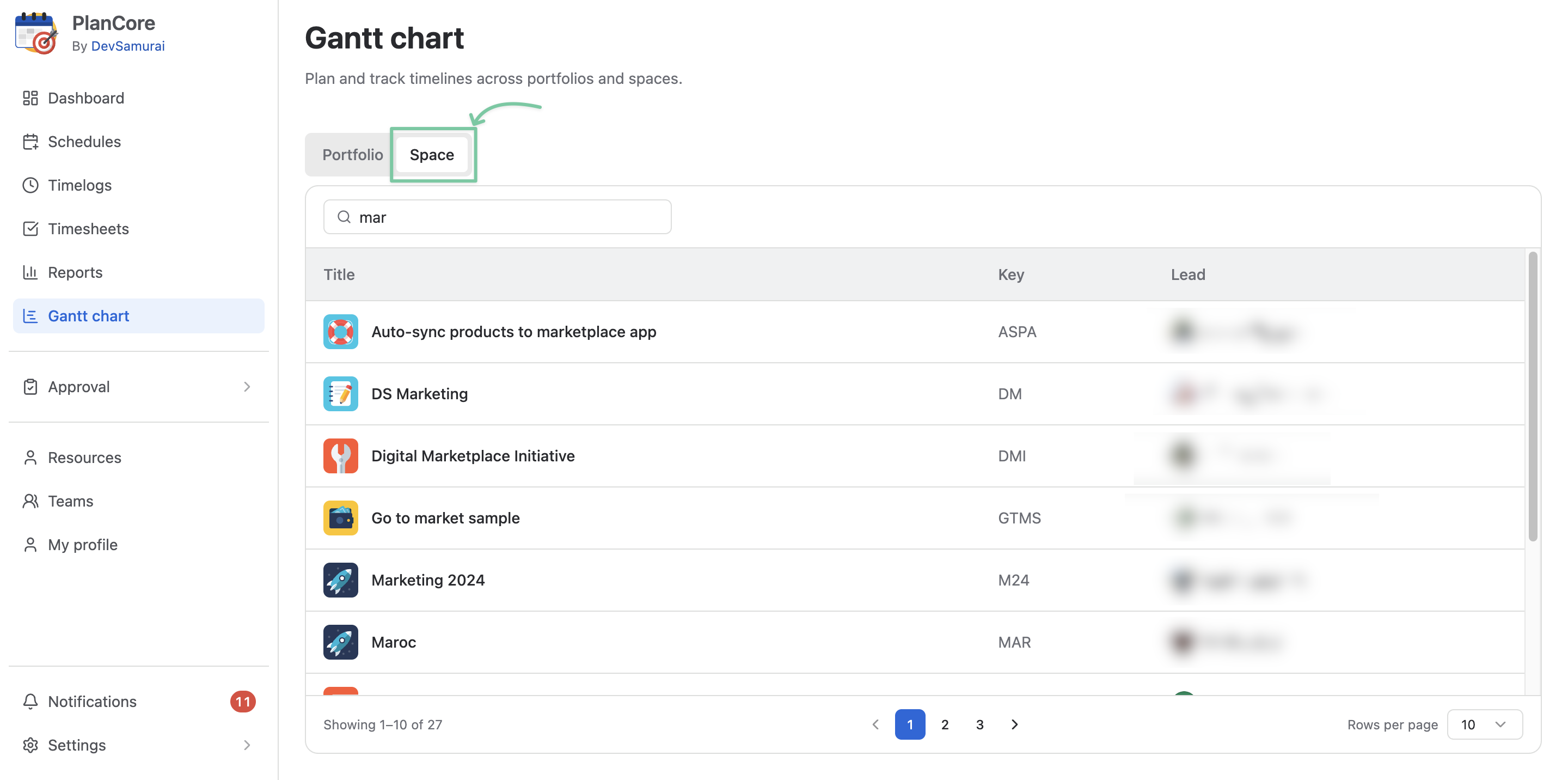
Use Gantt with multiple spaces
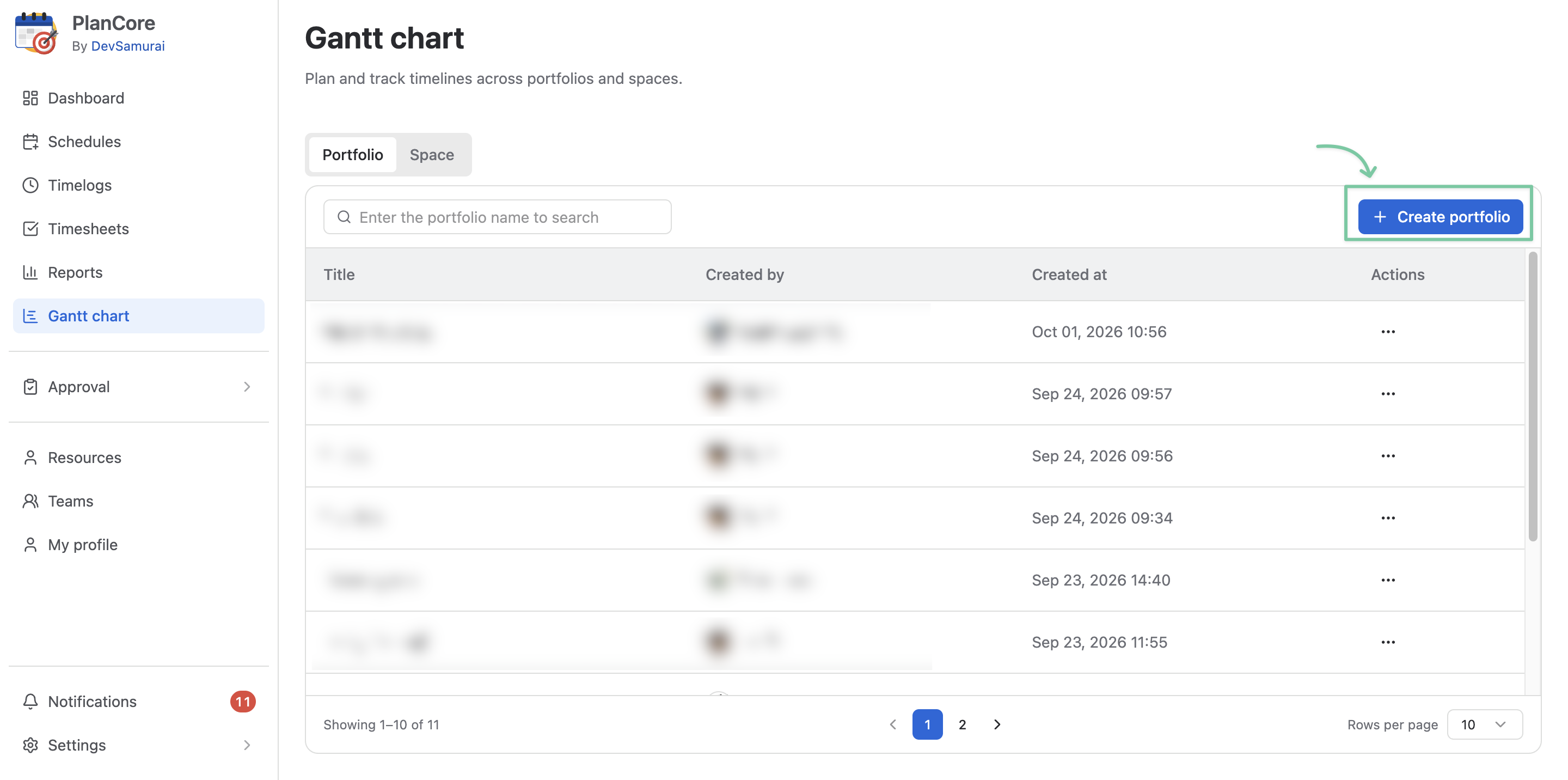
A portfolio board is a place that contains more than 1 Jira space, allowing for cross-project planning and task management.
Create a new portfolio
To create a portfolio board for multiple spaces, locate the + Create portfolio button.
In the Create portfolio dialog, fill in the Portfolio name and choose Jira spaces you want to include as work item sources.
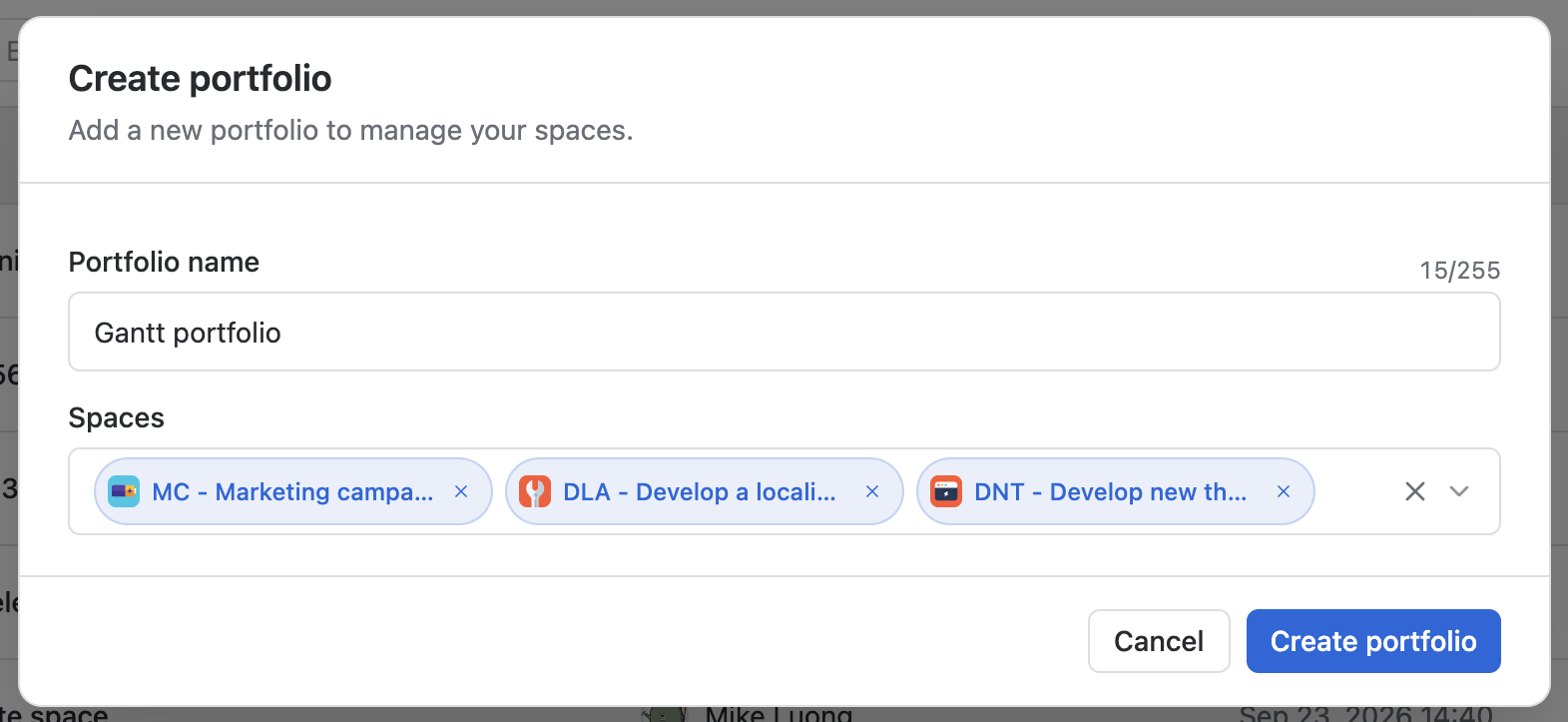
You can always add more or remove Jira spaces from the board in the Portfolio settings.
Use Gantt with individual space
You can use PlanCore’s Gantt feature for existing individual projects in your Jira instance without having to create a new portfolio board.
Switch to the Space tab and locate the Jira space you want to work on.