.png)
You must be a Jira Administrator or AgileBox Administrator to view and modify this setting.
This setting lets you customize the Fibonacci decks used in all Planning Poker games in AgileBox.
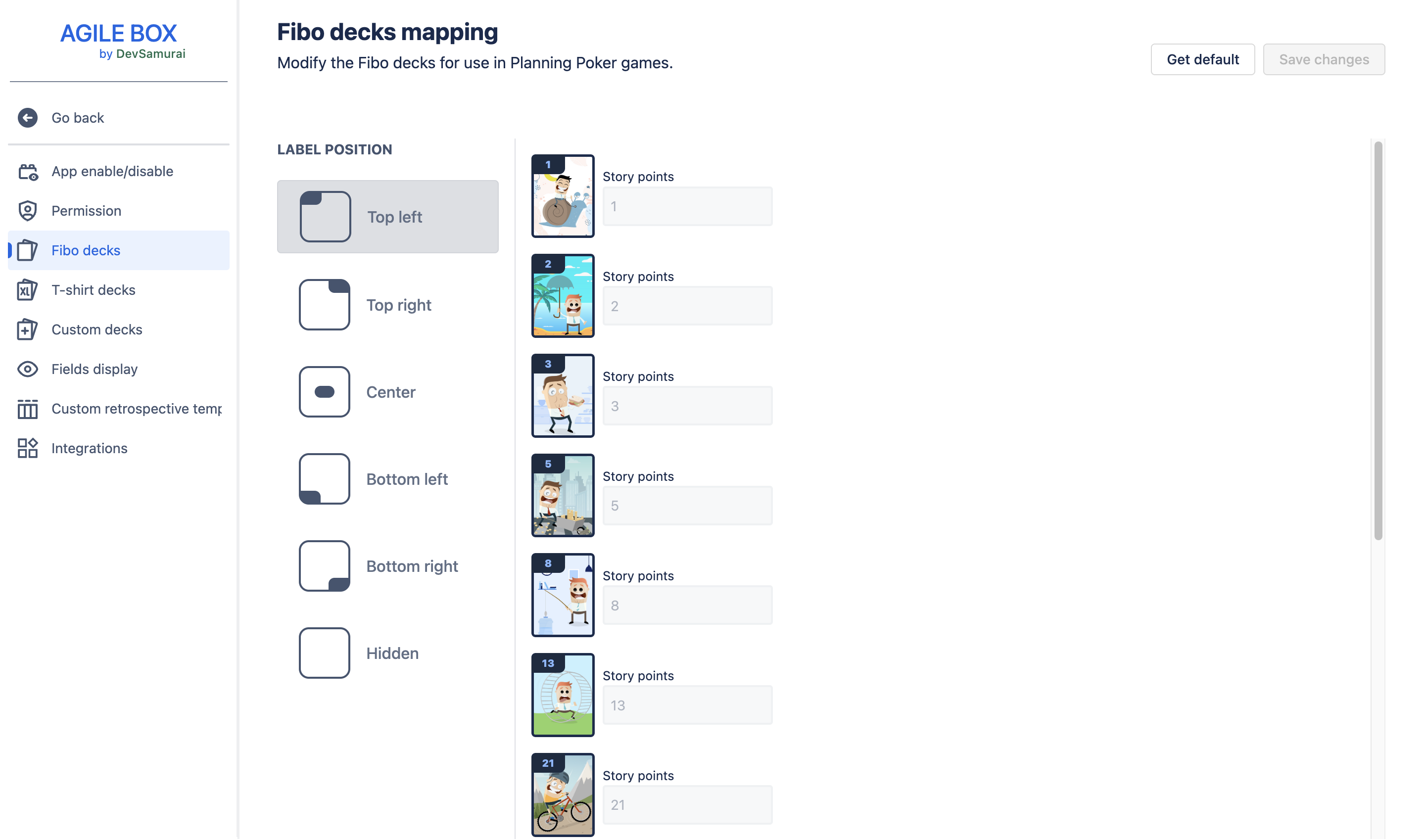
You can configure the following:
Label position
Choose where the label (story points or size) appears on each card:
-
Top left
-
Top right
-
Center
-
Bottom left
-
Bottom right
-
Hidden
Card images
Hover over a card and click the ellipsis (three dots) icon to customize its image. You have three options:
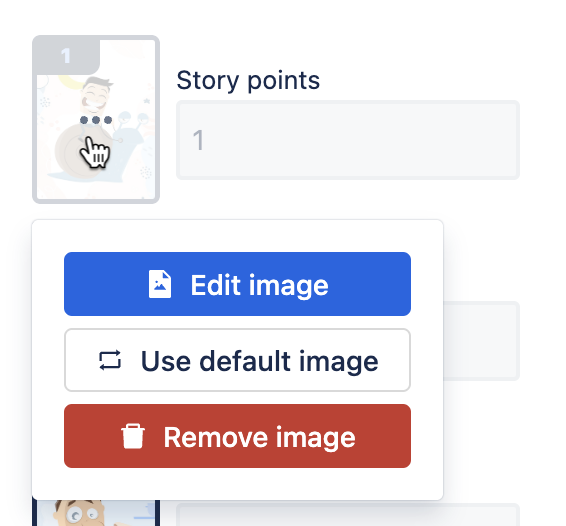
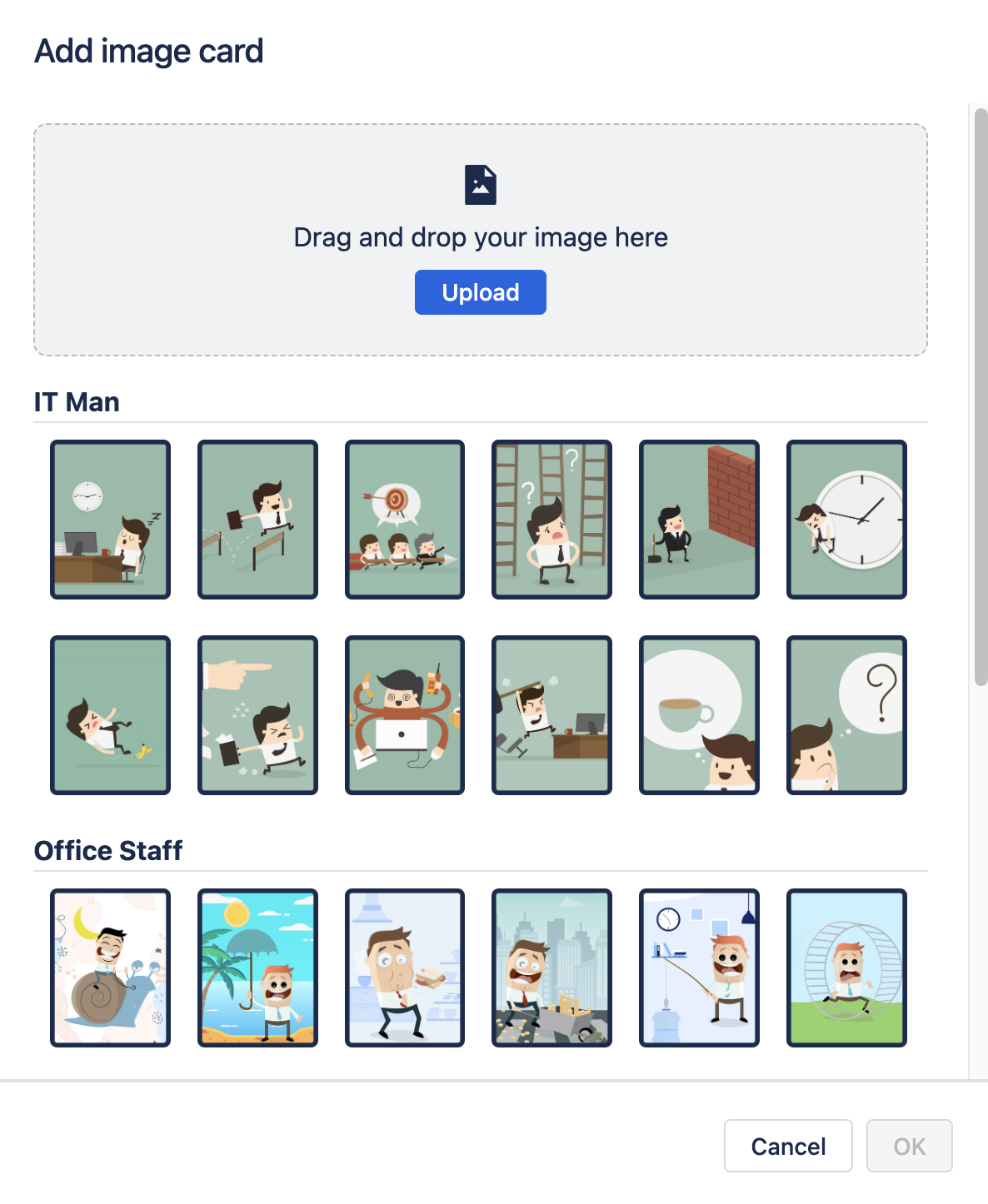
Edit image
Select an image from our templates or upload your own.
Use default image
Restore the card’s original image.
Remove image
Remove the card image, leaving a blank white card.
After making changes, click the Save changes button at the top right to apply your settings.
To revert all changes and restore the default deck, click the Get default button.