.png)
Only Jira admins, App admins, Project admins, and Board admins have permission to access Migration.
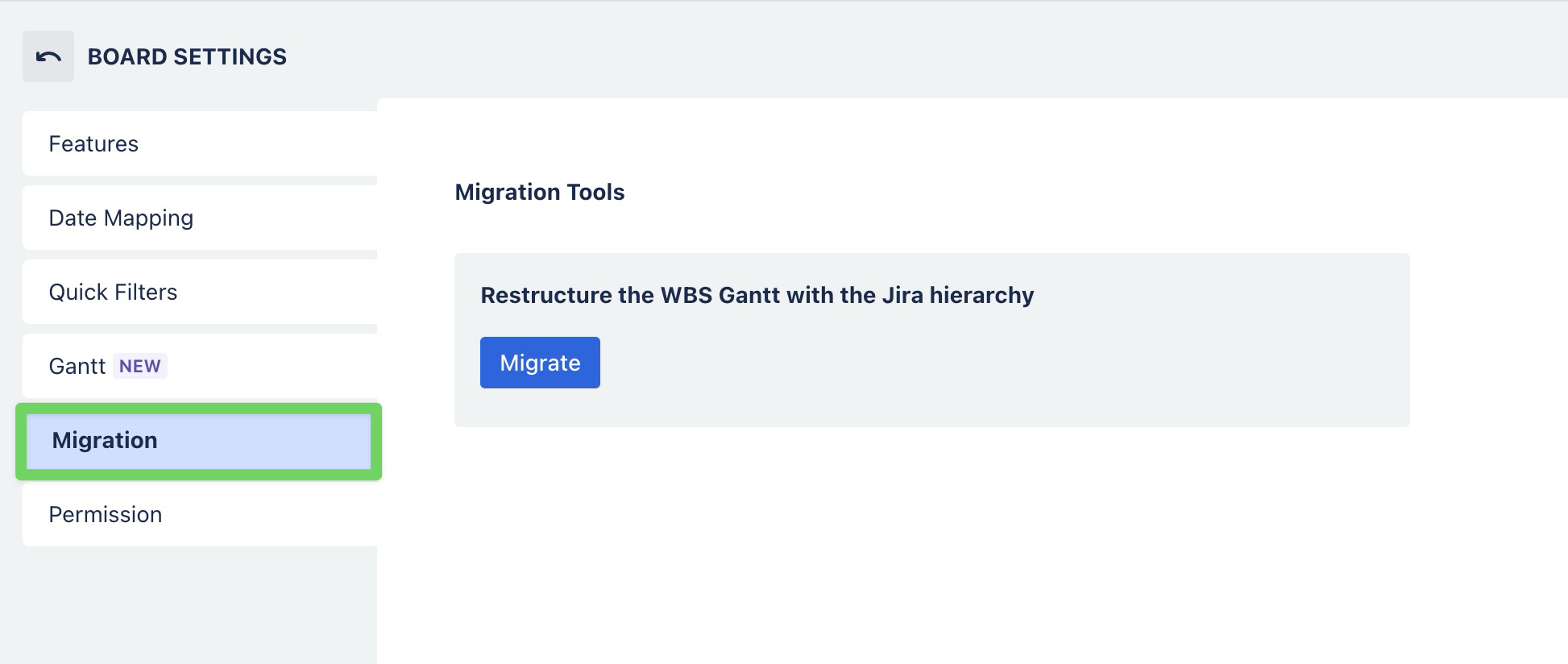
The Migration feature allows you to restructure an existing WBS so that it follows the hierarchy configured in Jira.
This is useful when you have already created a custom structure in WBS Gantt mode and want to realign it with the Jira hierarchy.
Migrating the WBS structure
-
Go to Board Settings.
-
Select the Migration tab.
-
Under Restructure the WBS Gantt with the Jira hierarchy, click Migrate.
-
Confirm the migration when prompted.
After the migration is complete, the WBS structure is reorganized to match the Jira hierarchy. Any custom WBS arrangement is replaced by the hierarchy defined in Jira.