.png)
Board admin settings let you customize how your story map board works and what features are available to users.
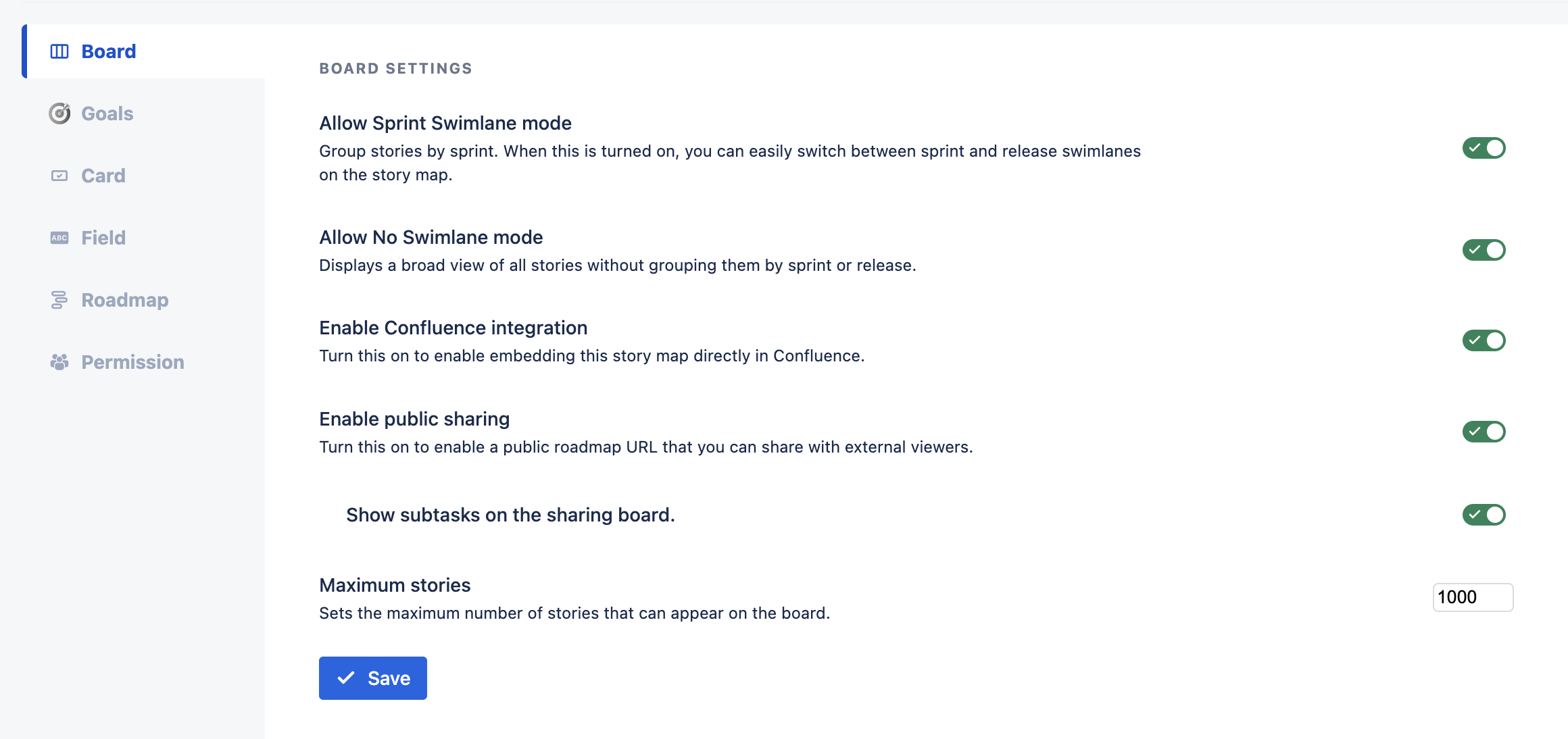
Available Options:
-
Allow Sprint Swimlane mode
Enable this option to let users switch the swimlane mode to Sprint in User Settings. This adds Sprint swimlanes alongside the default Release mode. -
Allow No Swimlane mode
Turn on this setting to allow users to select No Swimlane mode in User Settings, giving more flexibility in how stories are grouped. -
Enable Confluence integration
Activate this option to allow your story map to be embedded in Confluence pages using the ProductGo macro.
See more: User story map for Confluence. -
Enable public sharing
Enable this to allow sharing your story map via a public link. Both Jira and non-Jira users can view the map when this is active. You also have an additional option to show/hide subtasks on the sharing board. -
Maximum stories
Set a limit for the maximum number of stories that can be added to the board by entering a value in the Maximum stories field.
These settings help you tailor the story map experience to your team’s workflow, making it easier to manage visibility, collaboration, and board structure.