.png)
AssetIT Reports lets you create customized reports for your resources, including assets, accessories, licenses, consumables, components, and their associated history or activity logs.
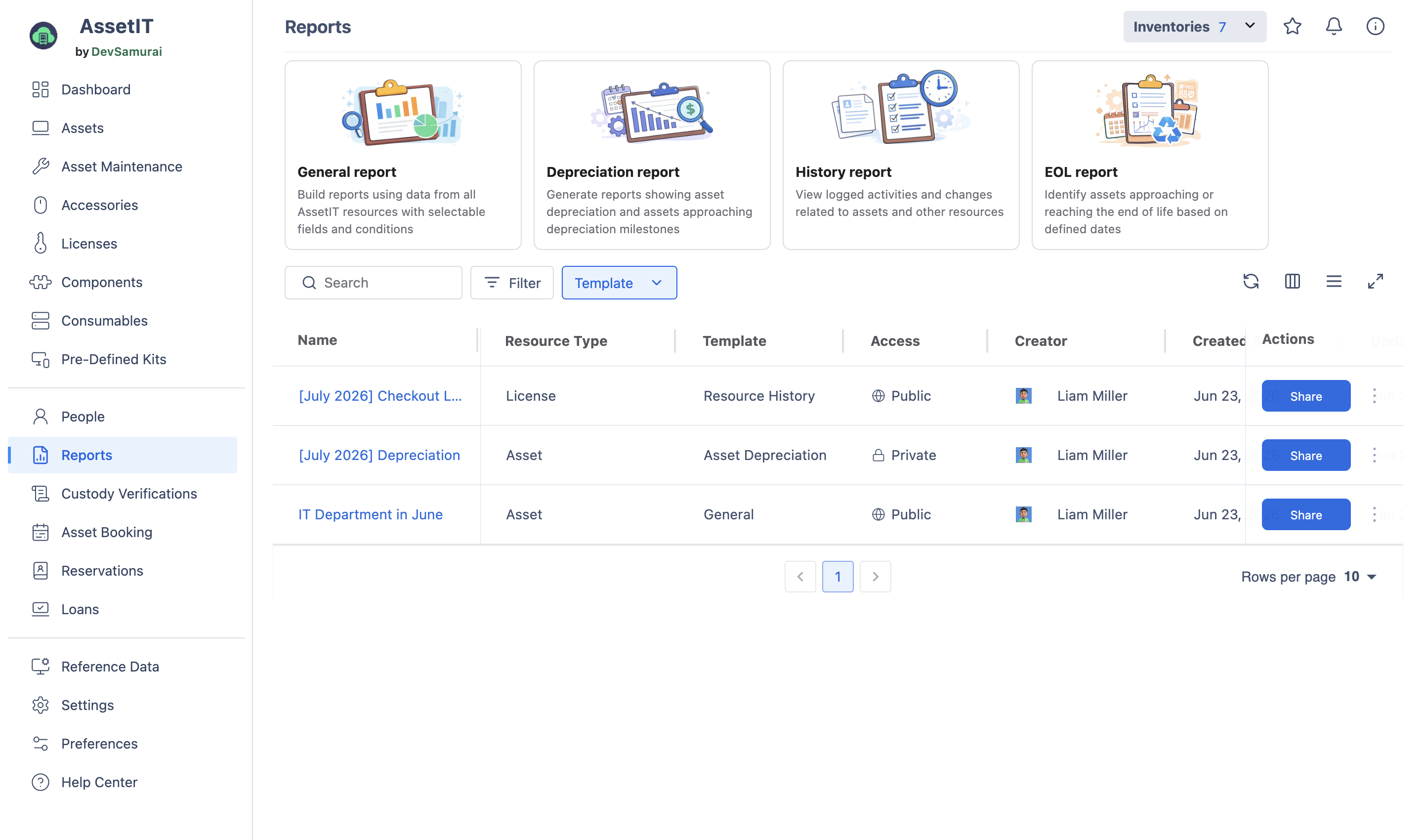
Reports provide a consolidated view of your current asset status using predefined templates. There are four types of reports:
-
General report: Build reports using data from all AssetIT resources with selectable fields and conditions
-
Depreciation report: Generate reports showing asset depreciation and assets approaching depreciation milestones
-
History report: View logged activities and changes related to assets and other resources
-
EOL report: Identify assets approaching or reaching the end of life based on defined dates
To access Reports in AssetIT, you can navigate to the Report section on the left-hand side menu bar.
Create reports
To create a report from the Reports screen, choose a template, hover over the report type, and click New Report.
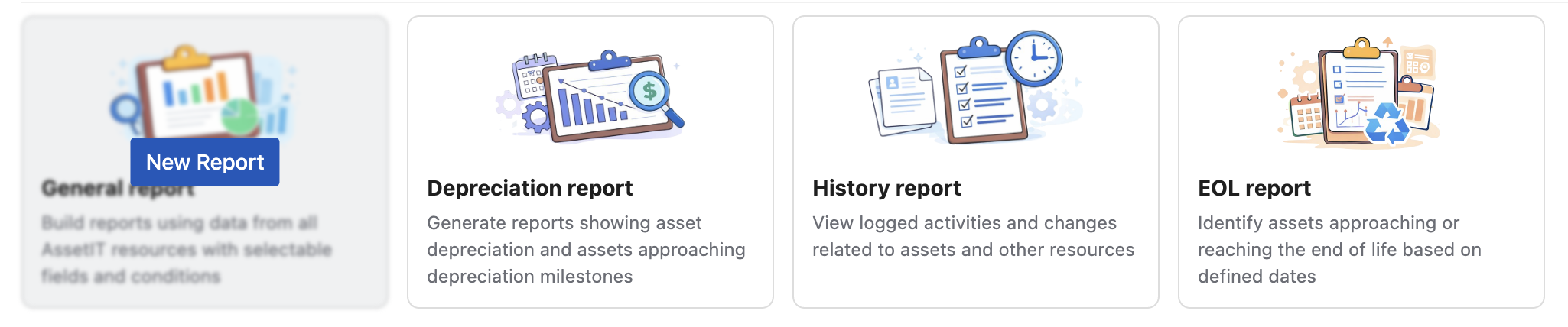
Open each report type to view detailed setup steps.
Manage reports
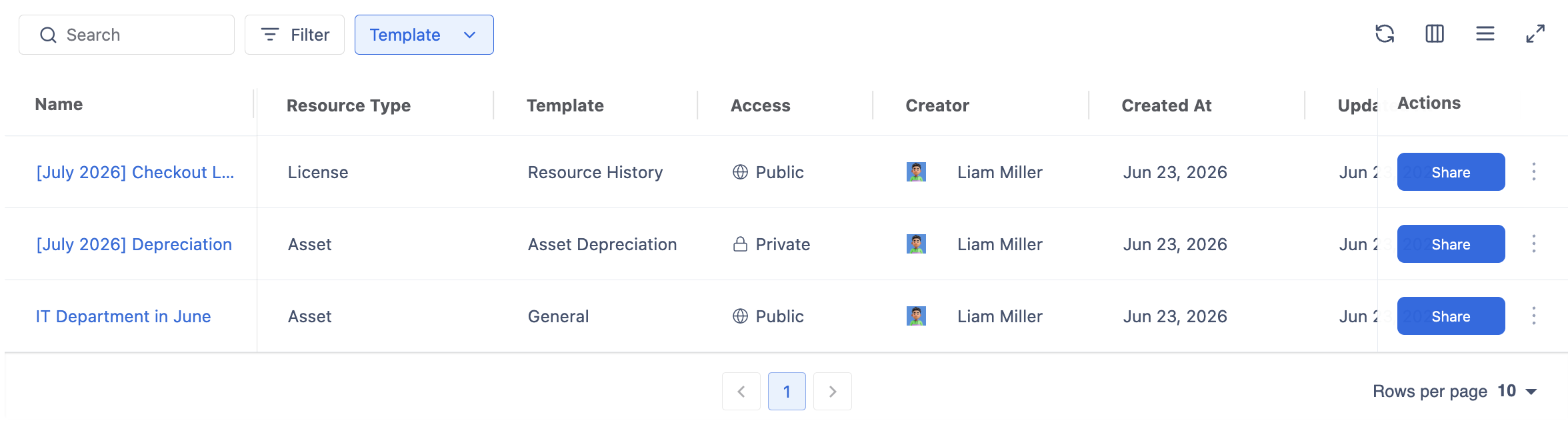
All saved reports are displayed in the report table, which includes the following key information:
|
Column |
Details |
|---|---|
|
Name |
The report name. |
|
Resource type |
The resource type used in the report. |
|
Template |
One of the four available report types. |
|
Access |
The report's access permissions. |
|
Creator |
The user who created the report. |
|
Created at |
The date the report was created. |
|
Updated at |
The date the report was last updated. |
|
Actions |
|
Use Filter and Search to quickly find reports in the table.