.png)
To export your Kanban board, click the export (⋯) icon in the top right corner of the board. You can then choose from the following export options:
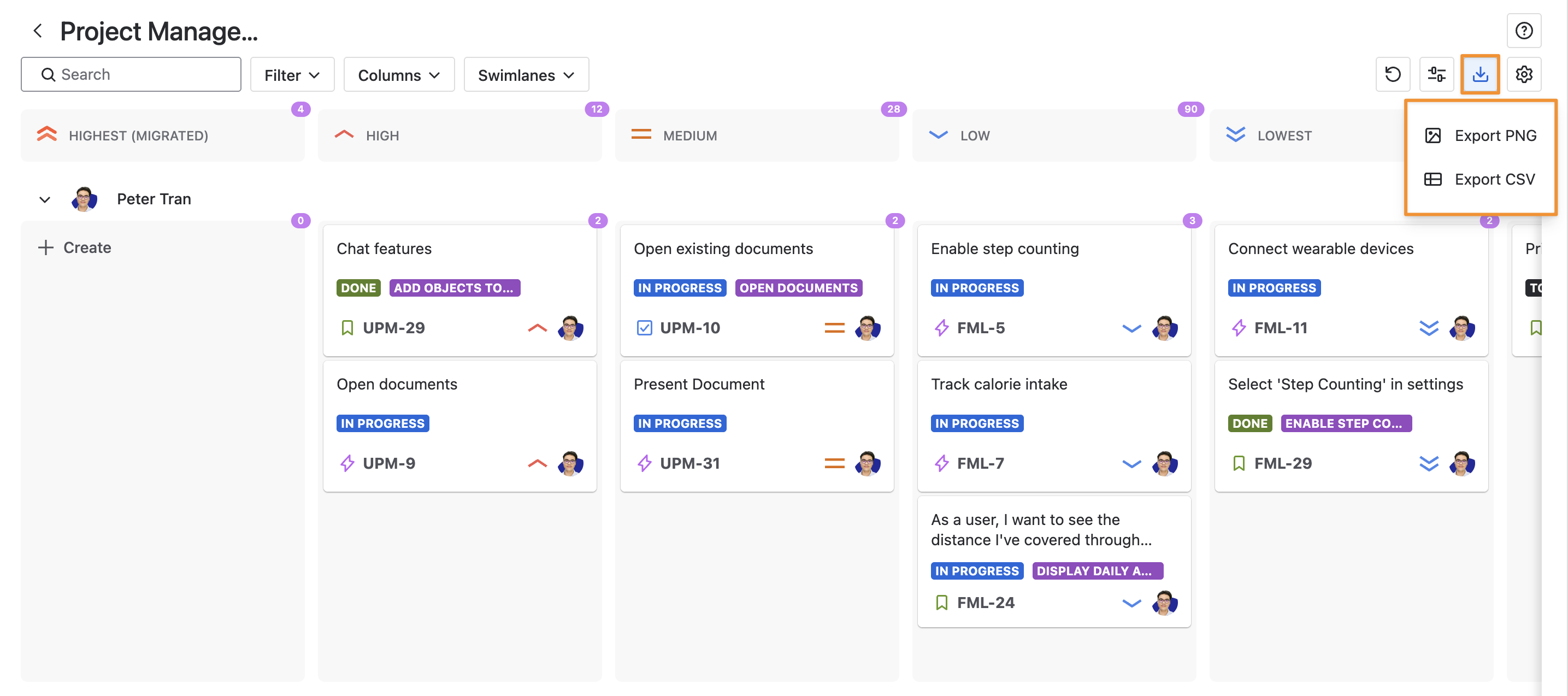
Export PNG
Download your board as an image file (PNG) capturing the current view, including all columns and swimlanes.
Export CSV
Download your board’s data in CSV format, organized with columns and swimlanes as they appear in the current view.
These options make it easy to share your board as a visual snapshot or work with your data in a spreadsheet.