.png)
To export your Story Map, click the Export button next to the Issues button.
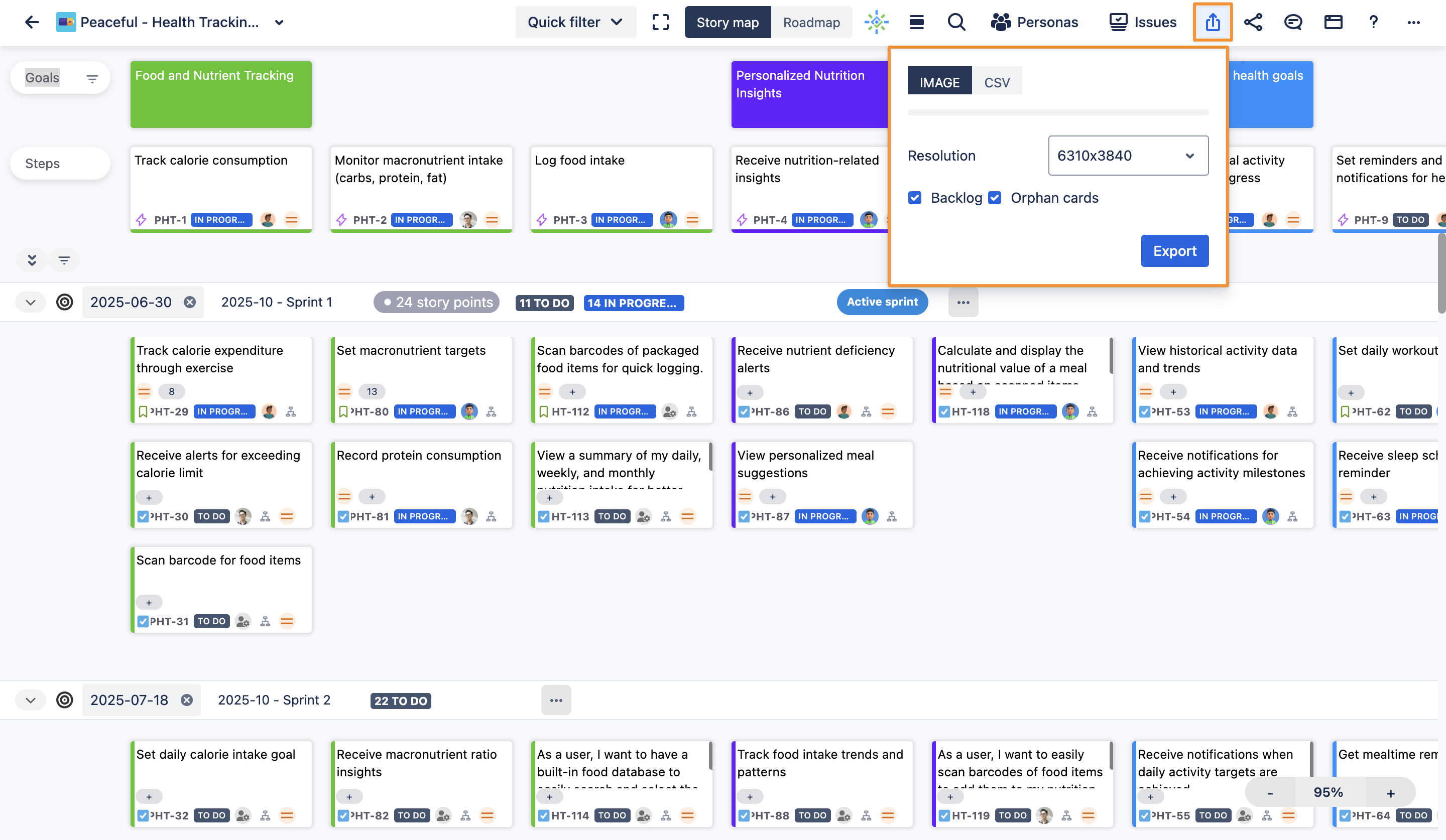
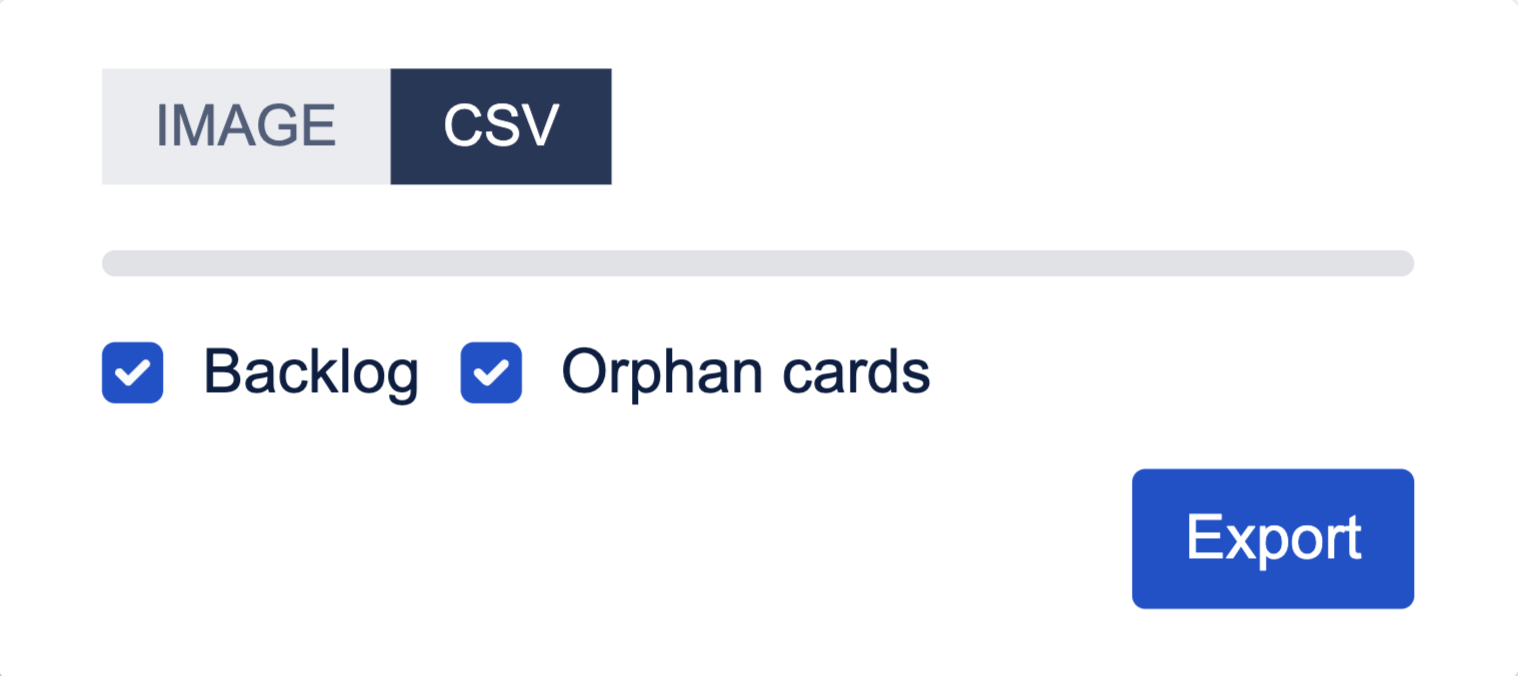
You can choose between two export formats: Image or CSV. Use the Image and CSV buttons to switch between options.
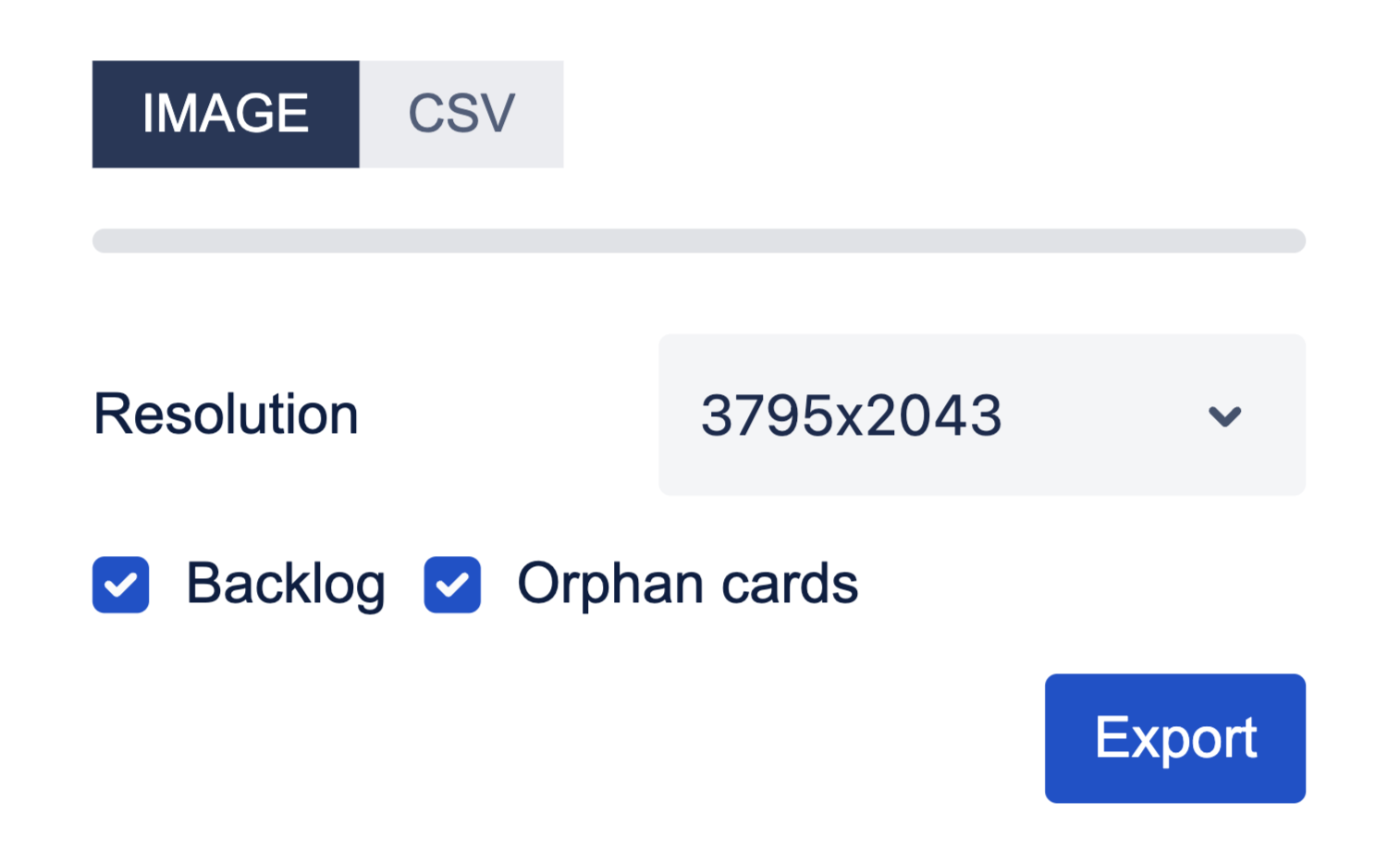
For image exports, select your preferred resolution from the dropdown menu. You can also choose to include backlog and orphan cards in your export.
This makes it easy to share your Story Map as a visual snapshot or work with your data in a spreadsheet.