.png)
Categories allow users to classify and organize assets, accessories, licenses, components, and consumables into distinct categories.
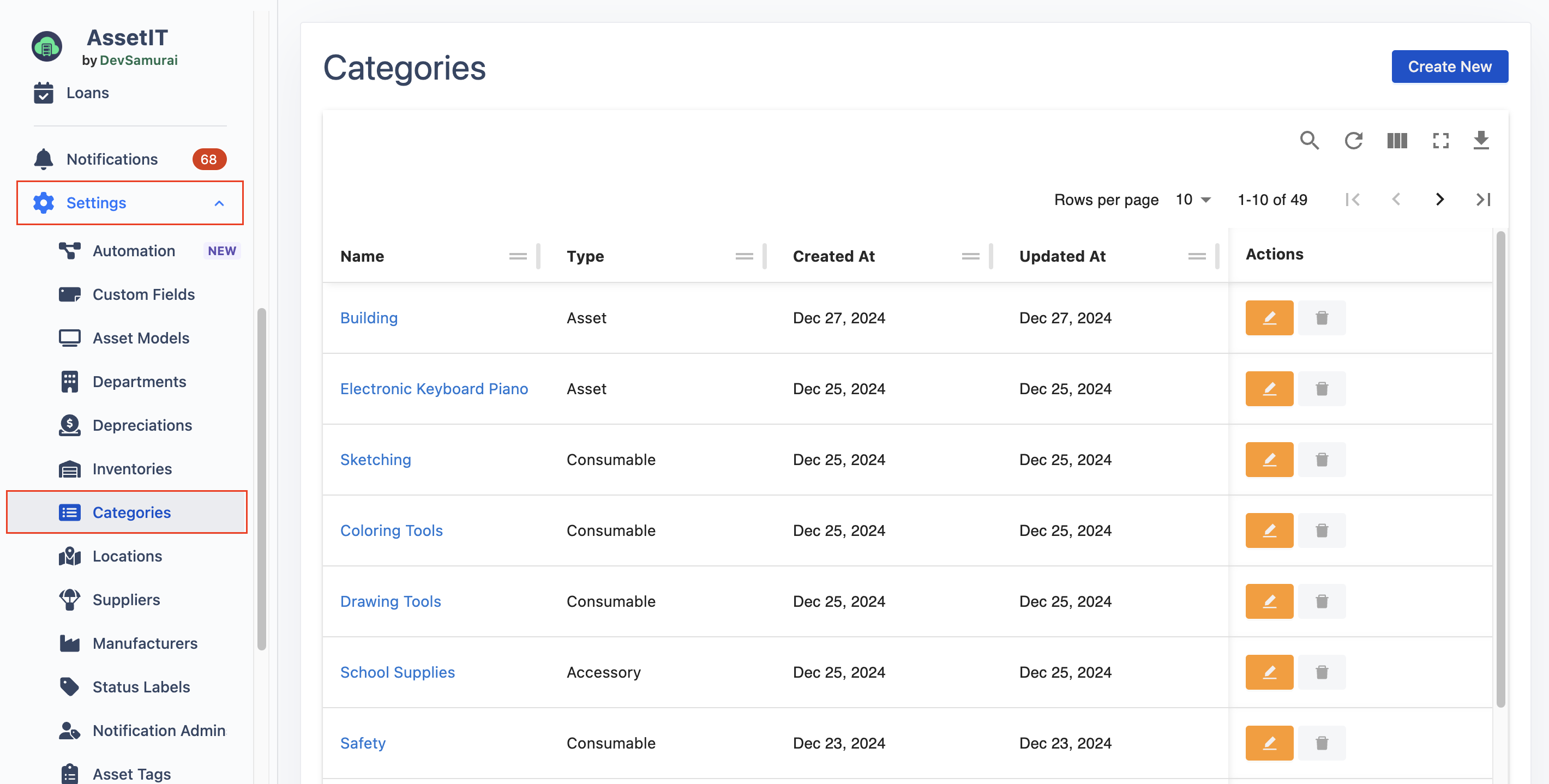
Create a category
-
Click on

-
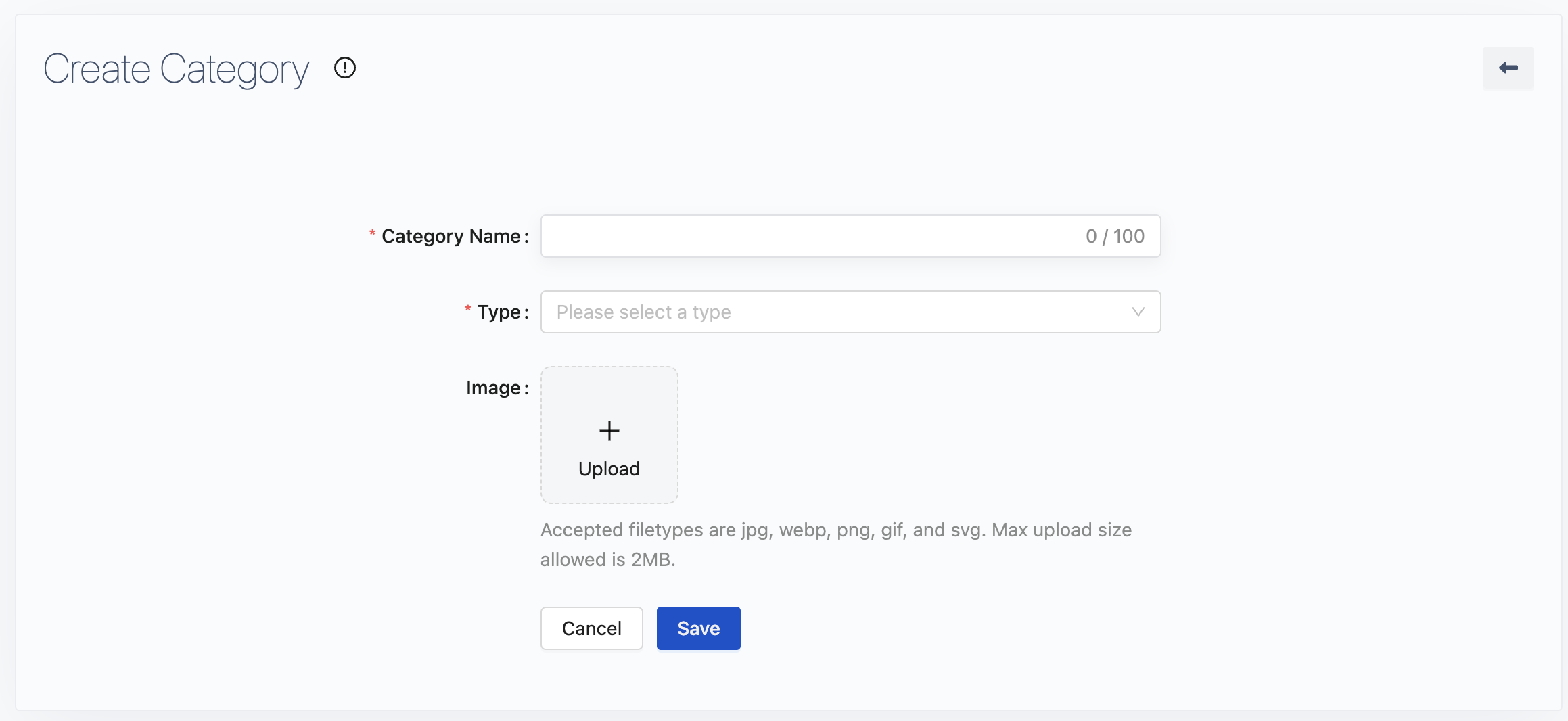
Fill in the category name.
-
Choose a resource type for the category: Asset, Accessory, License, Component, or Consumable.
-
Click

Edit/Delete Categories
-
Click on


Export Categories
-
Categories can be exported for record-keeping or data migration purposes.
-
Click on
