.png)
Suppliers in AssetIT allow organizations to manage and track supplier information effectively. This feature is essential for maintaining accurate records of asset procurement and supplier relationships.
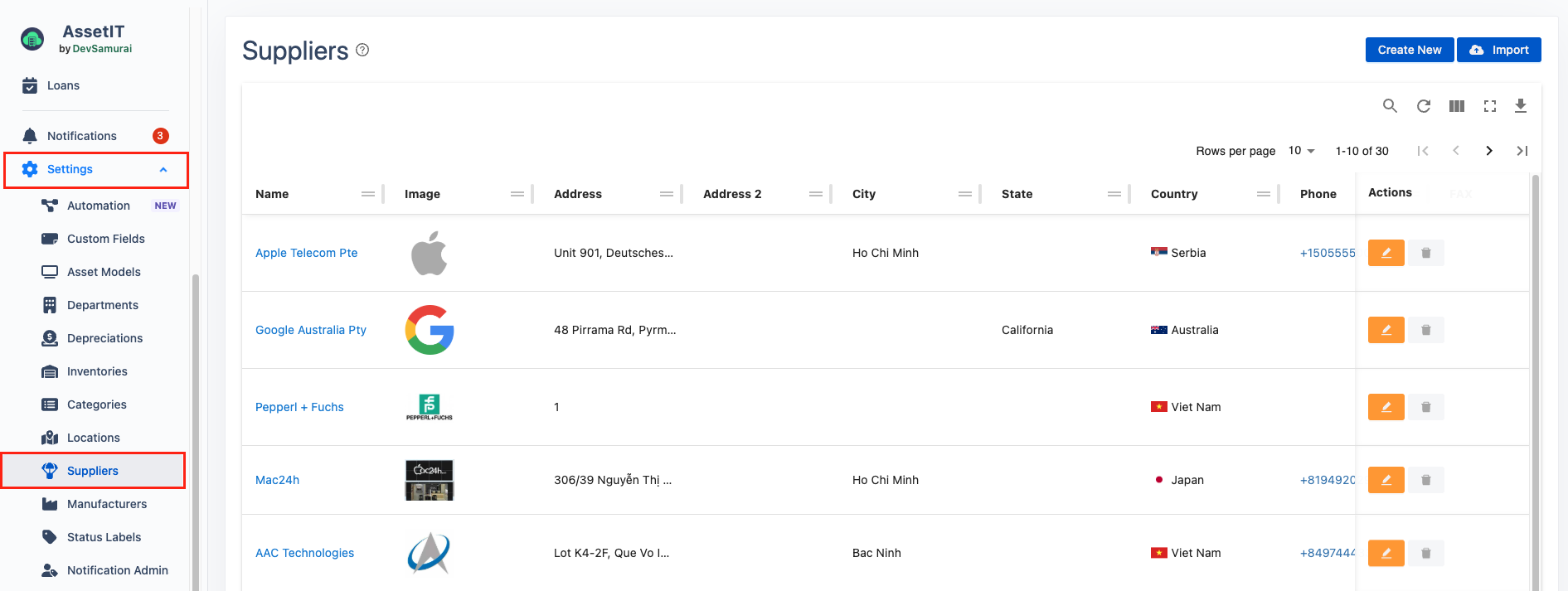
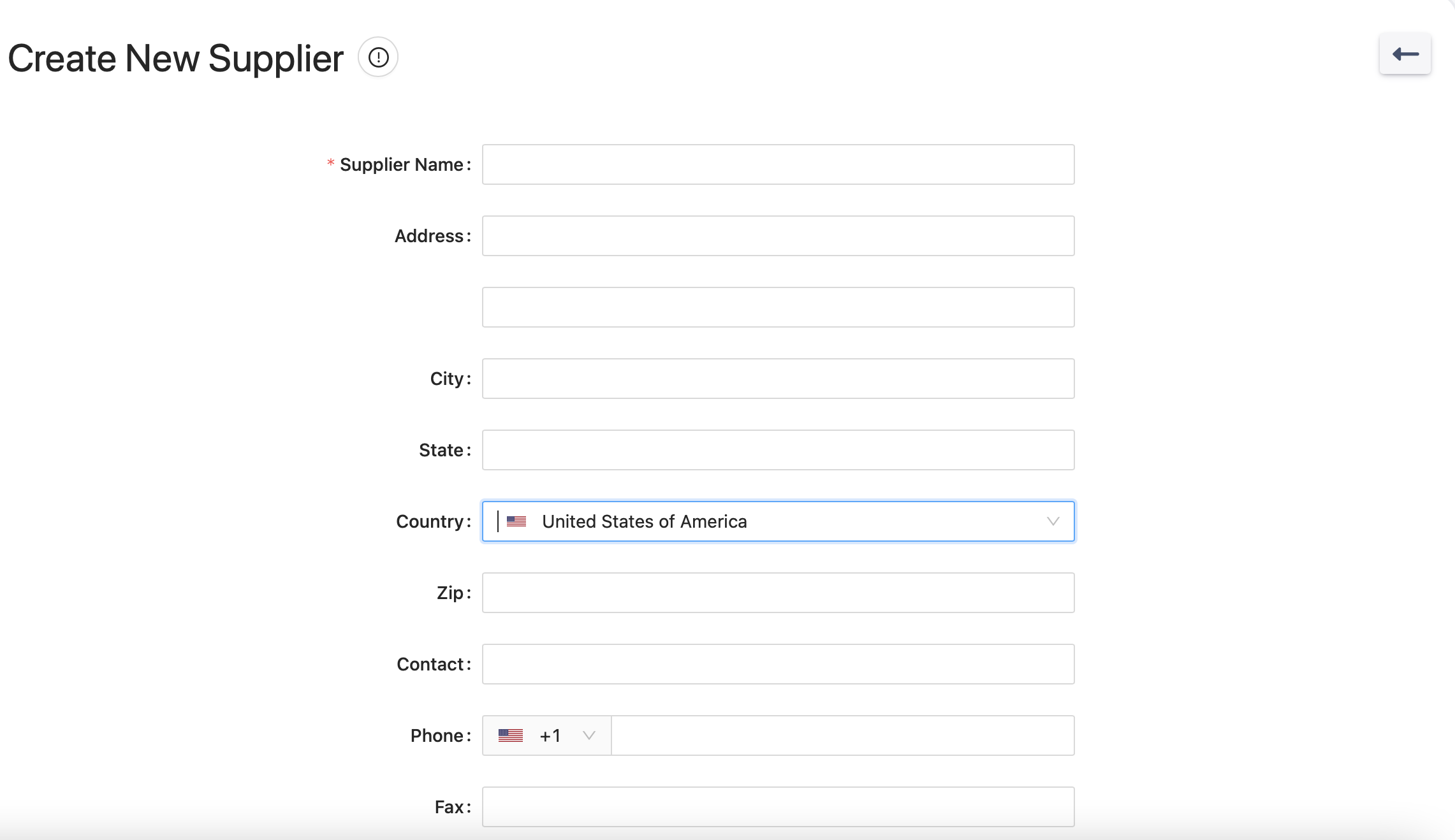
Create a new Supplier
There are two ways to create suppliers:
-
One-by-One: Click on

-
Import Multiple: Click on

Edit/Delete Suppliers
-
Click on


Export Suppliers
-
Suppliers can be exported for record-keeping or data migration purposes.
-
Click on
