.png)
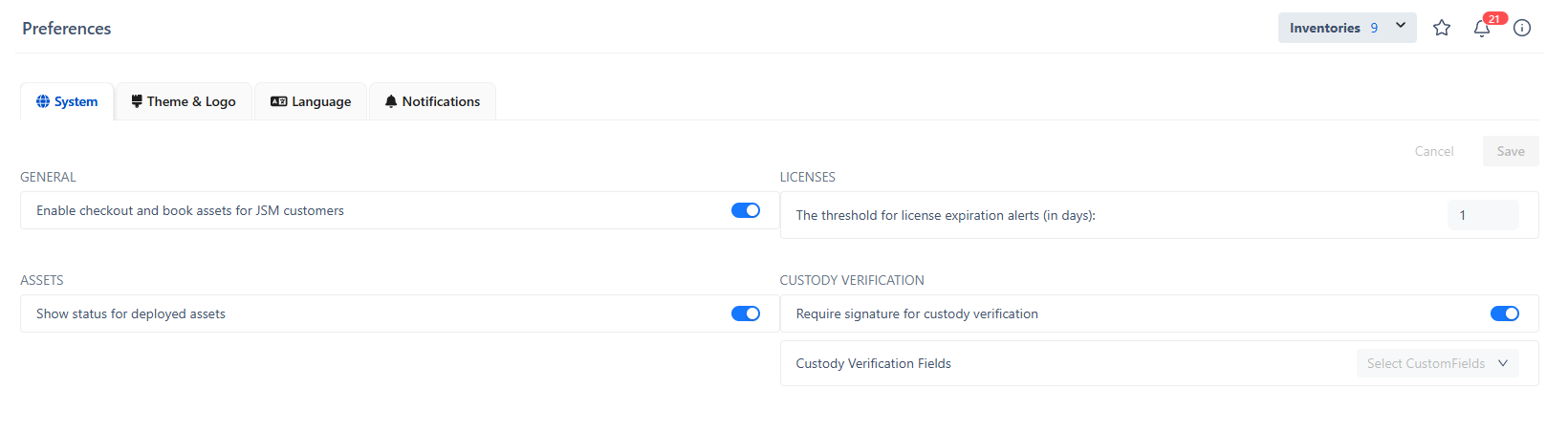
Preferences is the setting in which you can adjust System Settings, Themes & Logo, Languages, Notifications, and API Integration.
System Settings
General

Enable checkout and book assets for customers: to allow checking out or making a reservation for customers.
Assets
-
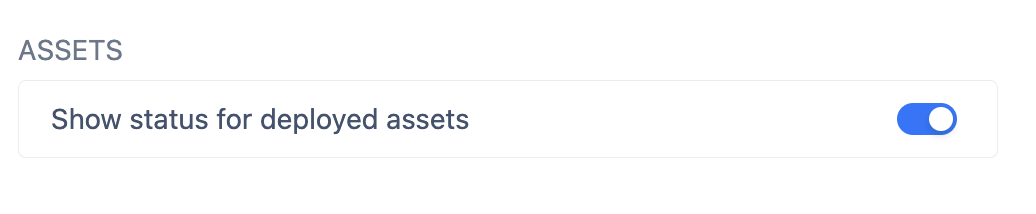
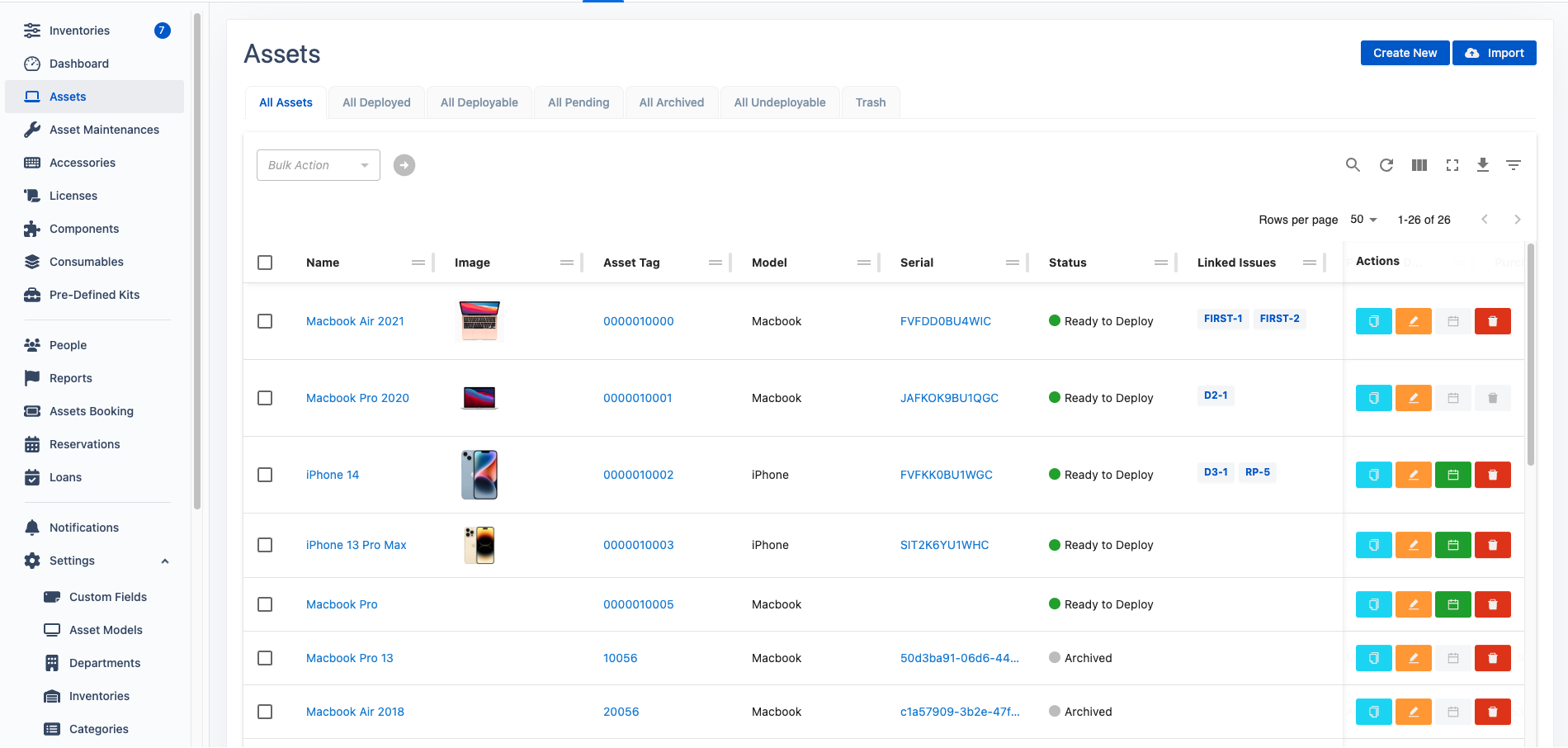
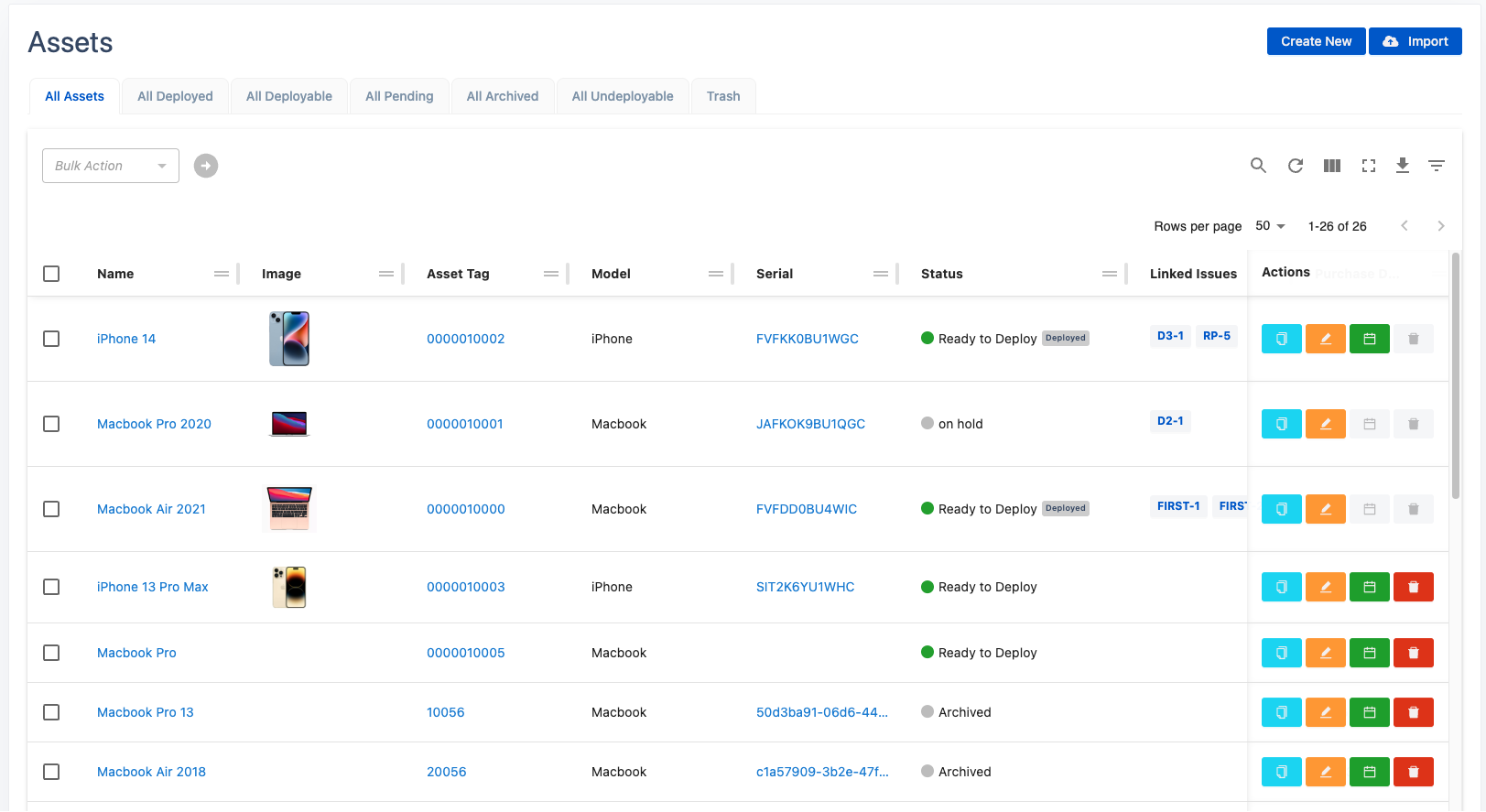
Show status for deployed assets: To enable/disable the deployed status display in the asset list.
Pre-defined Kits
-
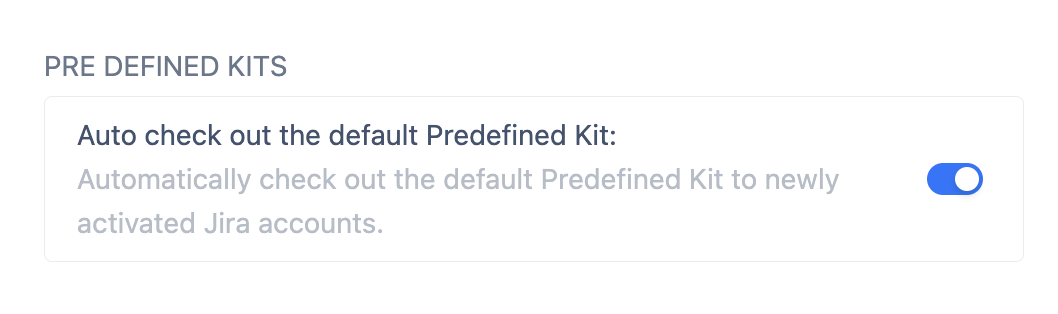
Auto check out the default Pre-Defined Kit: To allow automatically checking out the Default Predefined Kit to newly activated Jira accounts.
Licenses
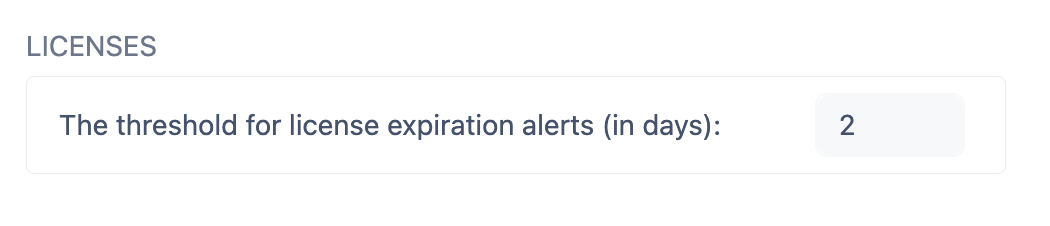
The threshold for license expiration alerts (in days): The number of days before a license expires that the system will start sending notifications. For example, if you set the threshold to 30 days, the system will begin alerting you 30 days before any license is due to expire.
Custody Verification
-
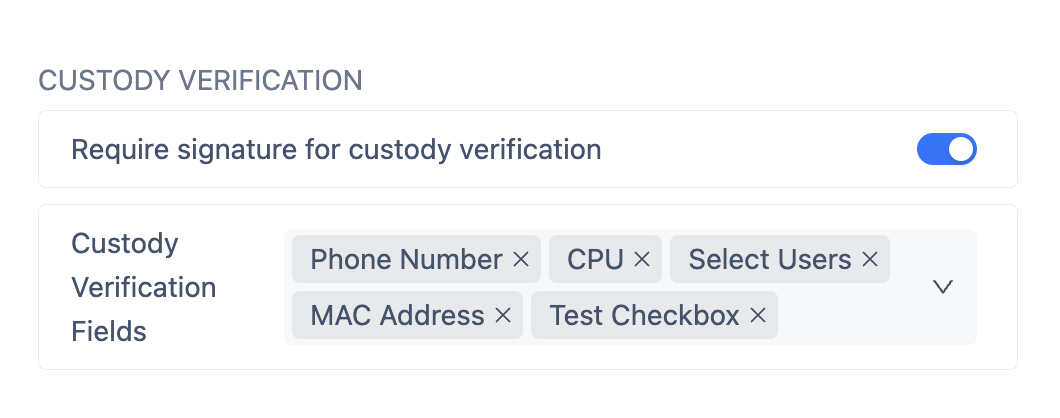
Require signature for custody verification: Turn on the toggle if you want users to add their signatures to the custody verification request.
-
Custody Verification Fields: Choose which device attributes/custom fields to display in the custody verification requests.
Currency
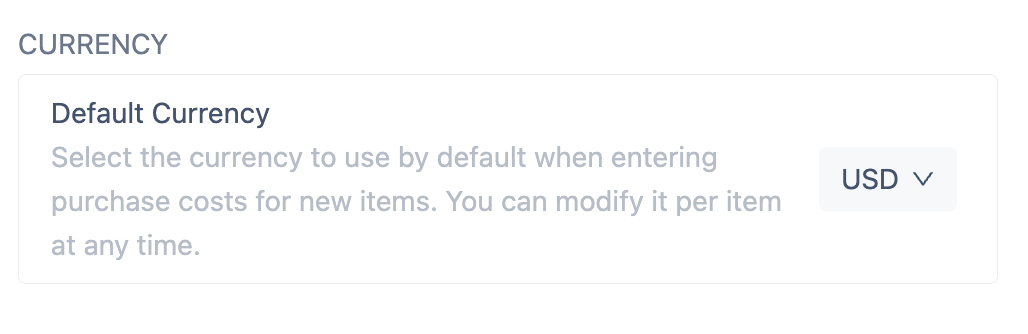
The Default Currency Setting feature allows you to choose and customize a preferred currency for all your financial tracking. Once set, this currency will serve as your standard for displaying costs, making it easier to monitor expenses consistently without switching between currencies.
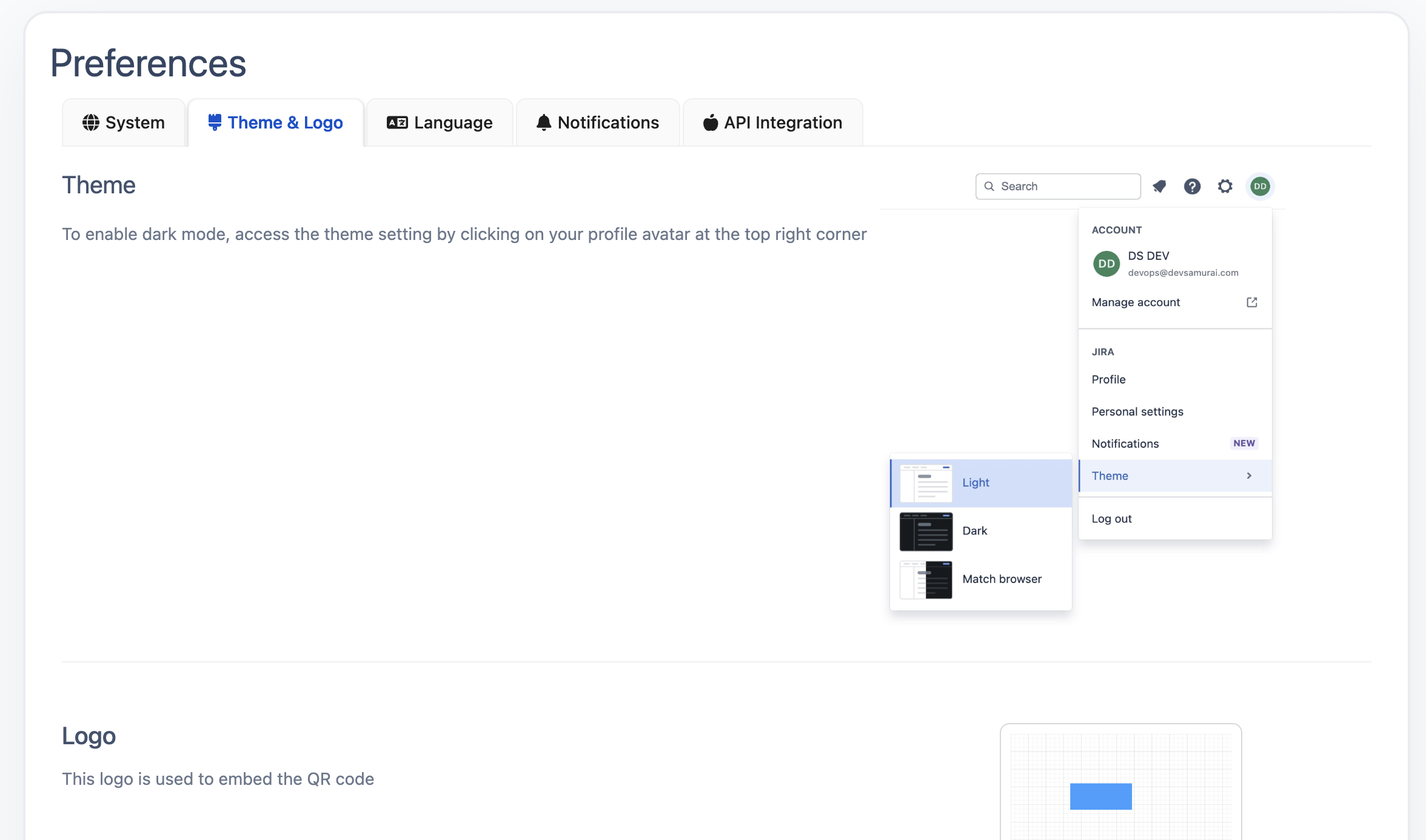
Theme and Logo
Notifications
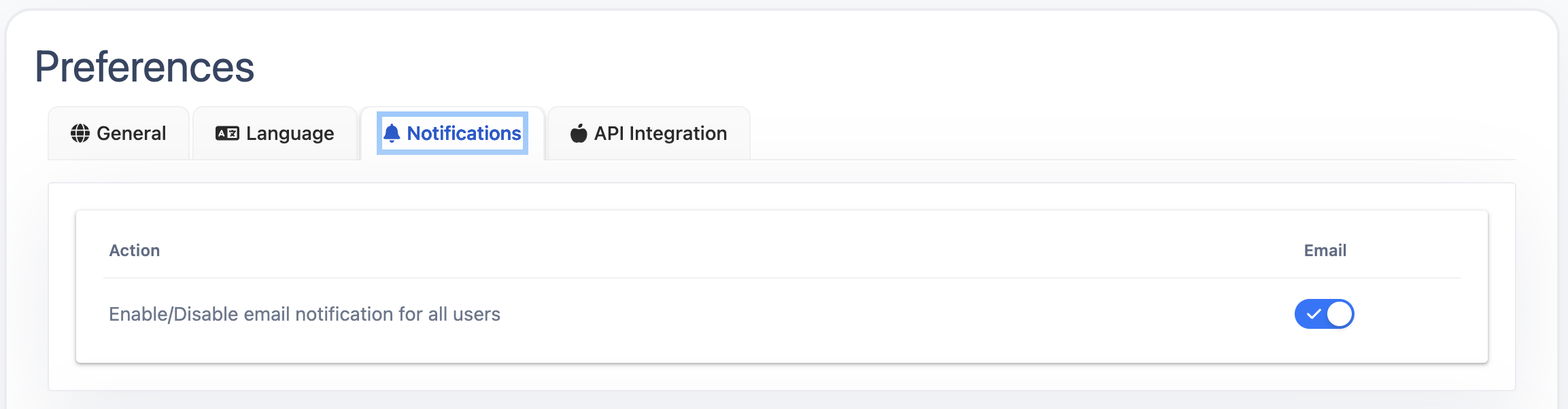
Enable/Disable email notification for all users
Administrators (including Permission Admins, jira-administrators, and site-admins) will be able to access notification enablers, in which All Users will be allowed to turn on/turn off the email notifications at their disposal.
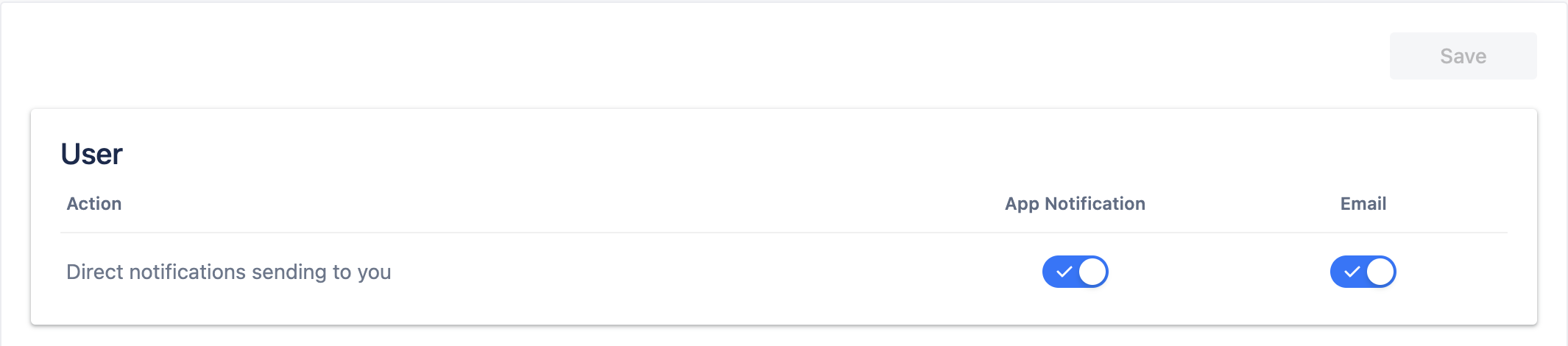
Direct Notifications
In this section, either users or admins will be able to enable/disable their direct App notifications or Email Notifications.
Admin Notifications
Notification Admins will be able to enable/disable their App Notification or Email Notification.

API Integration
Please refer to the API Integration Guide.