.png)
AssetIT Notifications keep you informed with timely and relevant updates regarding changes to asset assignments, minimum quantities, asset bookings, license expirations, and more.
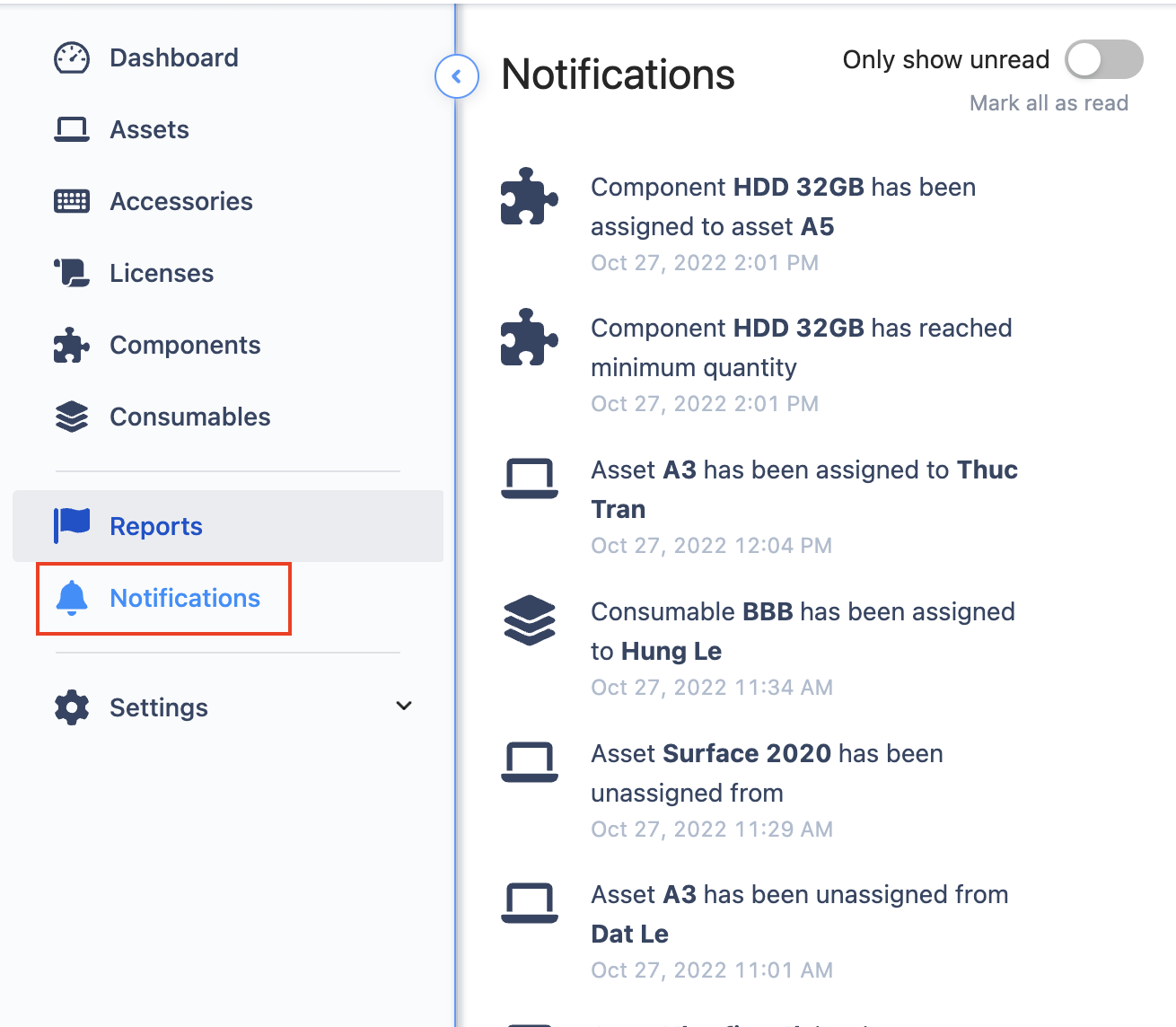
Enabling/Disabling In-App Notifications
To manage in-app notifications:
-
Navigate to Settings > Preferences.
-
Select the Notifications tab.
-
Toggle notifications on or off as desired.
Types of Notifications
Notifications vary based on roles and permissions. You may receive notifications for the following events:
-
Asset, Accessory, License, Consumable, or Component Activity:
-
Checked out/assigned to a user.
-
Checked in/unassigned from a user.
-
-
Stock Levels:
-
An accessory, license, consumable, or component has reached its minimum quantity.
-
-
License Expiration:
-
A license has reached its predefined expiration threshold.
-
-
Asset Bookings:
-
Booking has been approved or declined.
-
Booking is overdue for approval.
-
-
Custody Verification:
-
A custody verification request has been initiated.
-