.png)
Manufacturers allow organizations to manage and track manufacturer information for assets, licenses, components, and consumables. It helps maintain a centralized record of manufacturer details, ensuring better procurement and asset lifecycle management.
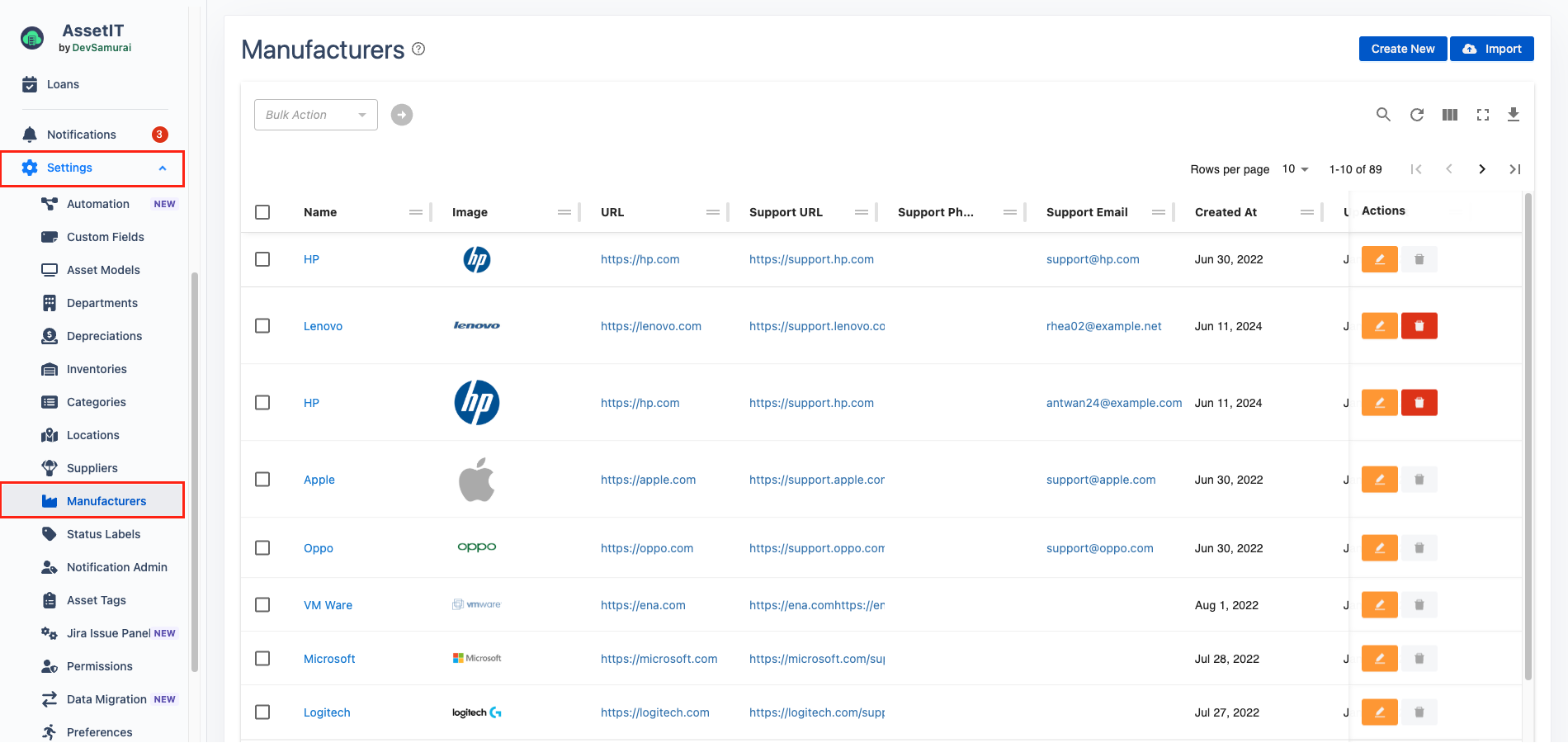
Creating New Nanufacturers
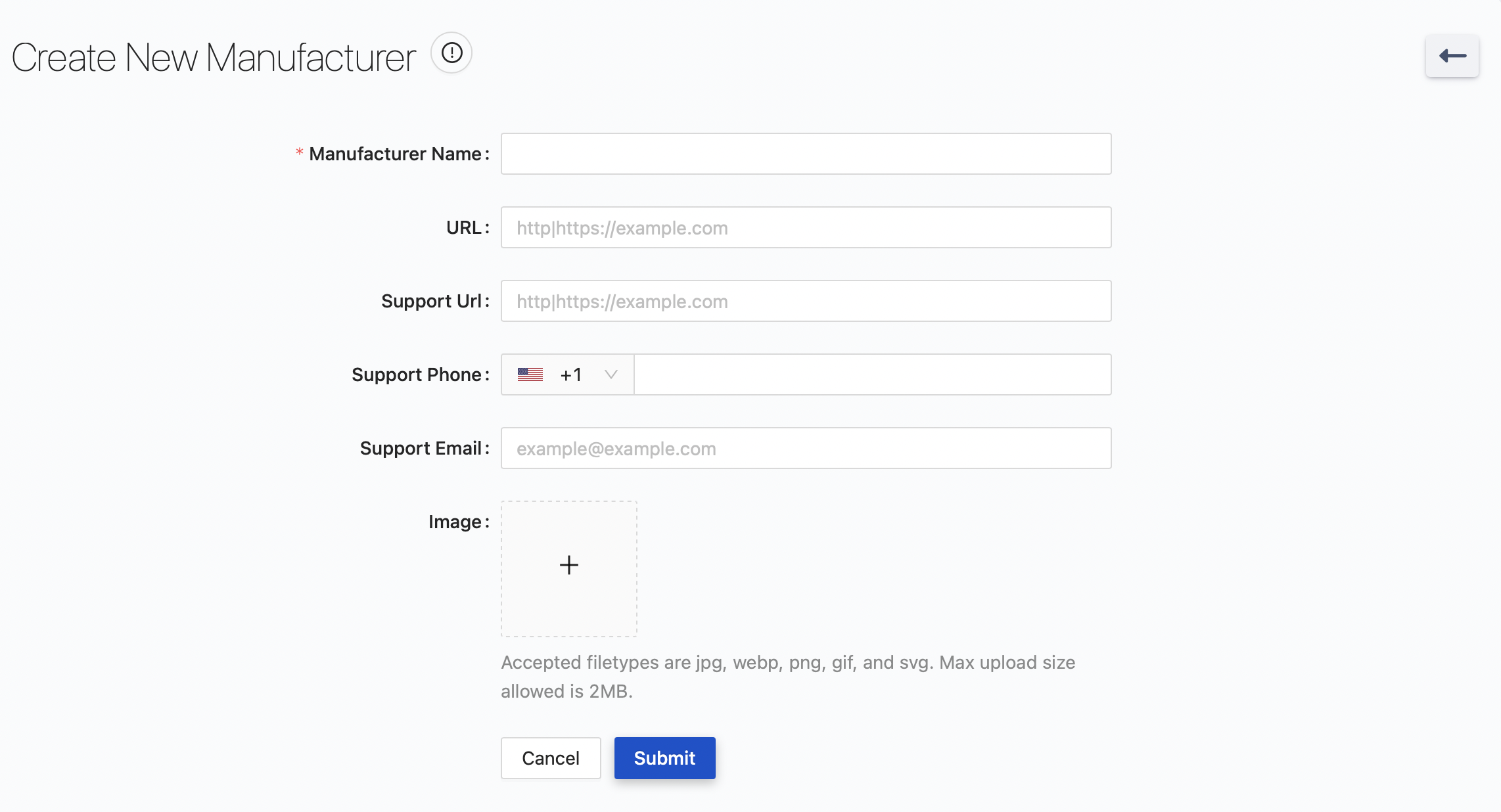
There are two ways to create manufacturers:
-
One-by-One: Click on

-
Import Multiple: Click on

Edit/Delete Manufacturers
-
Click on


Delete in Bulk
-
Select the manufacturers you want to delete.
-
Click on the Bulk Action menu > Delete.
-
You will be navigated to the Confirm Bulk Delete Manufacturers page.
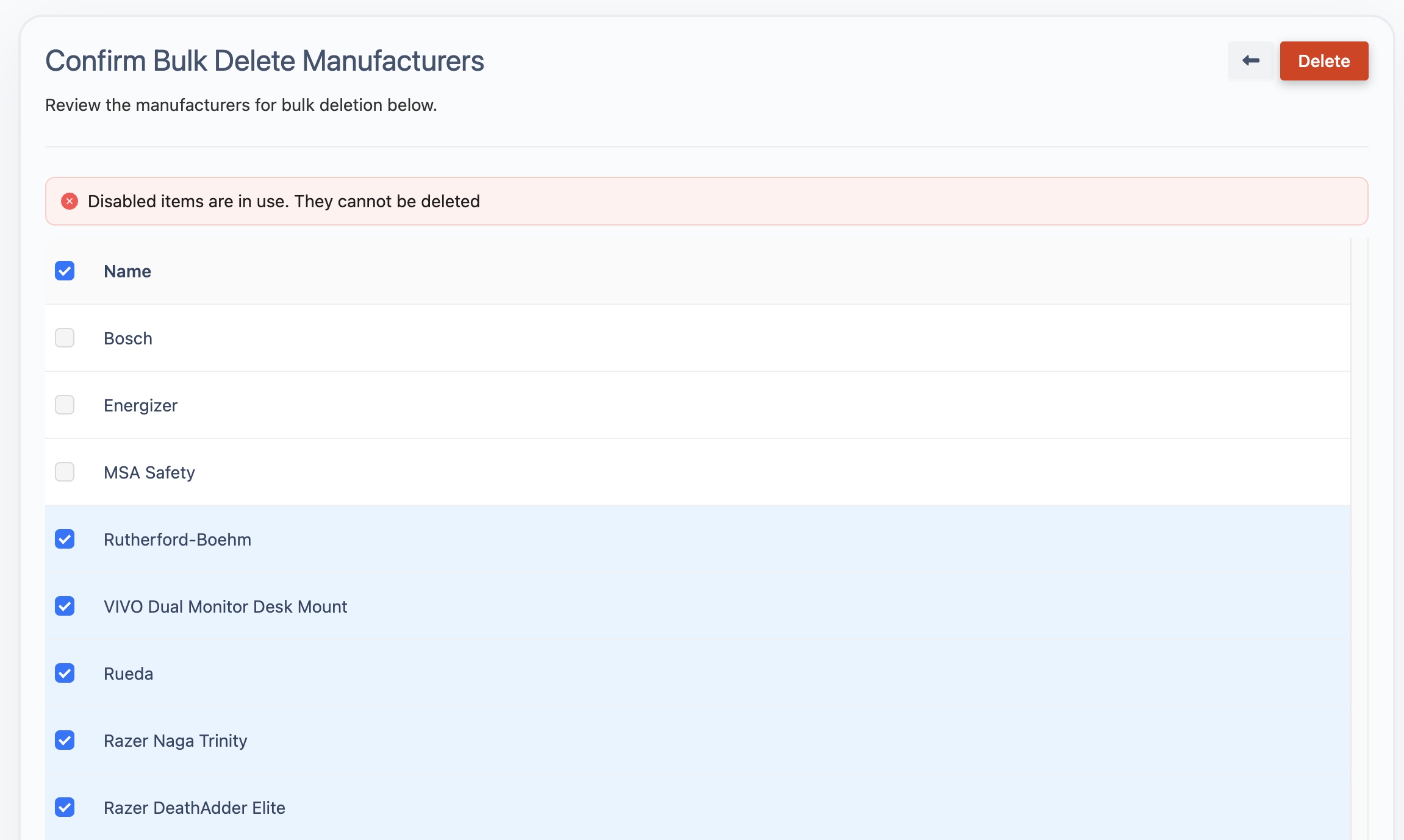
Note: Items that are in use will be automatically disabled and cannot be deleted.
-
Review the manufacturers that will be deleted, then click on

Export Manufacturers
-
manufacturers can be exported for record-keeping or data migration purposes.
-
Click on
