.png)
March 2026: Advanced Testing Reports & Insights
The March 2026 release introduces three new reports designed to give teams deeper visibility into project performance, execution results, and defect traceability. These enhancements focus on helping QA teams analyze trends, detect risks earlier, and make more informed release decisions through clearer and more actionable testing insights.
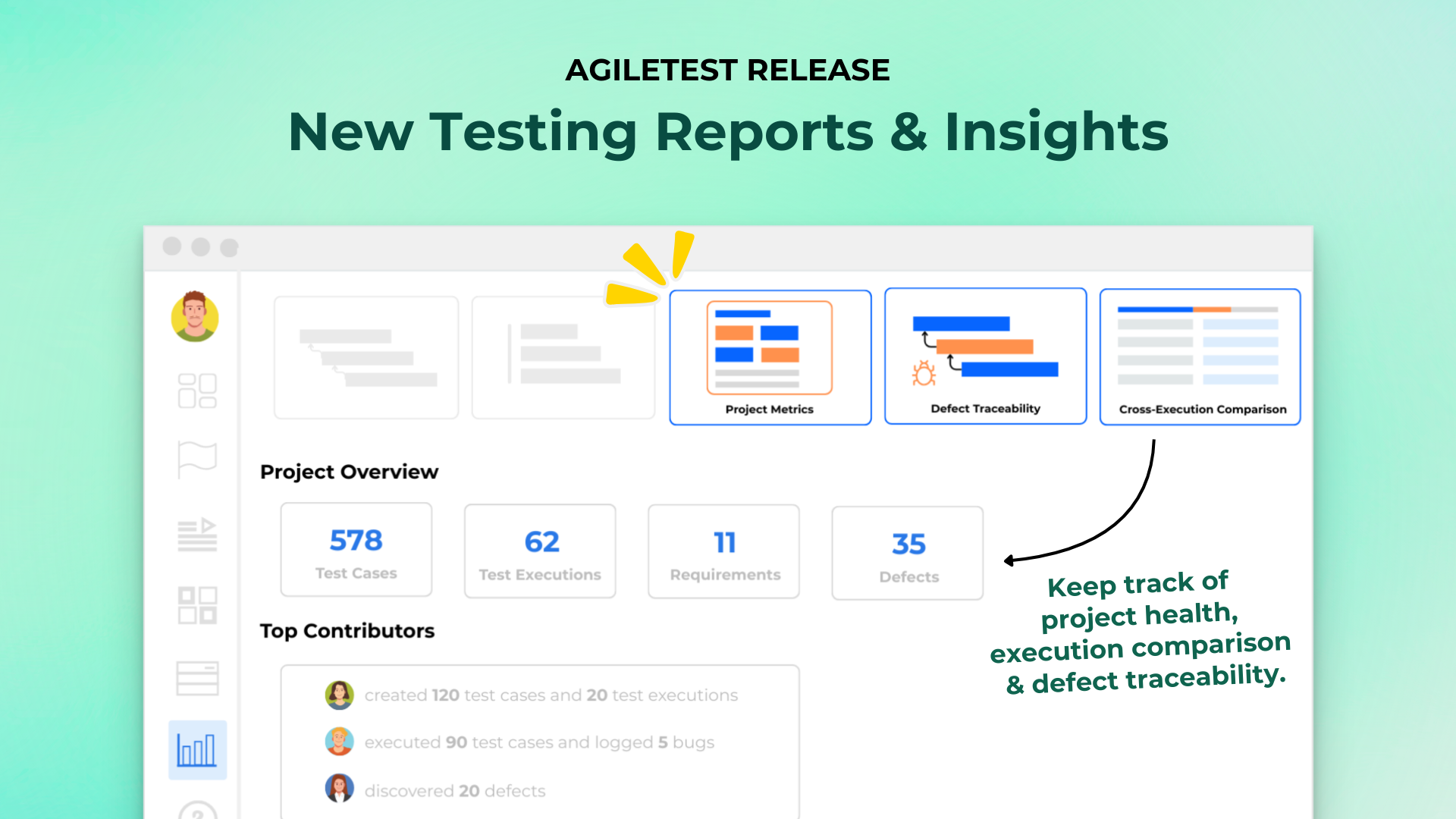
Project Metrics Report
This release introduces the Project Metrics Report, providing a comprehensive overview of your project’s testing health and activity. You can monitor consolidated Test Item metrics such as Test Cases, Test Runs, Test Executions, Test Plans, Defects, and Requirements, alongside Activity metrics within a selected time range. The report also highlights Top Contributors and high-impact Test Cases, helping teams better understand productivity, testing effort, and quality trends.
Cross-Execution Comparison Report
The new Cross-Execution Comparison Report allows you to compare the same Test Cases across multiple Test Executions in a single view. By reviewing execution results side by side, teams can quickly detect regressions, analyze pass/fail differences across versions or environments, and evaluate progress between testing cycles.
Defect Traceability Report
The Defect Traceability Report helps you track relationships between Defects, Test Cases, Test Plans, Test Runs, and Requirements to ensure full traceability. This improves defect impact analysis, enhances transparency between QA and development teams, and supports better quality control throughout the testing lifecycle.
Aggregate Sub-Milestone Progress
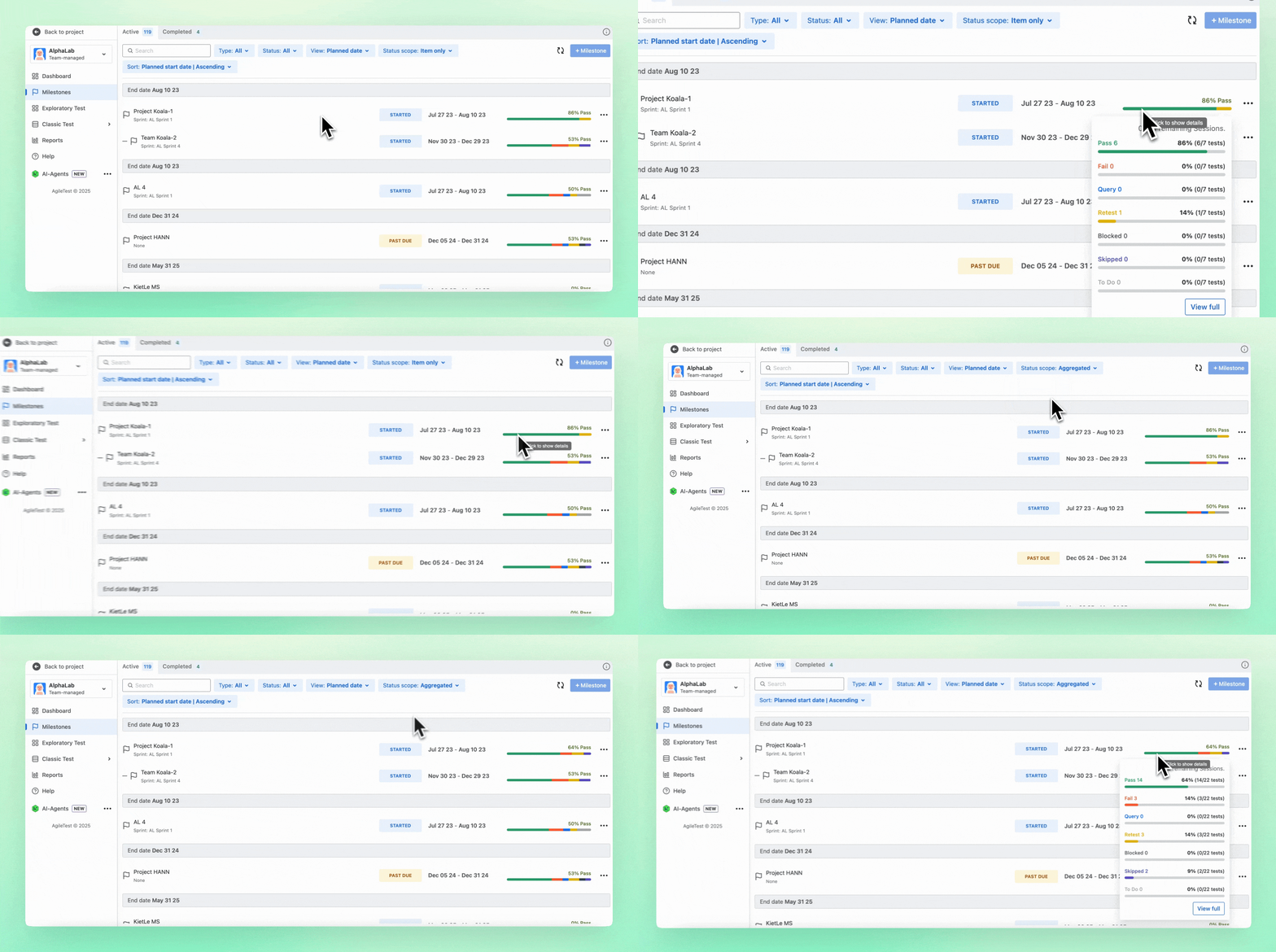
Milestone progress tracking has been enhanced to provide more flexible calculation options. You can now choose whether Parent milestones calculate progress independently or aggregate results from Sub-milestones. This allows teams to track release readiness more accurately with your preferences.
Improvements
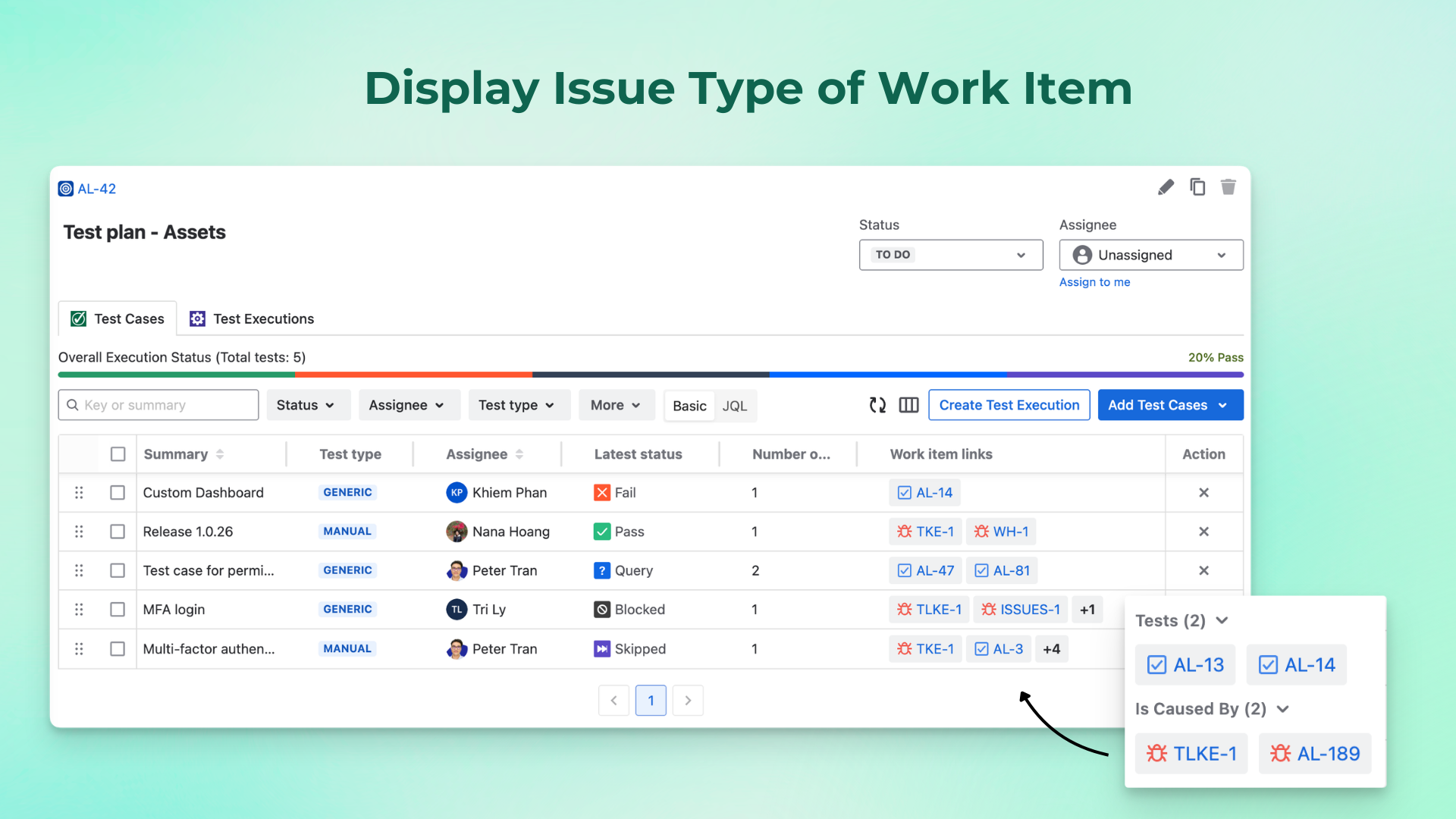
Display Issue Type of Work Item in Test Plan
The Work Item Linked field in the Test Plan section now displays the issue work item instead of only the Jira issue key. This provides a clearer context about the relationship between Test Cases and linked items without additional navigation.
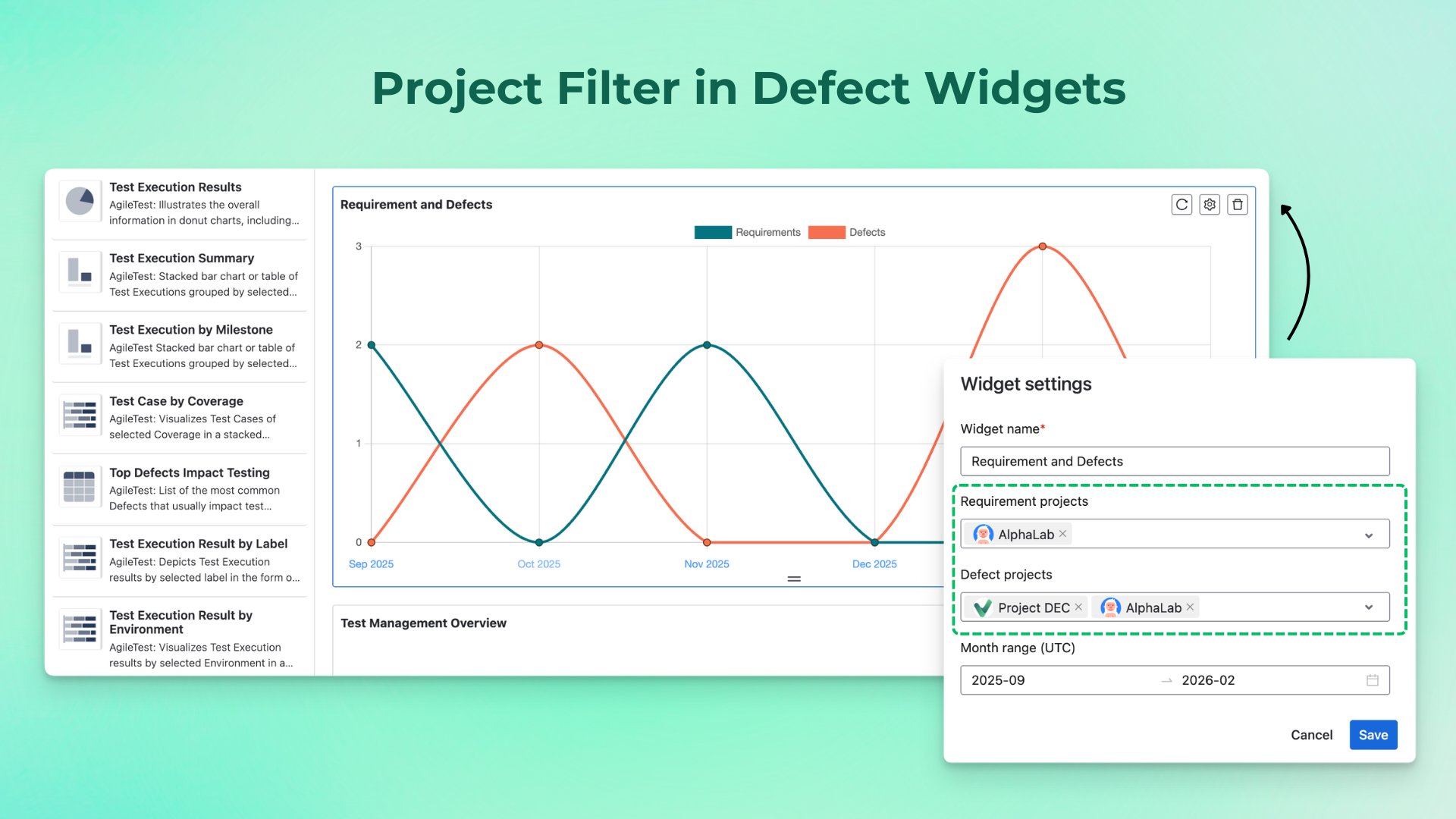
Project Filter in Defect Widgets
The Top Defects Impact Testing widget and Requirement Defect widget now support filtering by Project, enabling more precise cross-project defect analysis.
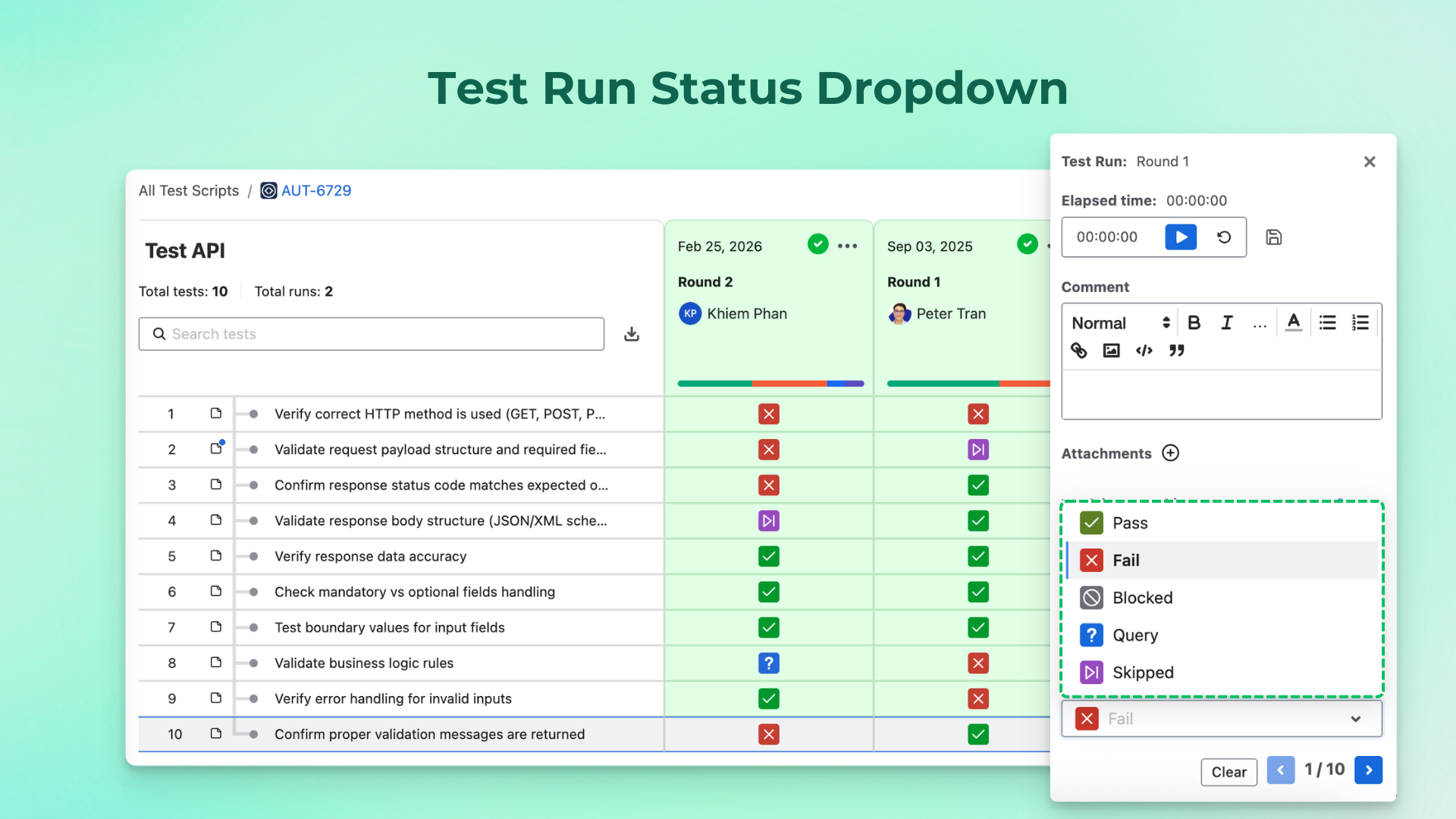
Test Run Status Dropdown
The Test Run status field for executed items now displays the selected status in a compact format. You can click to open a dropdown and update it when needed, reducing visual clutter and improving usability.
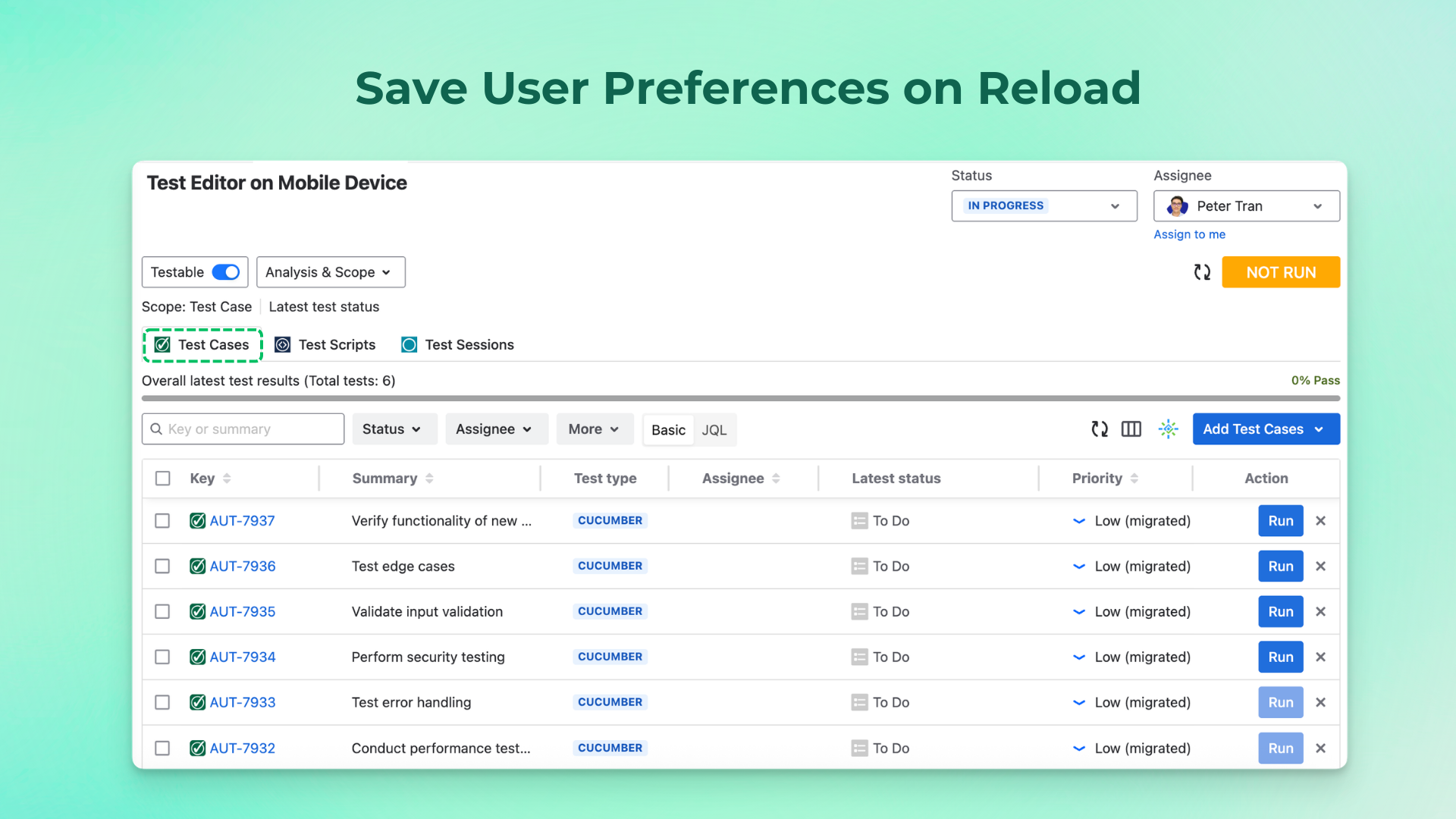
Save User Preferences on Reload
The system now preserves UI states to ensure a more consistent experience. This includes saving the expand/collapse state of the app sidebar, folder sidebar, and folder tree table sidebar, as well as maintaining open tabs for Requirements, Preconditions, Milestones, and Test Plans after refresh.
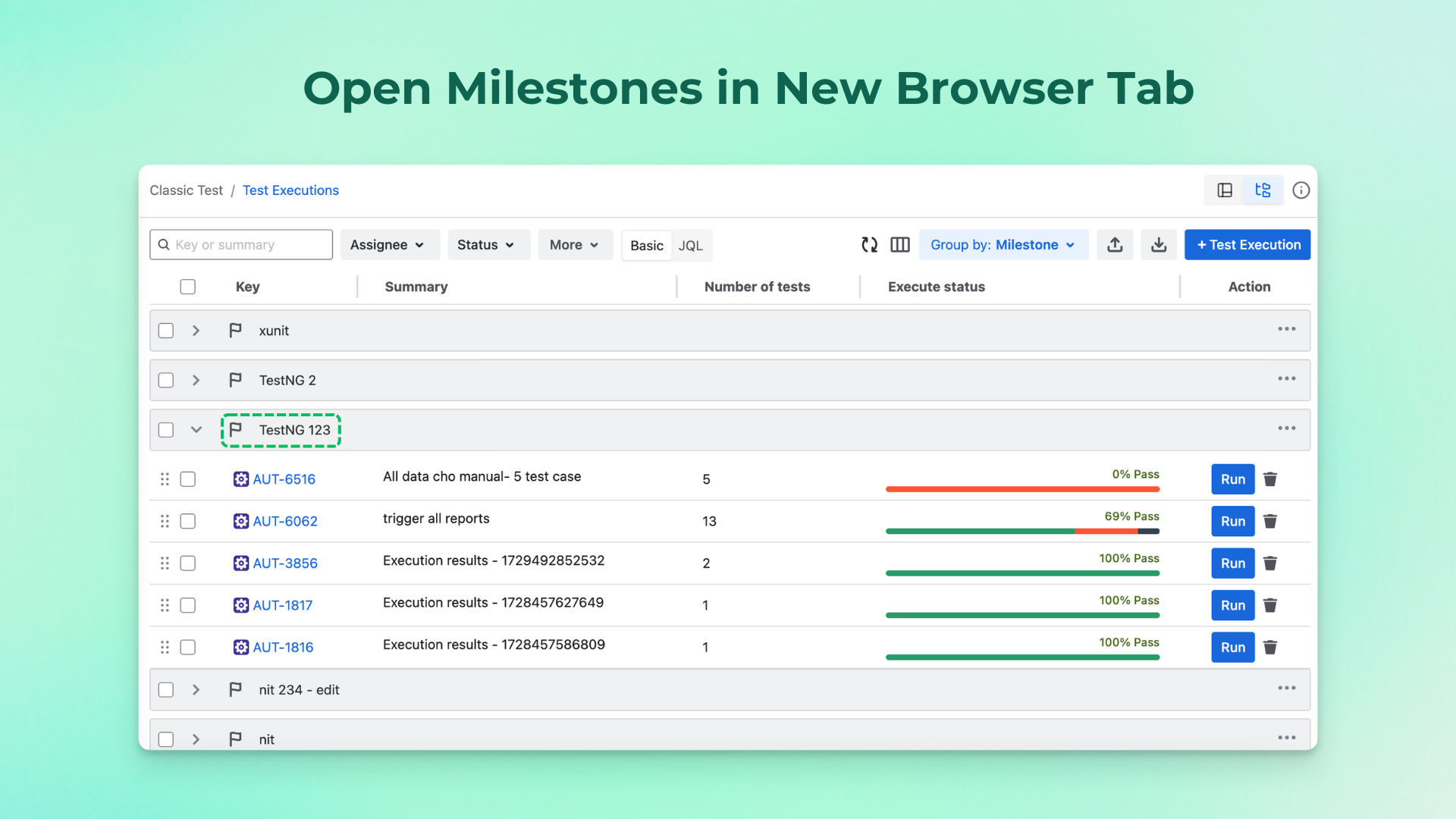
Open Milestones in New Browser Tab
Clicking a Milestone name in the Test Execution section now opens it in a new browser tab, allowing you to navigate without interrupting your current workflow.
Minor Bug Fixes
We’ve also resolved several minor issues and made general improvements to ensure a smoother and more reliable AgileTest experience.
This update is all about helping you move faster, see clearer, and test smarter. Let us know what you think and how we can keep improving your testing experience.
Need assistance? Visit our Support Desk now.