.png)
Prerequisites:
-
Rovo must be activated on the instance (Available for Cloud plans - Standard, Premium, Enterprise.
-
AgileTest must be installed on the instance → Learn how to install AgileTest.
AgileTest Generator can suggest and generate test cases for you, whether you include both the requirement key and test type, only one of them, or none at all.
By default, AgileTest Agent generates up to 10 test cases at a time. If you need more, you can ask the Agent to generate up to 15 test cases in a single request — the maximum it can produce per command.
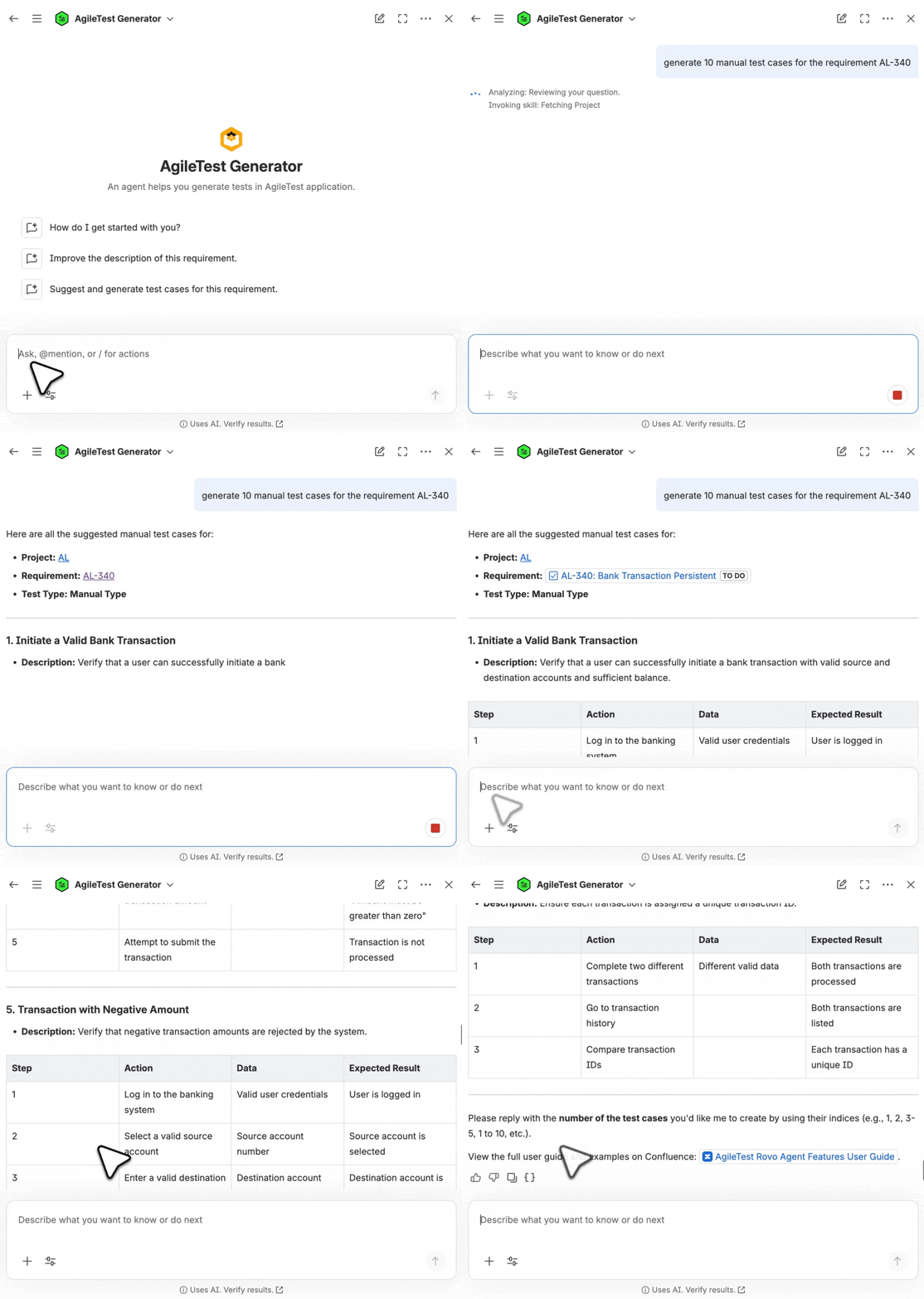
Scenario 1: Provide with No Requirement Keys and Test Type
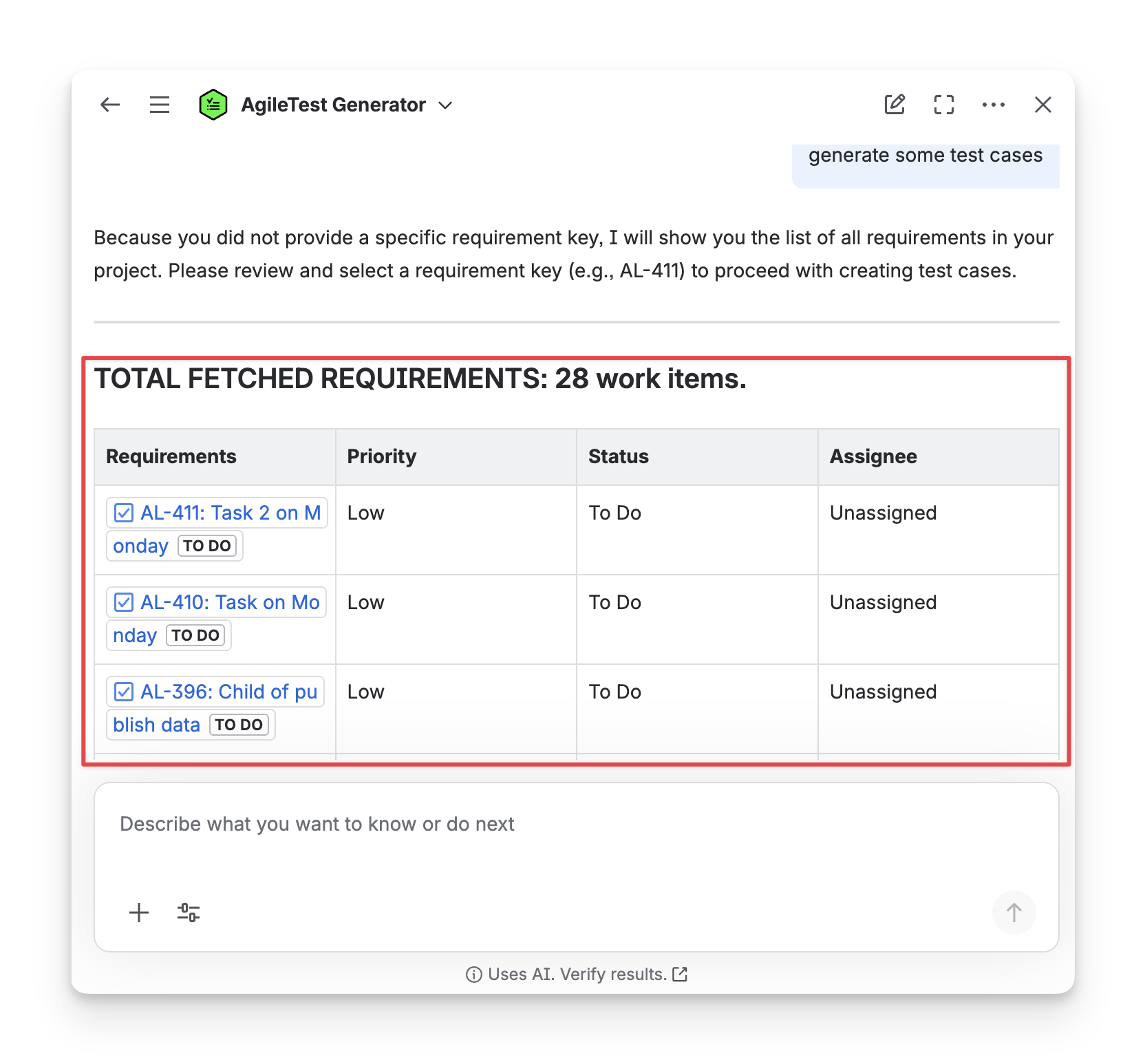
When you ask a general command to the AgileTest Agent without Requirement keys and test types, such as: generate some test cases, the Agent will provide you a list of existing requirements so that you can select which requirements to create test cases.
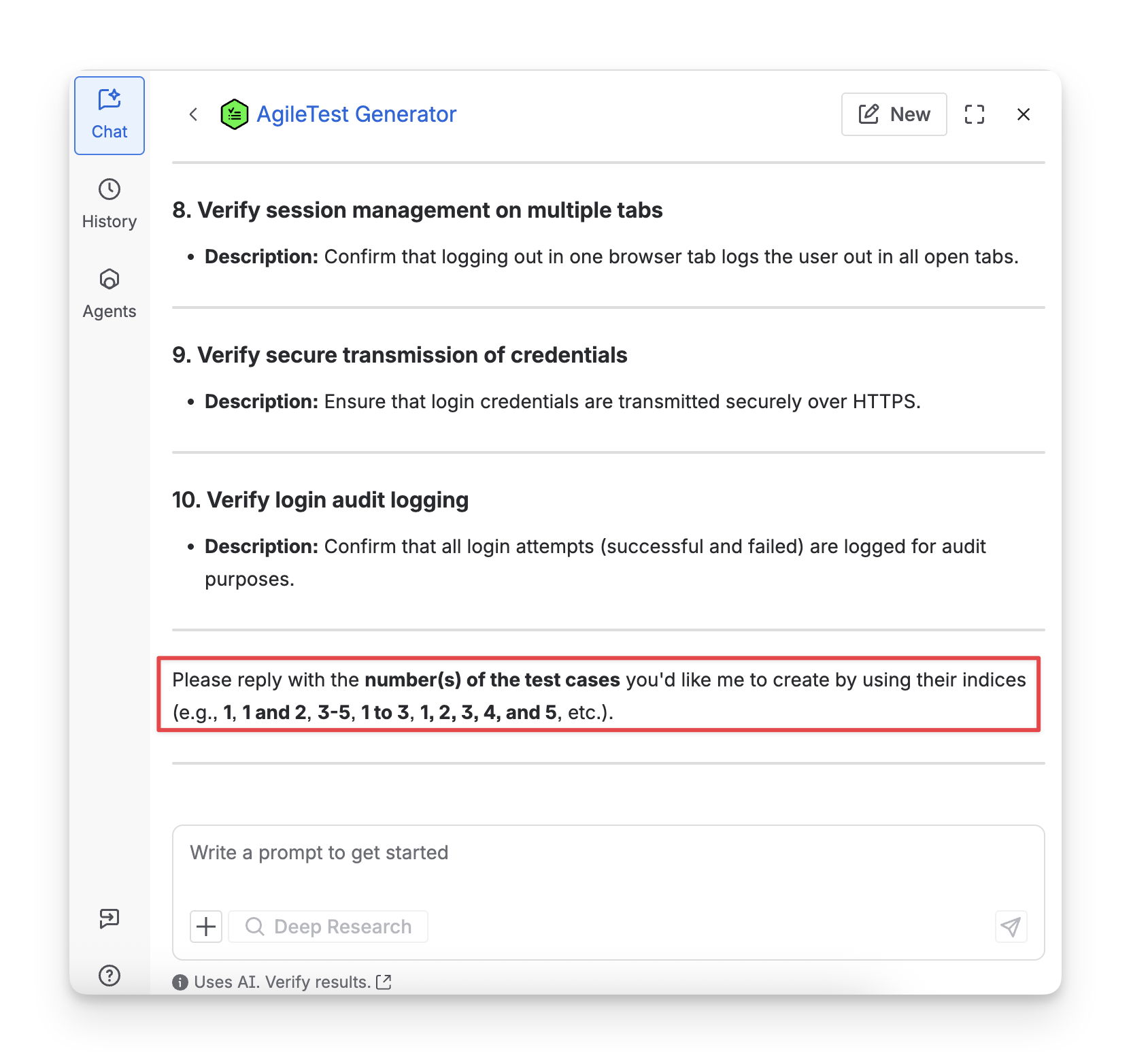
You need to reply with the requirementKey. After receiving the key, the Agent will summarize key information of the requirement, and ask you to select one of the three types of test cases to be created.
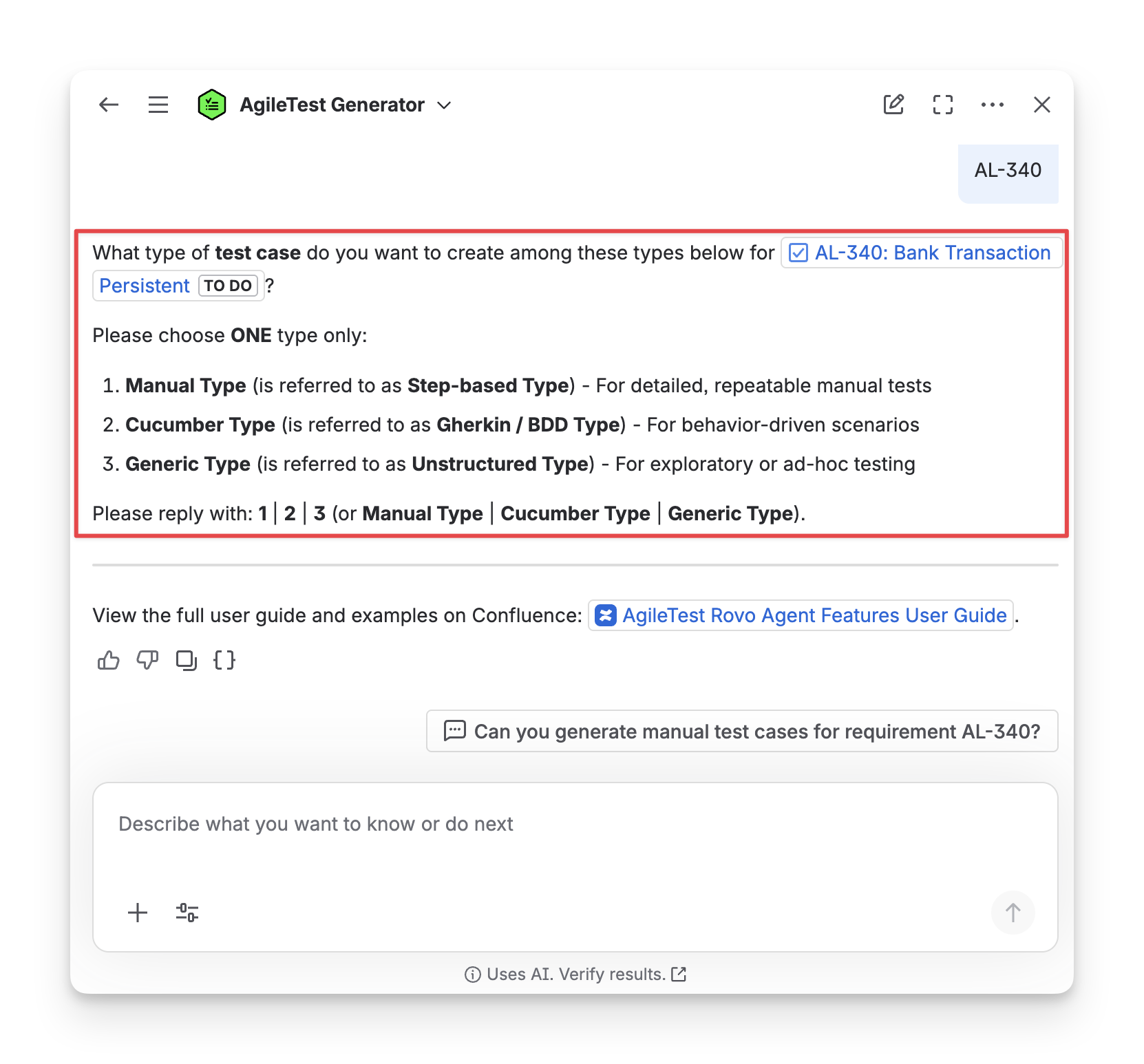
Your Requirements description must be filled with details so that the AgileTest Agent can suggest and generate test cases based on the given information.
After selecting the test type, you need to input the number of test cases to be created.
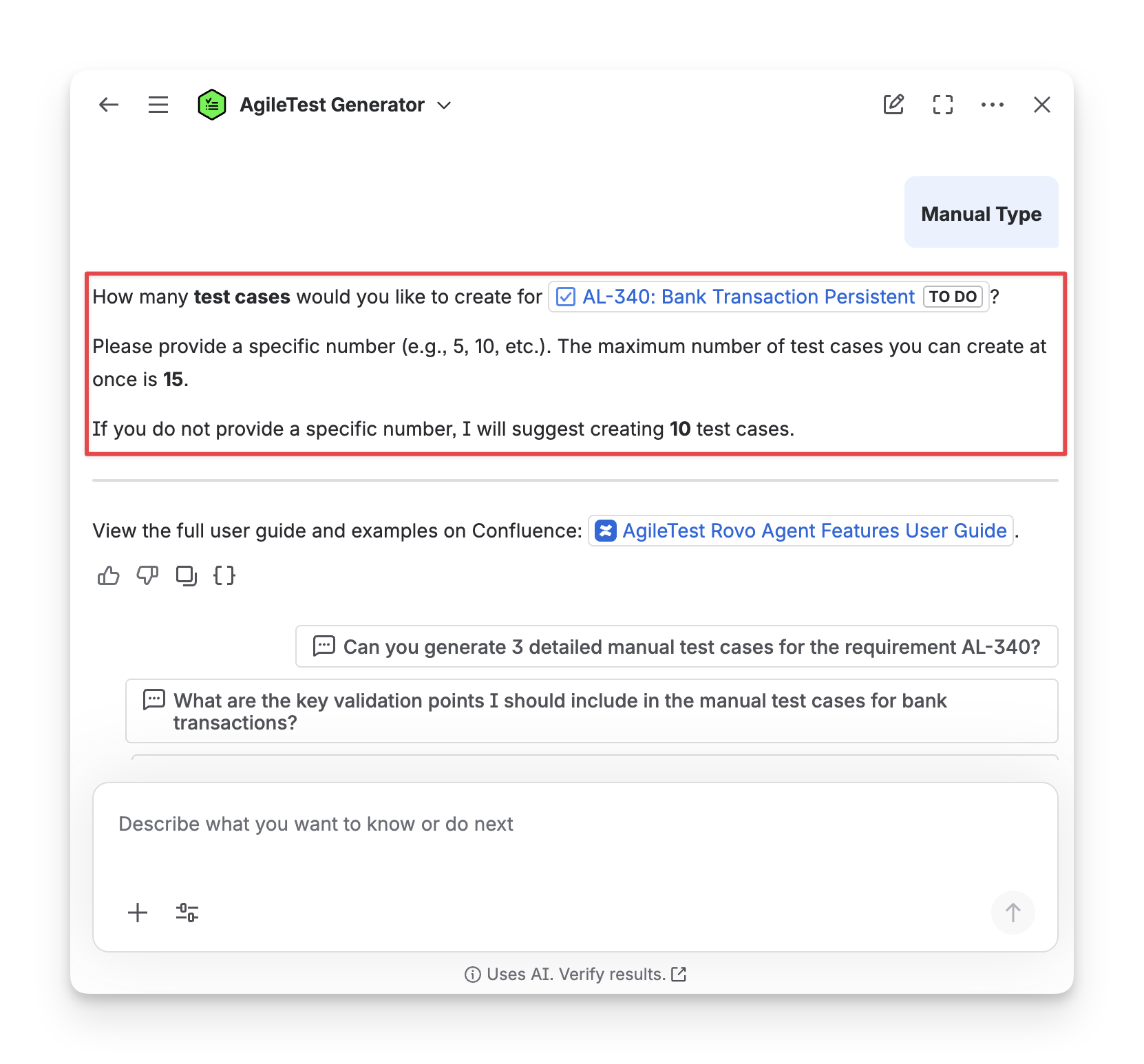
Then, AgileTest Agent will suggest the test cases for you.
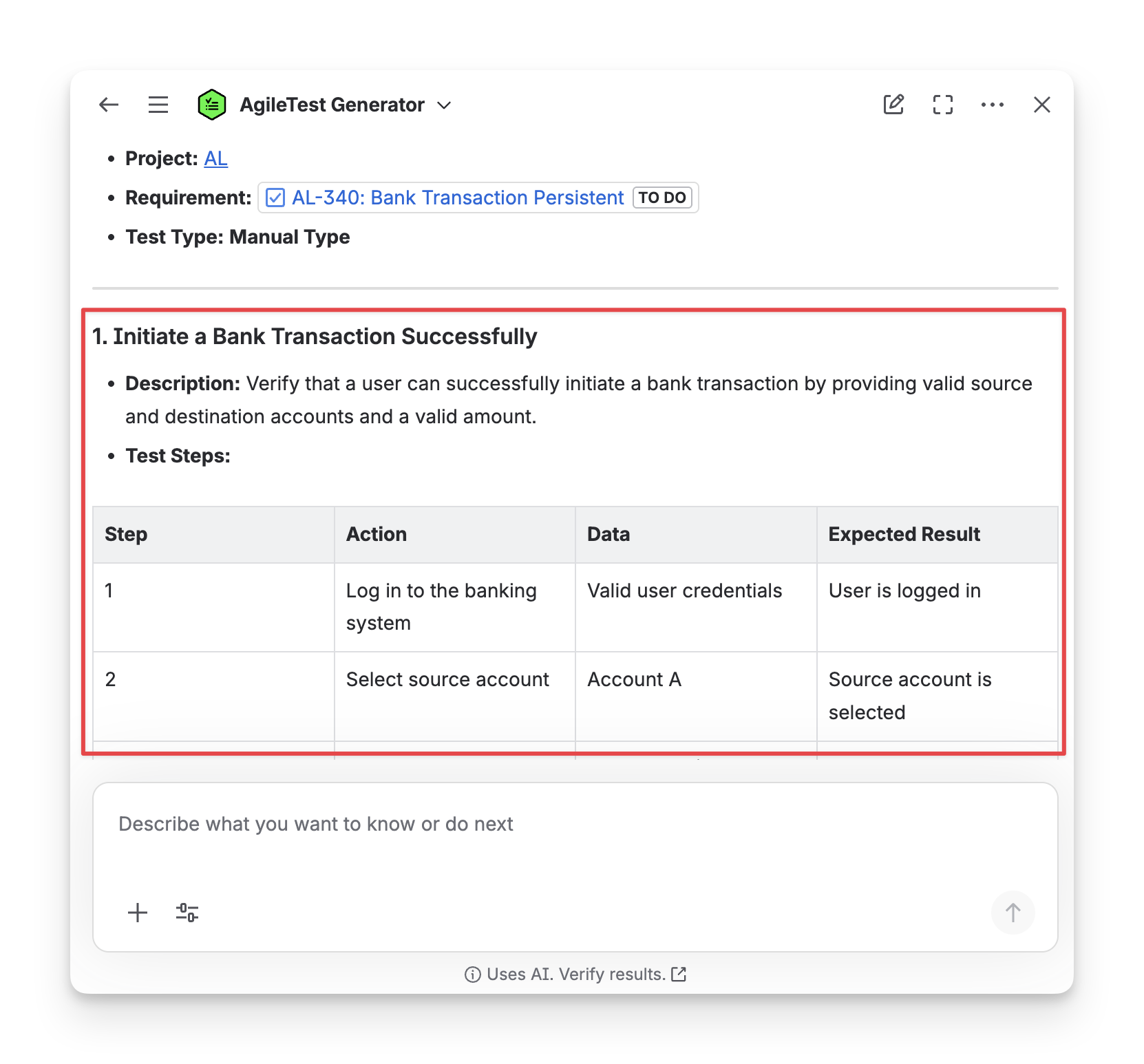
You can ask the AgileTest Agent to modify these test cases until they match your preferences. Then you can ask it to create these test cases and store the link with the selected requirement.
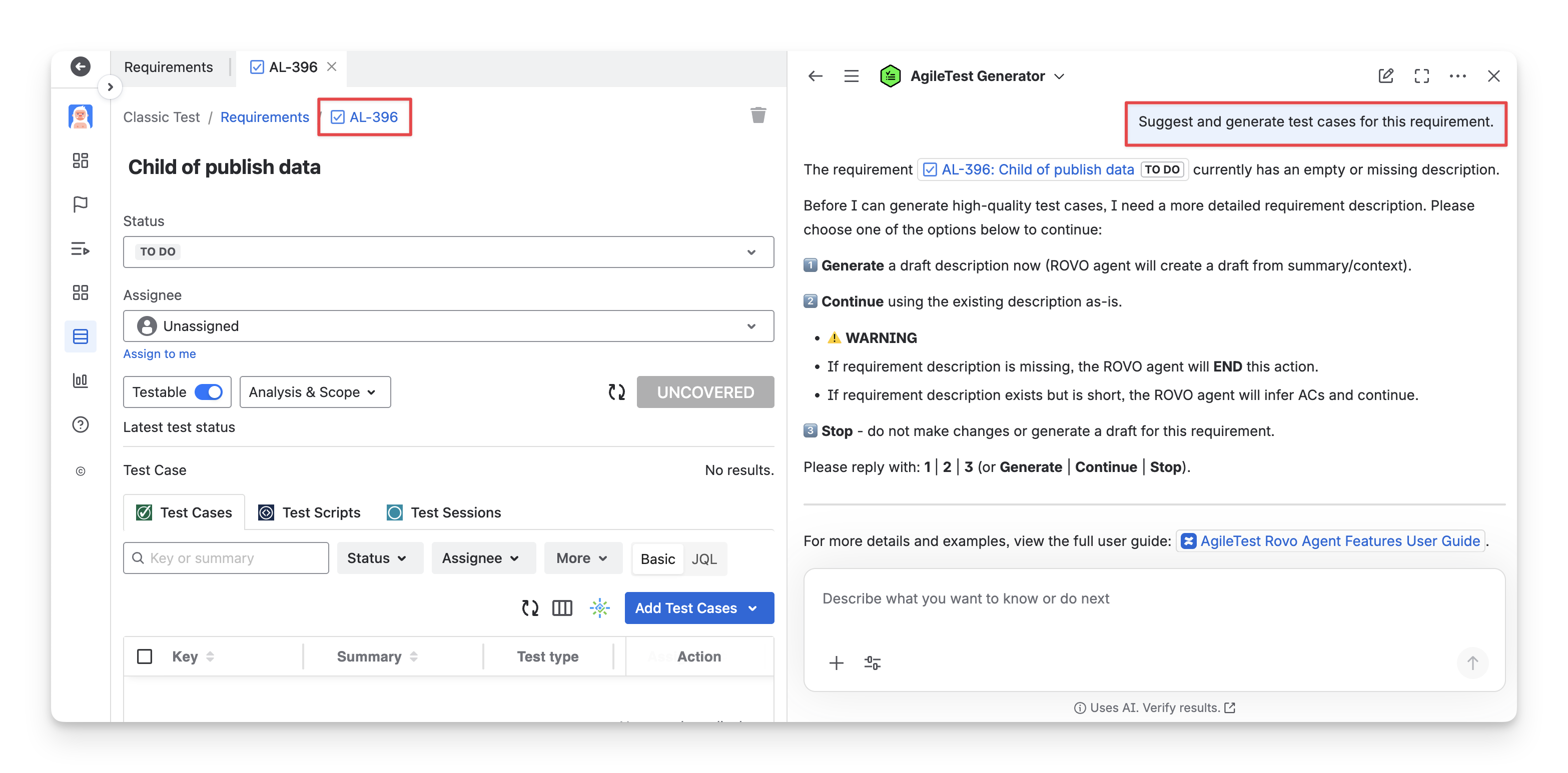
If you are on a specific AgileTest requirement screen, AgileTest Generator recognises you want to create test cases for it.
Scenario 2: Provide with No Requirement Keys but A Specific Test Type
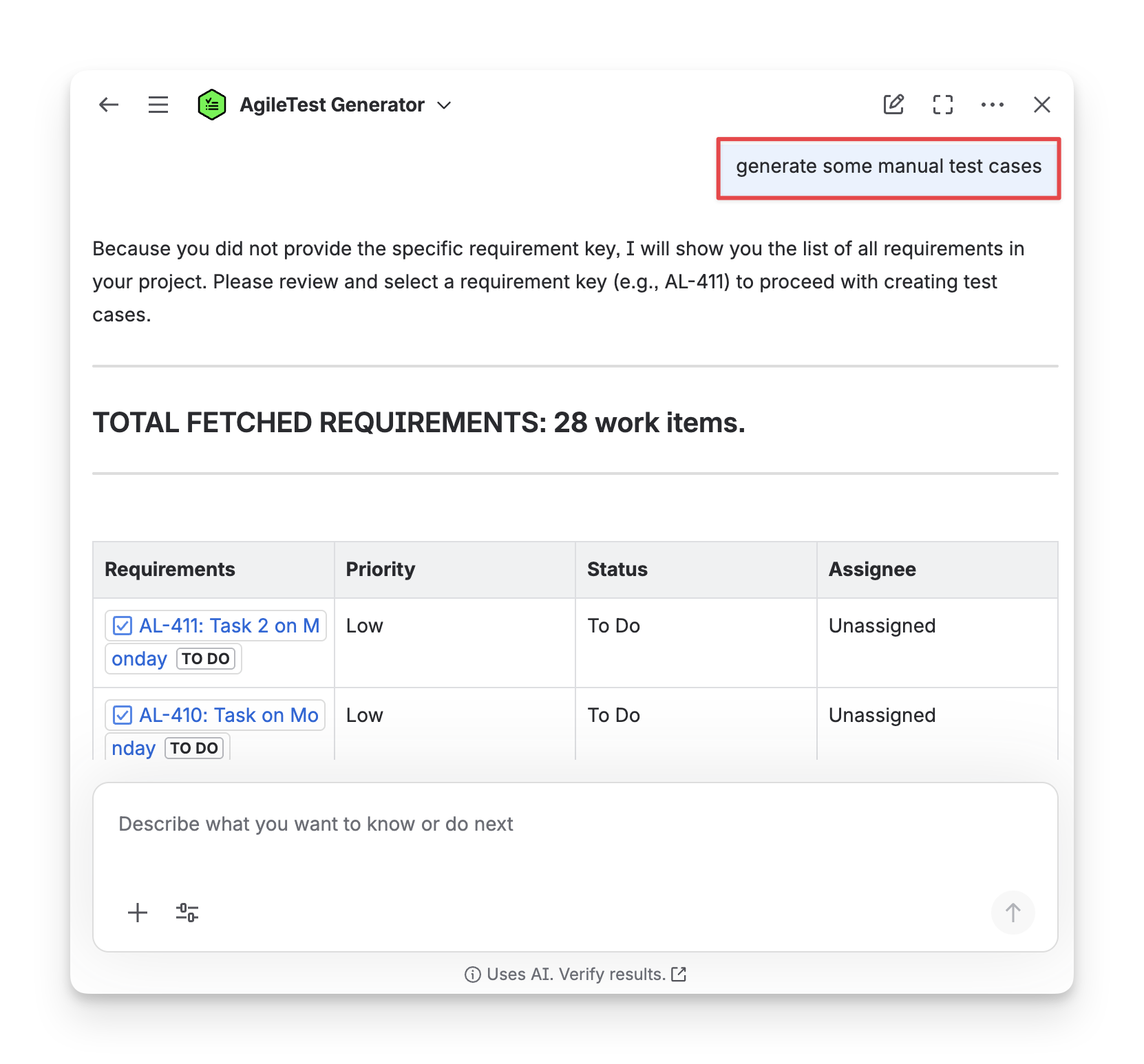
If you do not provide AgileTest Agent with requirement keys, but instead one of the three test types, such as generate some manual test cases, AgileTest Agent will clarify which requirement you want to create test cases for.
After you have input the Requirement key - requirementKey (e.g, AR-50 ), AgileTest Agent will suggest relevant test cases for this requirement.
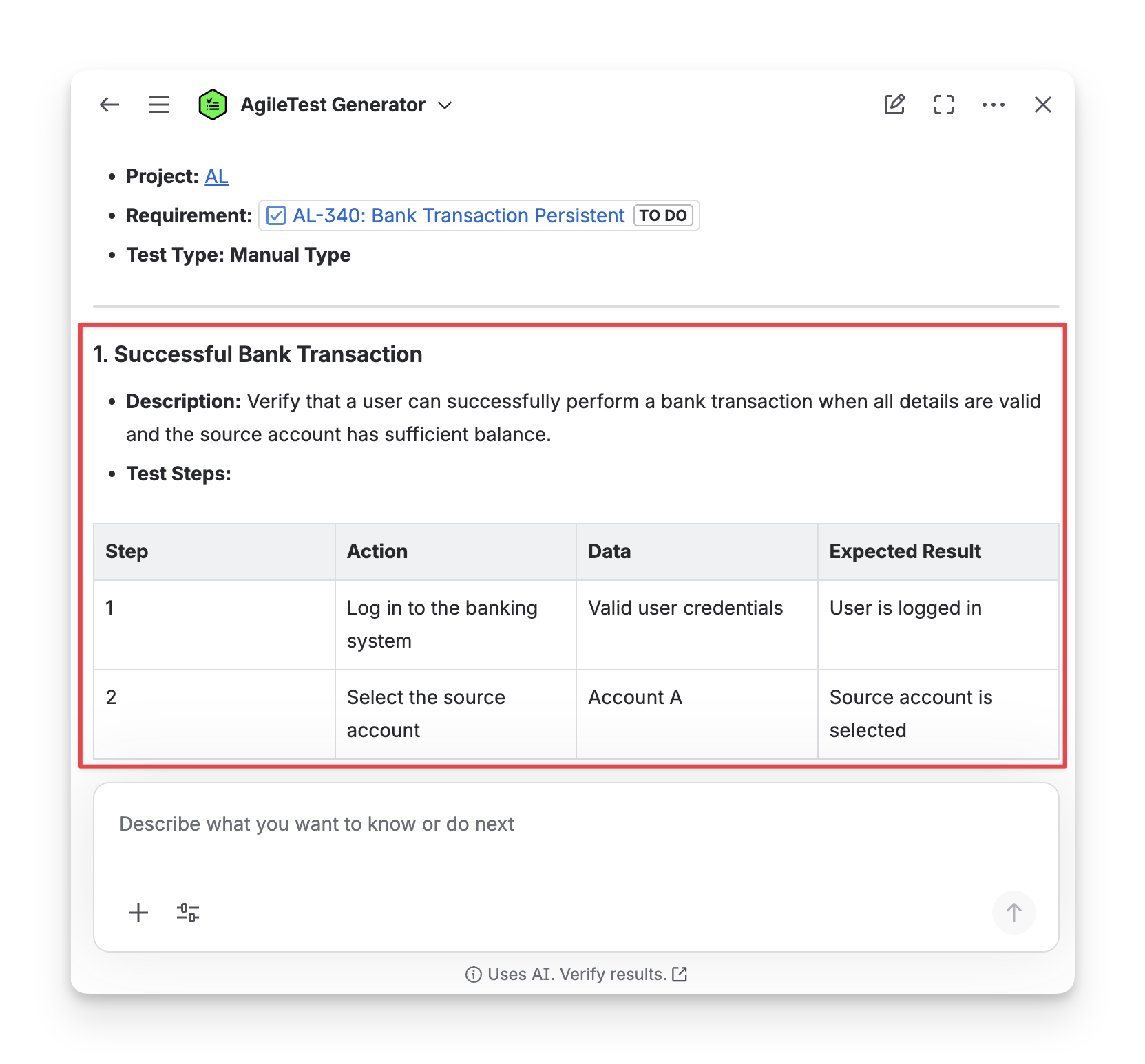
Scenario 3: Provide with A Requirement Key but No Test Type
When you ask the AgileTest Agent to create test cases for a specific requirement with the requirementKey, but do not provide any test types, for example, generate some test cases for the requirement AR-50, the Agent will ask you to select one of the test types.
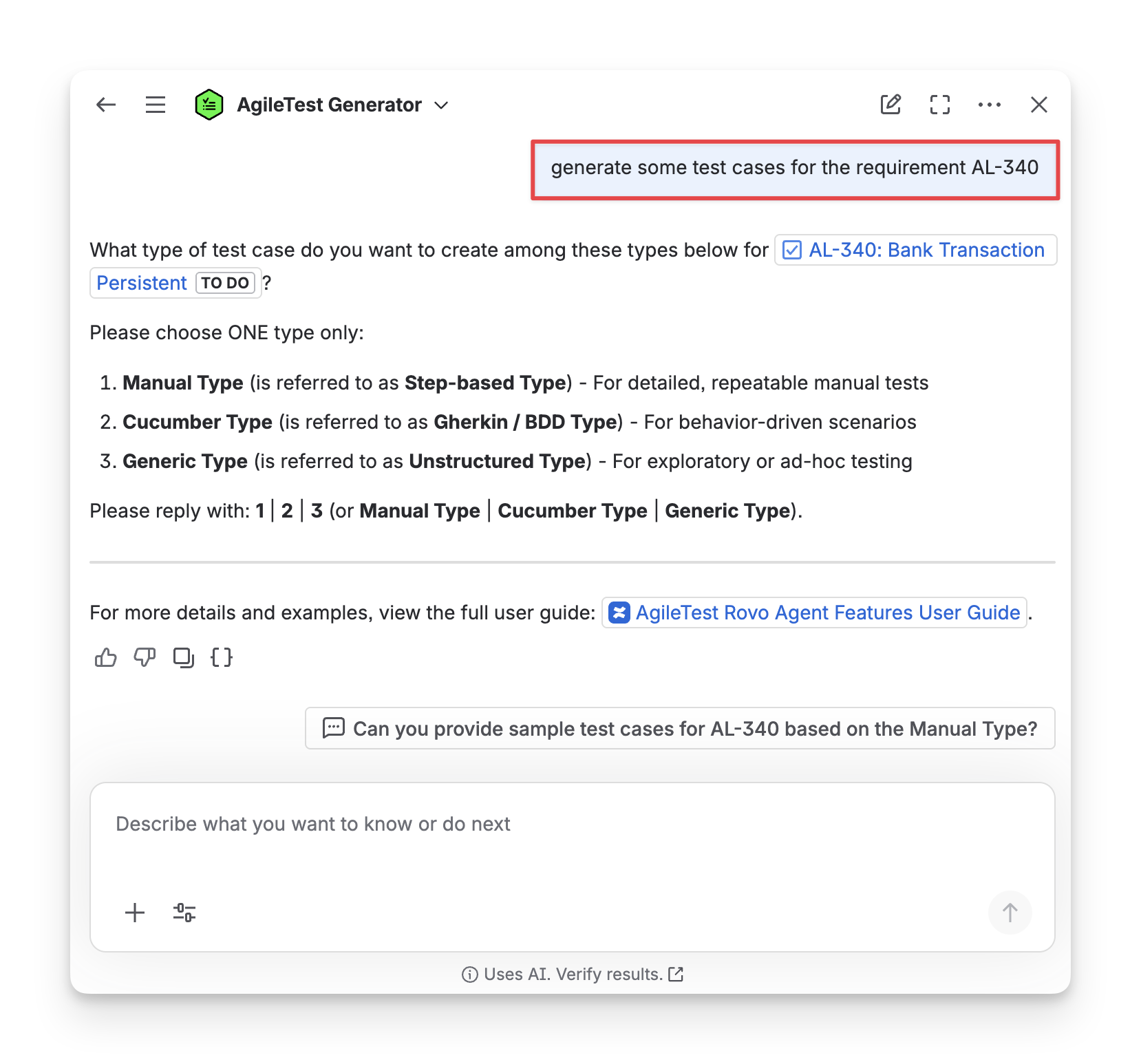
After you have defined the test type, AgileTest Agent will propose related test cases for your requirement.
Scenario 4: Provide with A Requirement Key and A Specific Test Type
If your command is all clear and detailed with the requirementKey and specific test type, for example, generate manual test cases for the requirement AR-50; AgileTest Agent will provide you a list of test cases relating to your requirement.
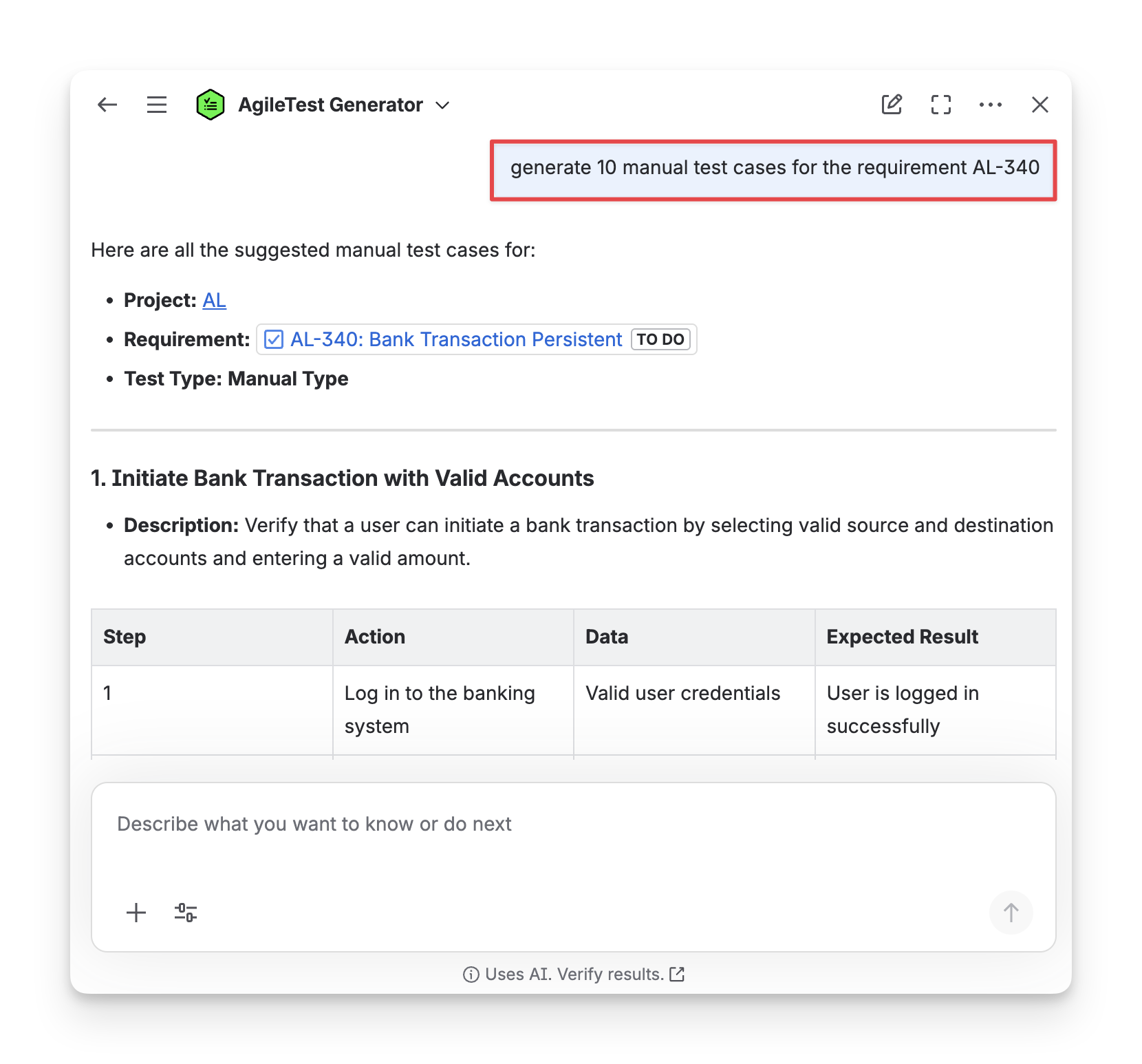
After modifying the suggested test cases to your preference, select them to generate and click the Confirm button.
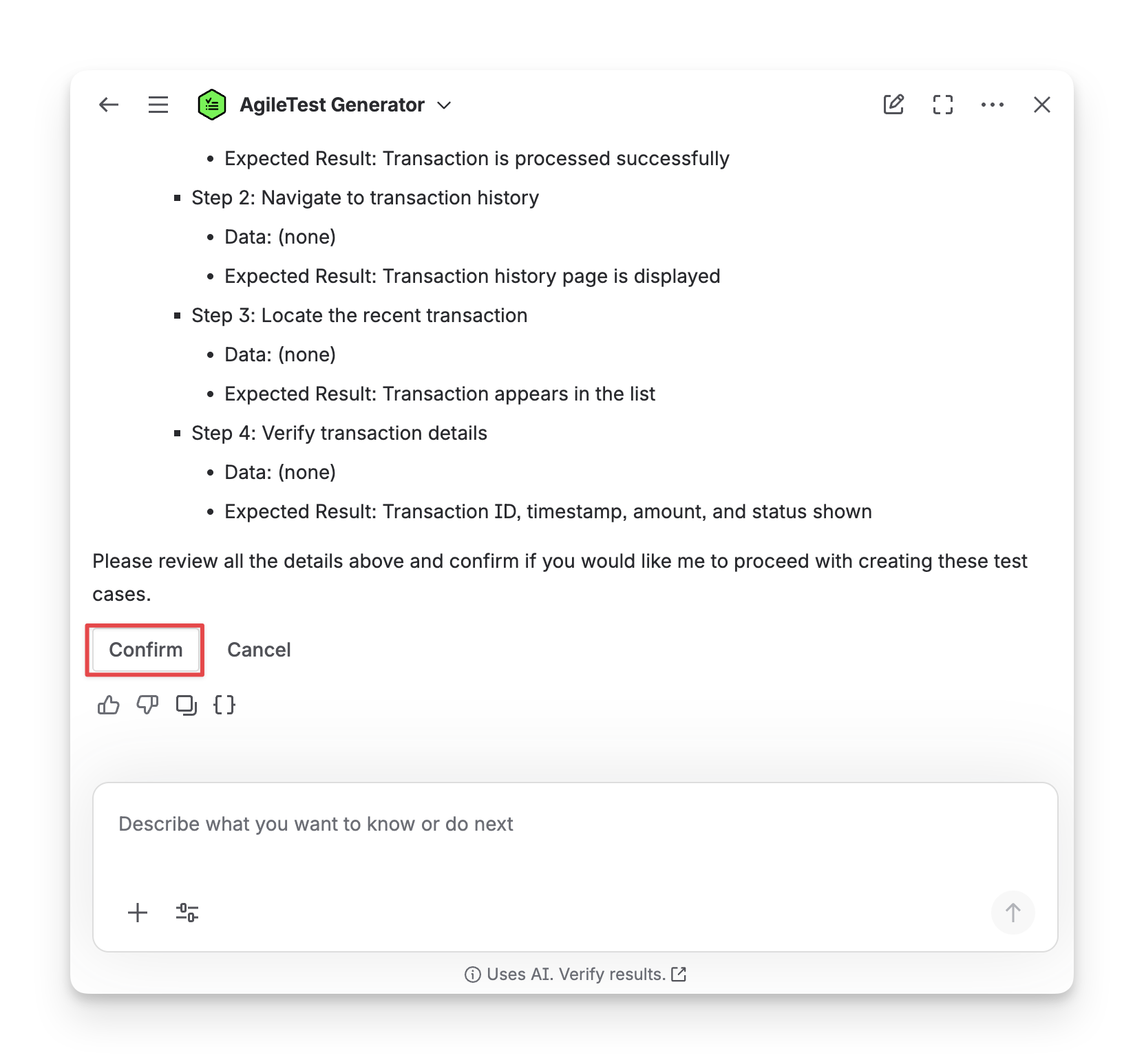
AgileTest Agent Answer Format:
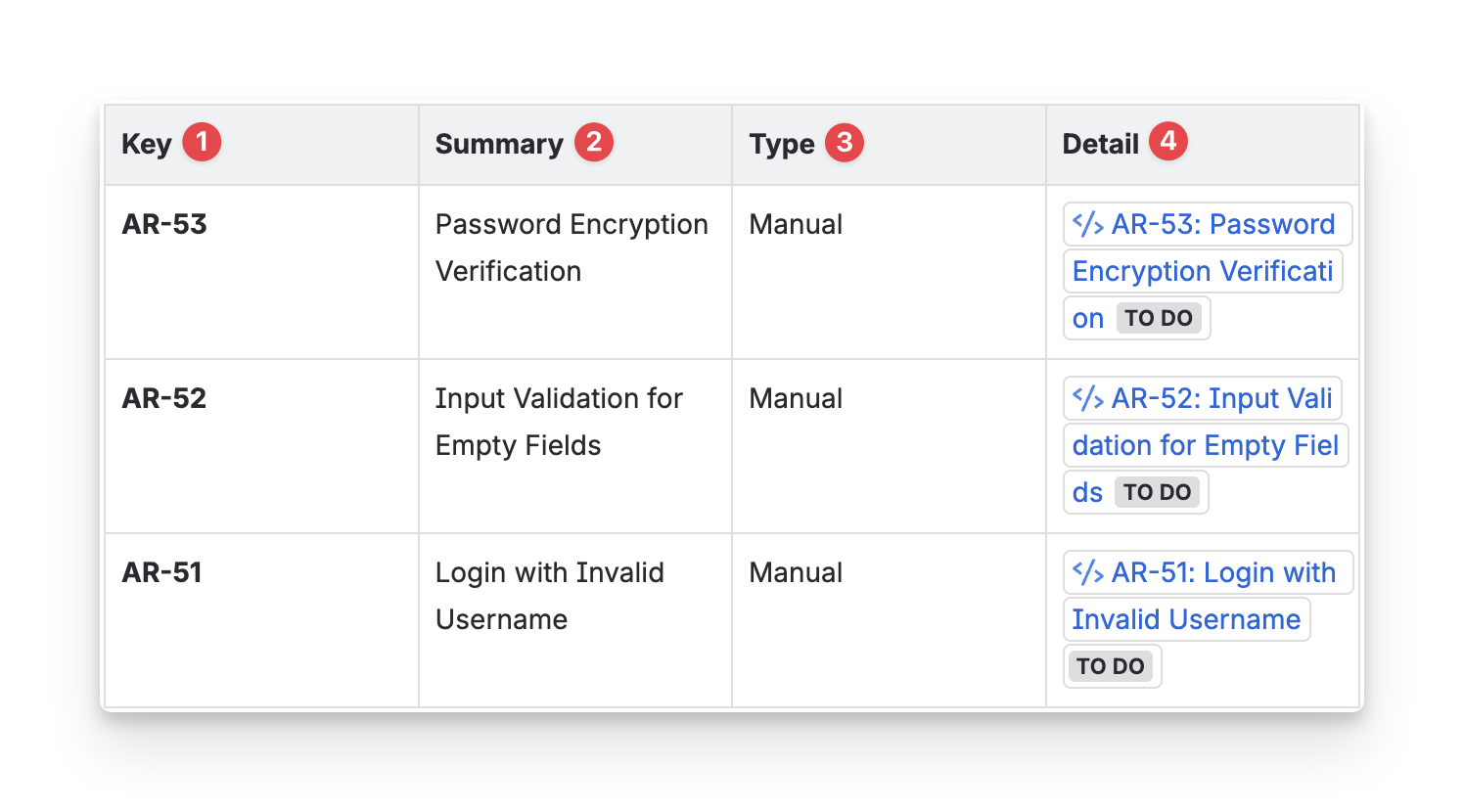
The test cases created by AgileTest Agent will be under the format:
-
Test Case Key: the ID of each test case in the test execution, used to reference individual test cases and their results within the execution.
-
Summary: the name and purpose of the test cases, describing what the test is designed to validate.
-
Type: the test case type (Manual, Cucumber, or Generic)
-
Detail: a direct link to the test case, allowing you to trace back and view its full details in the system.
Should you need any assistance or further AgileTest inquiries, contact our 24/7 Support Desk!