.png)
Only Jira Admin/App admin can access UI Preferences in the Settings.
TeamBoard TimePlanner allows users to customize their interface through UI Preferences. These settings can be applied globally for the entire organization.
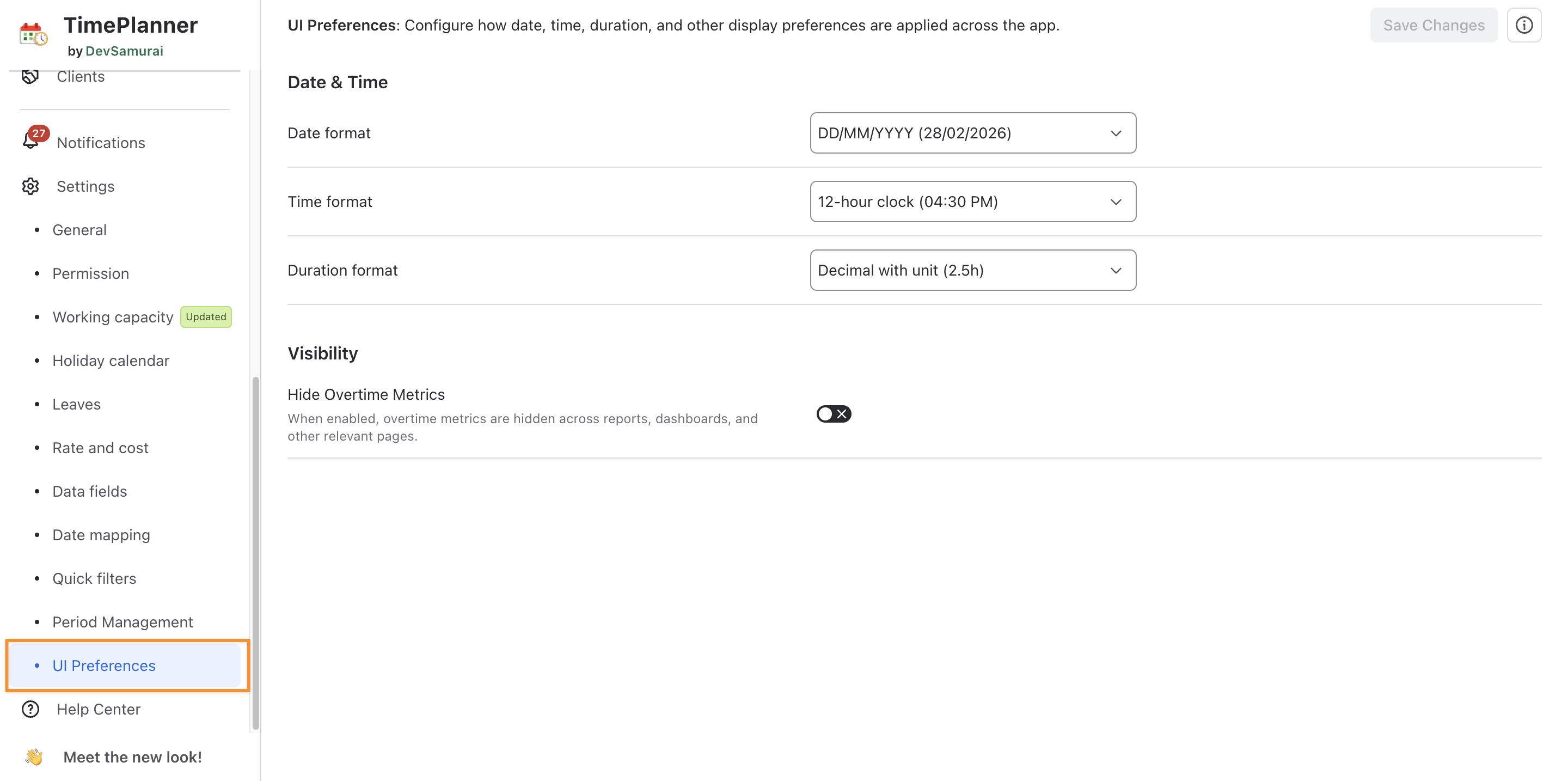
Accessing UI Preferences
To access the UI Preferences settings:
-
Navigate to the :setting: Settings tab on the left-hand menu.
-
Click on Preferences under the Settings section.
-
Date & Time: Customize global display formats for date, time, and duration used across TimePlanner.
-
Visibility: Hide overtime calculations and overtime-related metrics across TimePlanner.