.png)
1. Overview
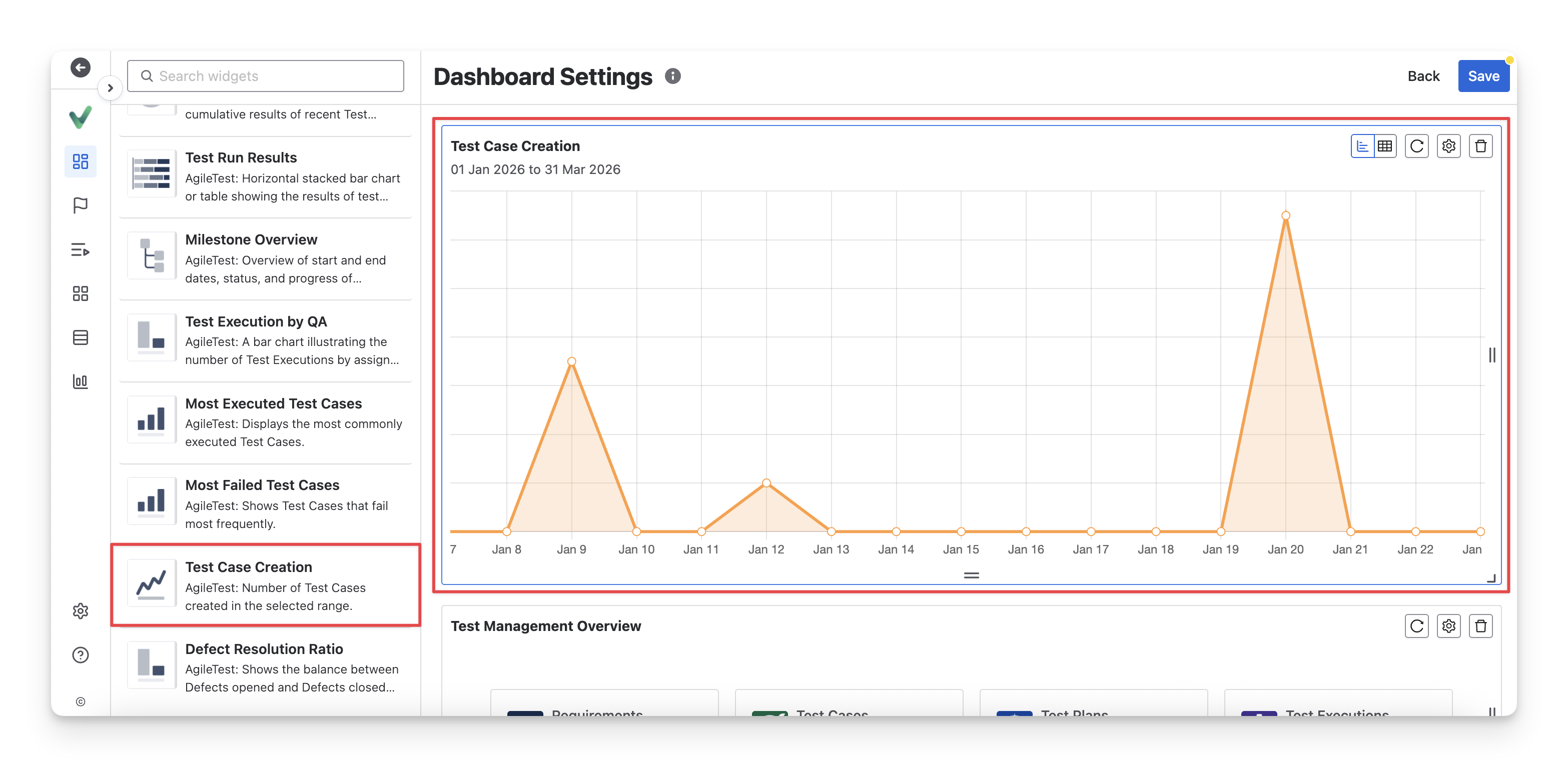
The Test Case Creation widget provides an overview of test cases created within a selected time range, helping QA teams track test design activity and understand how test creation progresses over time. It gives visibility into both creation trends and individual test case details, supporting better planning and workload management.
This widget has 2 display formats: chart and table. You can switch between these two formats by clicking on the “Switch format” button.
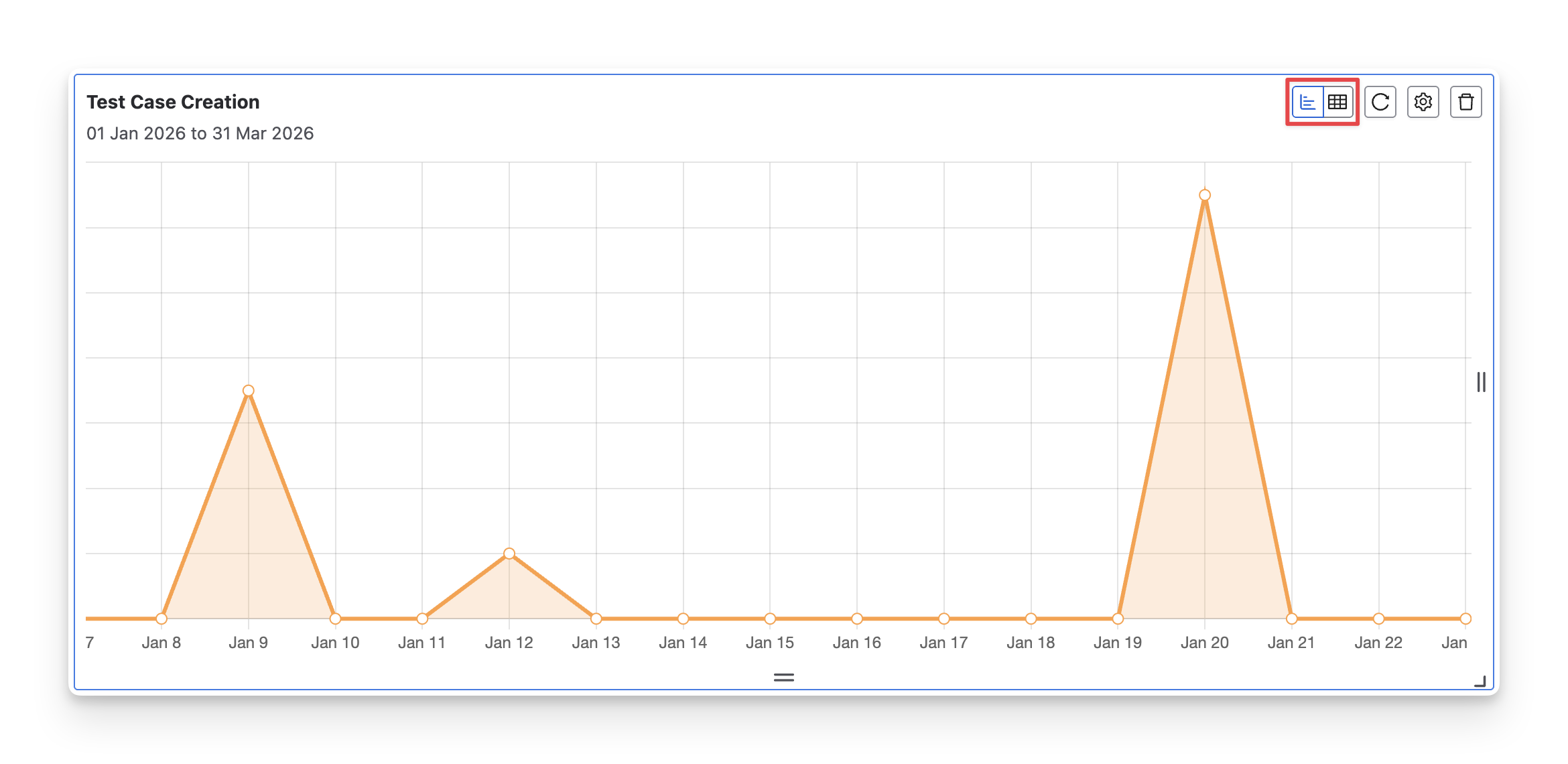
1.1 Chart Format
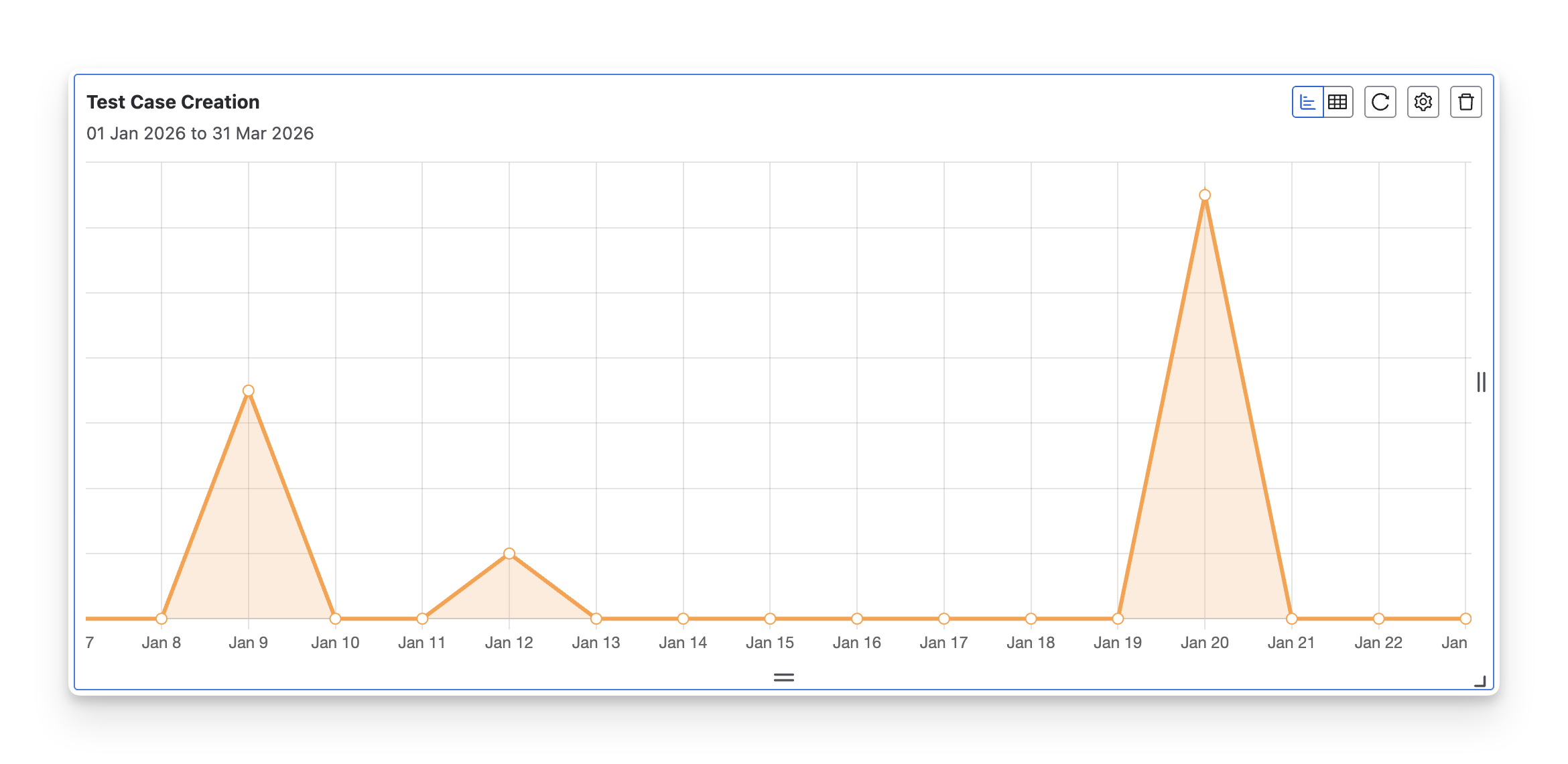
The Test Case Creation chart visualizes how many test cases are created over time within the selected date range. It highlights creation trends day by day, making it easy to spot spikes, slow periods, or sudden increases in test design activity.
This format is particularly useful when QA teams need to:
-
Identify workload spikes: Detect sudden increases in test case creation that may indicate rushed planning or late requirement changes.
-
Align with development timelines: Validate that test case creation is keeping pace with feature delivery during a sprint or release.
1.2 Table Format
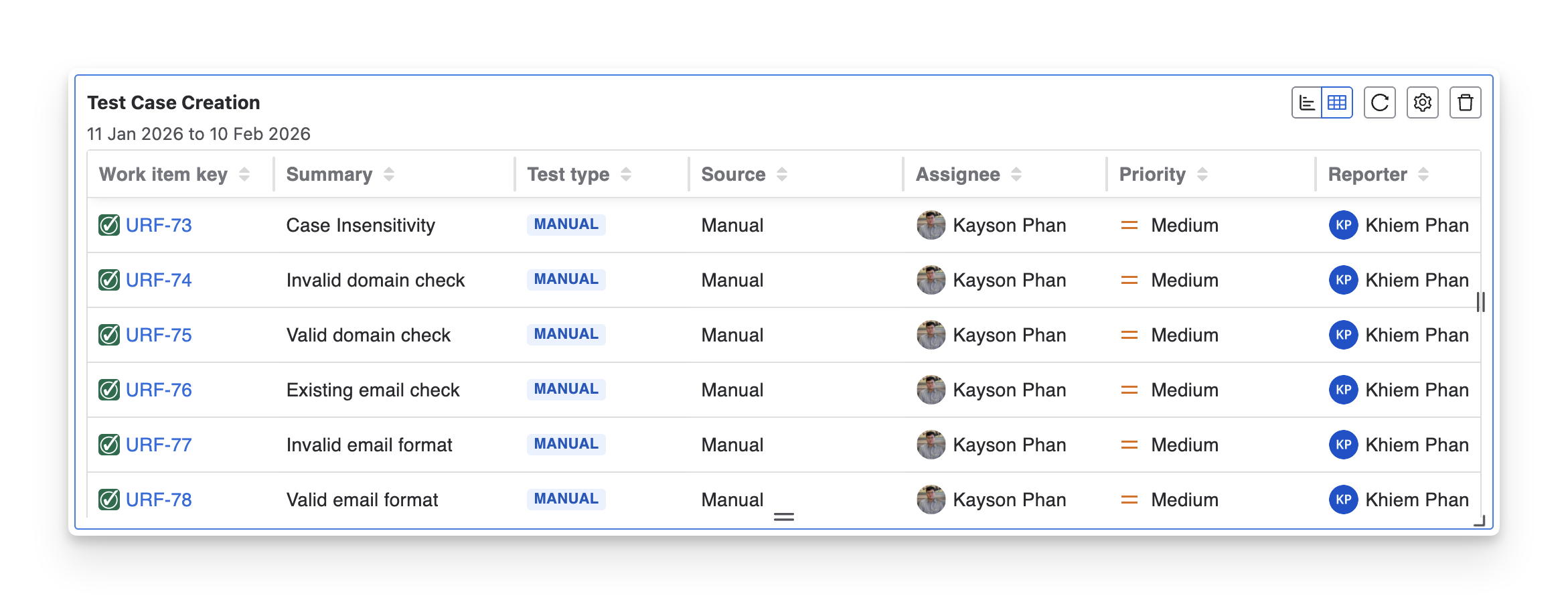
The Test Case Creation table provides a detailed list of newly created test cases, including key information such as work item key, summary, test type, source, assignee, priority, reporter, last updated, and created time. It allows QA teams to review exactly what was created, by whom, and with what level of importance.
This format is particularly useful when QA teams need to:
-
Review individual test cases: Check detailed information for each new test case.
-
Track ownership and accountability: See who created and who is responsible for each test case.
2. Configurations
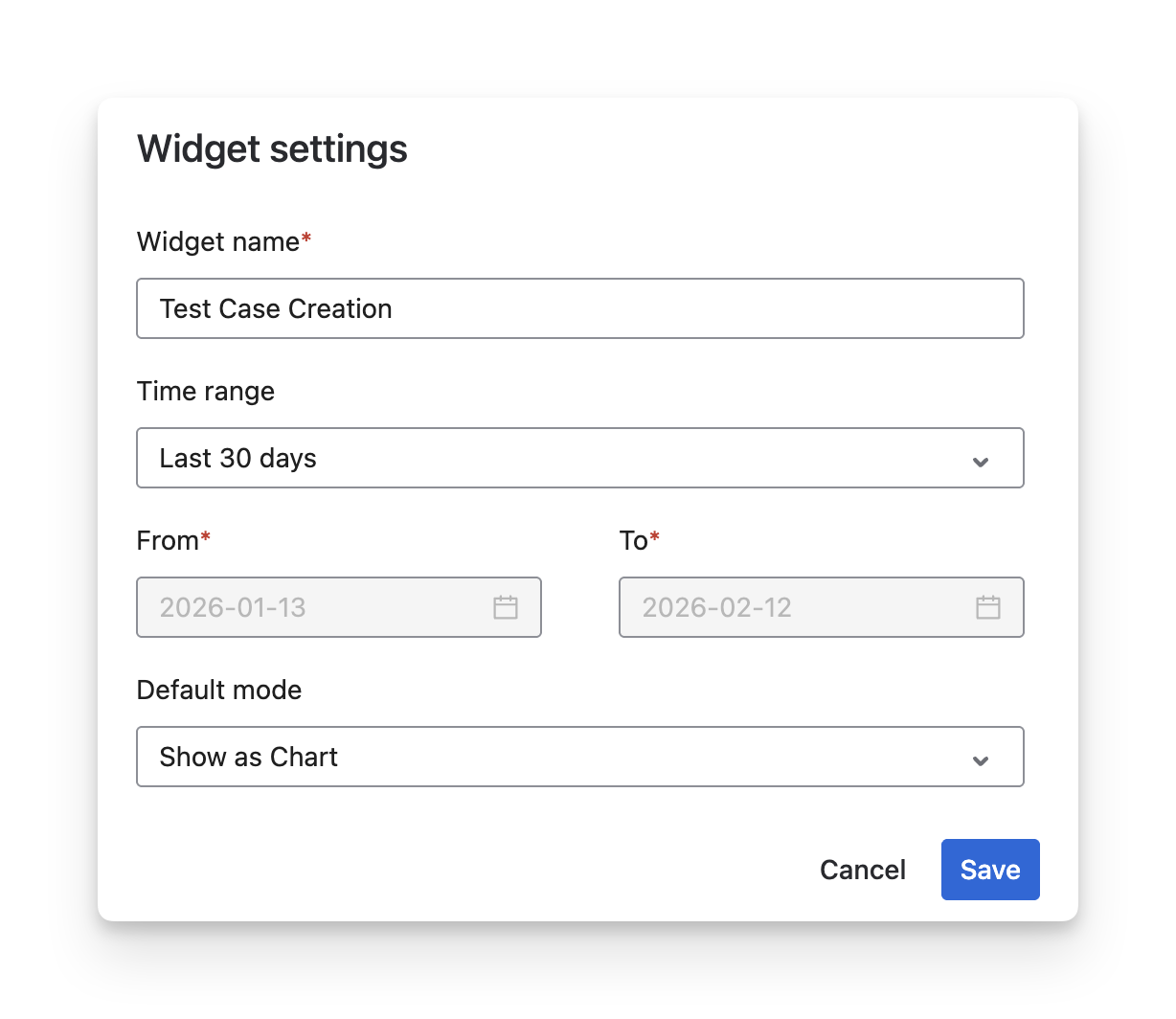
With this widget, you can:
-
Rename the widget to match your reporting purpose.
-
Select a time range using presets or define a custom From–To date range to control the reporting period.
-
Choose the default display mode (Chart or Table) depending on whether you need a visual trend overview or detailed creation data.
Should you need any assistance or further AgileTest inquiries, contact our 24/7 Support Desk!